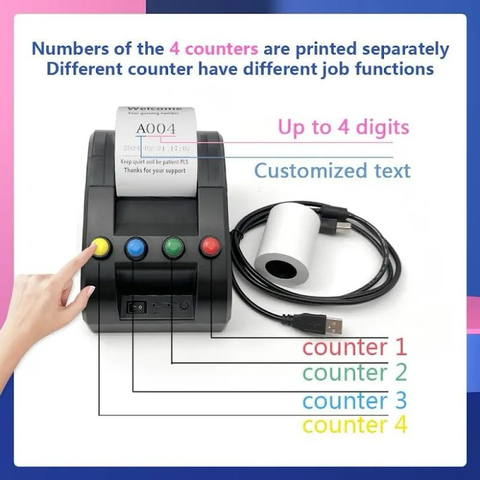
@xjuan @thibaultamartin Note that depending on how things are physically arranged, they may need a "ticketing system" that integrates with a computer, at which point the touchscreen may unfortunately be "the best option" for something that needs to connect to a network. Especially if it's an off-the-shelf device they don't need to significantly customize.
I've been to an outpatient lab facility that had one of the mechanical ones before (originally as a covid-control measure, but stuck around as a "privacy control" to keep people away from the checkin desk while they were already talking to someone), and if the lady behind the desk didn't see you take a ticket, they wouldn't know to call your number.
Though the UX could really have been improved on the digital one in the post: remove the abstract fingerprint icon and replace it with a label of "Print Ticket" (I'd personally keep the finger, though) and put the label-maker text on the screen...
 Thib
Thib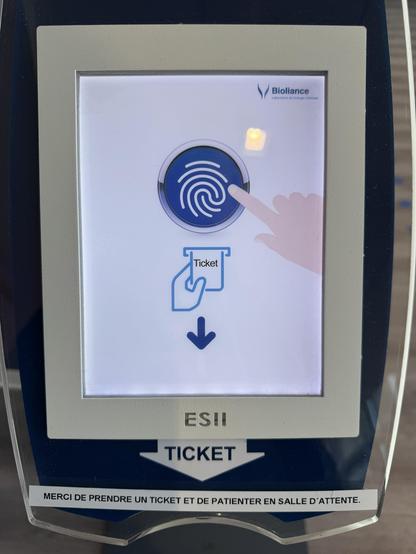
 PetterOfCats
 Beko Pharm
 Lennart Petersson
 S T E L L A R
 Emelia/Emi
 Lynn
Lynn Juan Pablo Ugarte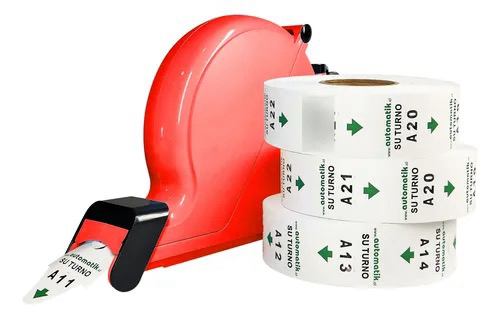
 Pavel A. Samsonov
 snowyfox
 Fabio
Fabio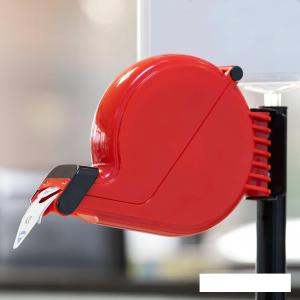
 The Orange Theme