 Bradley M. Kühn
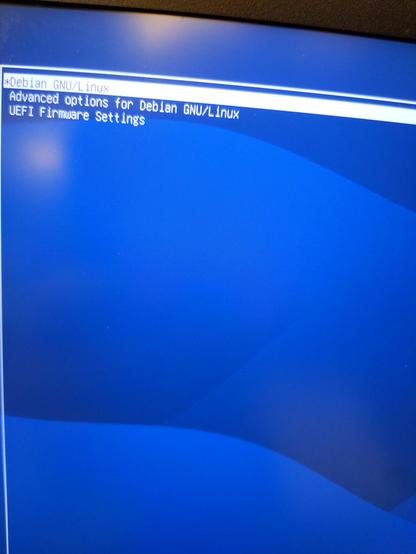
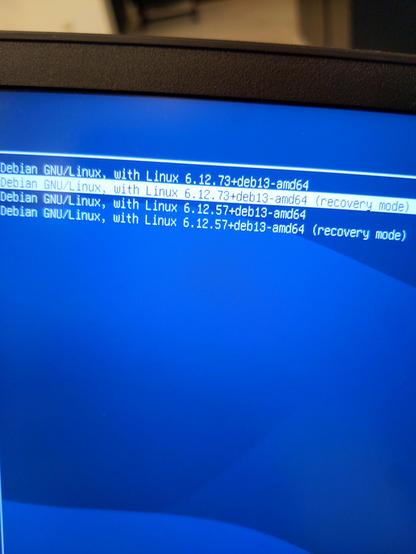
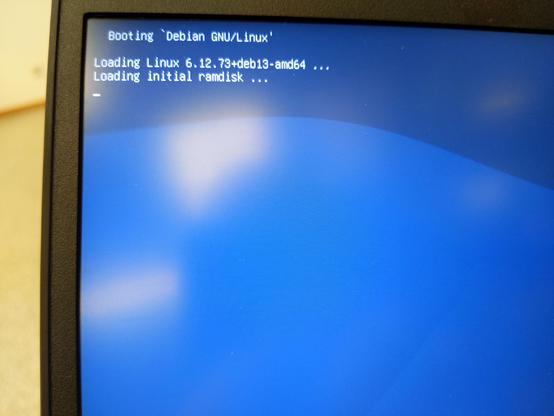
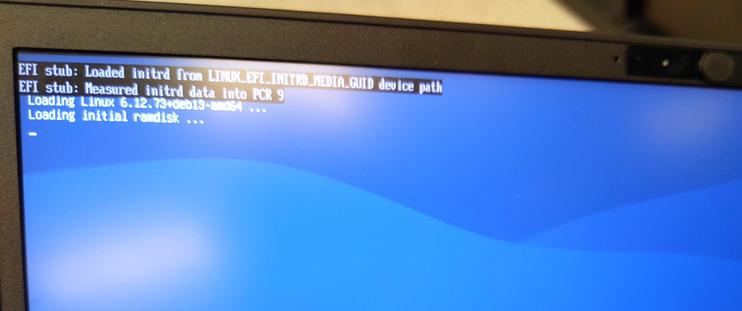
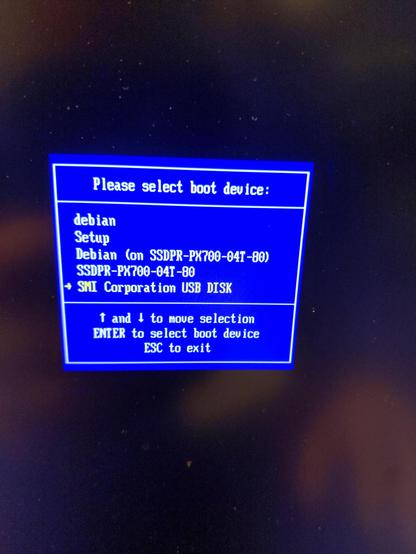
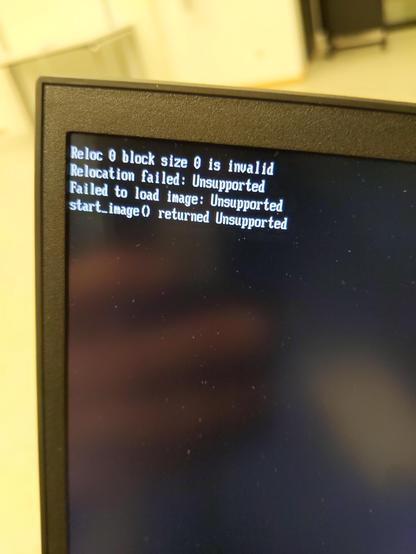
😬 I reset my #Dasharo #Coreboot settings to default and now #Debian won't boot! It gives EFI error and shuts down.
My theory it isn't loading the right UEFI drivers as Debian installer did it; I don't have a Debian rescue USB drive.
It looks like I can Modify Driver Options in the firmware but unsure what to add.
IOW, I need to do in BIOS what
efibootmgr -v
grub-install --target=x86_64-efi --efi-directory=/boot/efi --bootloader-id=debian --recheck
#AskFedi
Cc: @novacustom @Dasharo
My theory it isn't loading the right UEFI drivers as Debian installer did it; I don't have a Debian rescue USB drive.
It looks like I can Modify Driver Options in the firmware but unsure what to add.
IOW, I need to do in BIOS what
efibootmgr -v
grub-install --target=x86_64-efi --efi-directory=/boot/efi --bootloader-id=debian --recheck
#AskFedi
Cc: @novacustom @Dasharo
 Ken Milmore