 Alice Averlong🏳️⚧️
anyone tried opening the magic file "con" from MS DOS Edit?
I was hoping for an editor but it turns out instead it happily opens it but then hangs forever
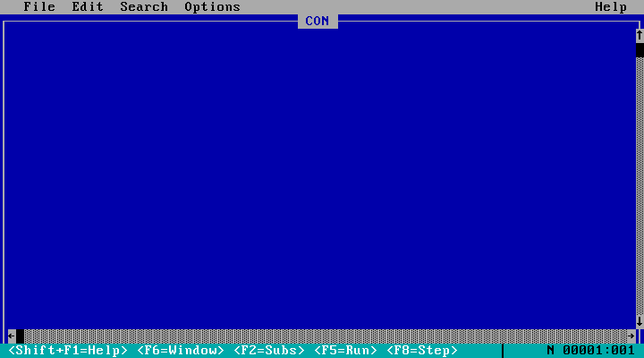
anyone tried opening the magic file "con" from MS DOS Edit?
I was hoping for an editor but it turns out instead it happily opens it but then hangs forever
weird punnet square of results:
EDIT hangs if you open "CON", but errors if you try "C:\CON\CON"
Win95 errors if you try to open "CON", but crashes if you try "C:\CON\CON"
@sabik it can't exist, you can't create a folder named "CON".
like, to this day. I just tried on windows 11, it told me no
@foone @sabik as others have pointed out, you can use the DOS device path syntax (\\?\C:\...\con) to create forbidden filenames. you can also just directly create them in powershell (not “Windows PowerShell”, but rather the open-source one that I think is officially called “PowerShell Core” but just calls itself “PowerShell”). it gets even wackier in Windows PowerShell though: as someone else pointed out, you can’t directly cd into it or anything, but you can cd \\?\C:\con, after which your working directory is Microsoft.PowerShell.Core\FileSystem::\\?\c:\con and anything that implicitly operates on the current directory doesn’t work anymore:
PS Microsoft.PowerShell.Core\FileSystem::\\?\c:\con> dir
dir : Cannot find path '\\?\c:\con' because it does not exist.
At line:1 char:1
+ dir
+ ~~~
    + CategoryInfo          : ObjectNotFound: (\\?\c:\con:String) [Get-ChildItem], ItemNotFoundException
    + FullyQualifiedErrorId : PathNotFound,Microsoft.PowerShell.Commands.GetChildItemCommand
 sabik
sabik Maia
Maia