 dotCody
Windows refuses to boot. Cannot boot from USB. Rare fresh install screen but no USB input. PNP Driver Watchdog error BSOD
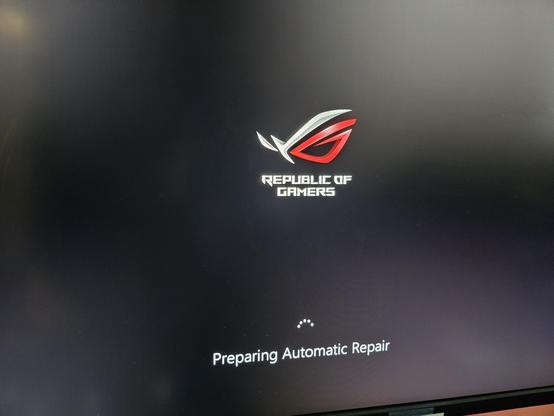
Windows refuses to boot. Cannot boot from USB. Rare fresh install screen but no USB input. PNP Driver Watchdog error BSOD
How do I perform a memtest when the pc will not boot?
We have been giving them this simple advice for 10 days now (they have several posts regarding this issue, you can look it up), they just disregard it.
(That and live-booting any OS from USB just for diagnostics.)
I will never understand people ignoring knowledgeable people that they specifically asked questions to but at least OP now has their answer.
Poor guy is now poor though if he has to replace ram.
Yeah.
Tho it’s DDR4 & maybe only one of four sticks went to memory heaven (so they are left with 48GB).
Sorry, I should have said downvote, it’s different :).
(I didn’t mean anything that bad by it, just that we do try to help & don’t really get feedback if it worked, which means we can’t help further/move from that point forward. Opening additional posts instead of finishing with what’s left in previous ones is more work for everyone, you included.)
If you’re at the “Preparing Automatic Repair” screen that means it skipped booting from USB and is trying to boot from internal drive with the messed up Windows install. Maybe try booting without any internal drives connected to see what it does, most computers would boot normally then complain there’s no boot device.
Also your earlier post mentions you are using an Asus ROG Crosshair Hero VIII Wifi motherboard so some other ideas…
Next time you’re in the BIOS I’d suggest making sure Q-Code is enabled (it should be by default but just in case) and probably disable Quick Boot if there’s an option, the boot process might be going too fast for you to catch a USB boot with F8.
Dunno if any of that helps but hopefully it does… good luck!
 Scrubbles
 teft
teft Evil_Shrubbery