 Ek-Hou-Van-Braai
What would you change?
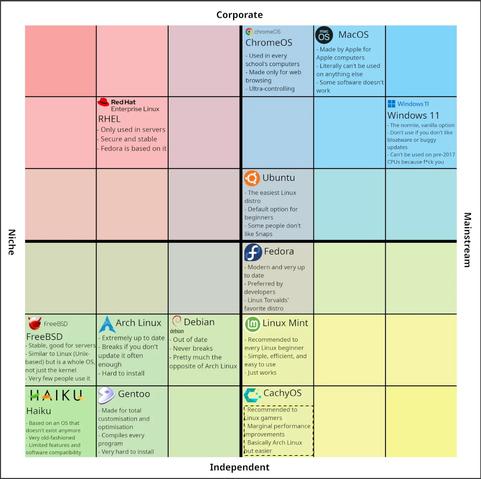
It’s not more hassle than updating other distros after one year, cause they’ll throw a whole new major version at you. Here’s Debian’s upgrade instructions for a comparison:
www.debian.org/releases/…/upgrading.en.html
What I wrote fits in a 6 line bash script, and there are much more sophisticated ready-made updaters available, too.
This is all entirely theoretical.
If you mean the system being screwed over by a dependency on a newer lib version, I’ve had that exact scenario triggered multiple times in Debian testing.
FancyApp depends on libbutt >= 1.1. You have 1.0 installed.
libbutt 1.1 was compiled against glibc 2.43 and lists it as a dependency. You have 2.42.
Upgrading glibc triggers reinstalling half of the system, including low-level components, which in turn pull in updates of other low-level components that don’t themselves depend on glibc. Including the kernel.
 Pommes_für_dein_Balg
 QuinnyCoded
 Hazel
Hazel rapchee