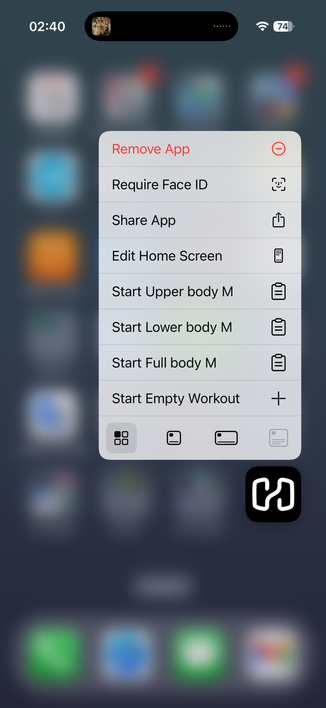
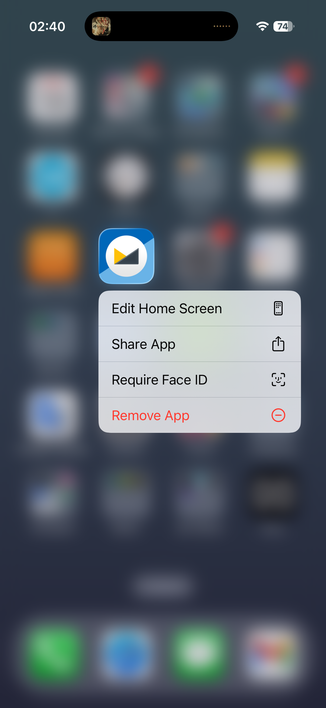
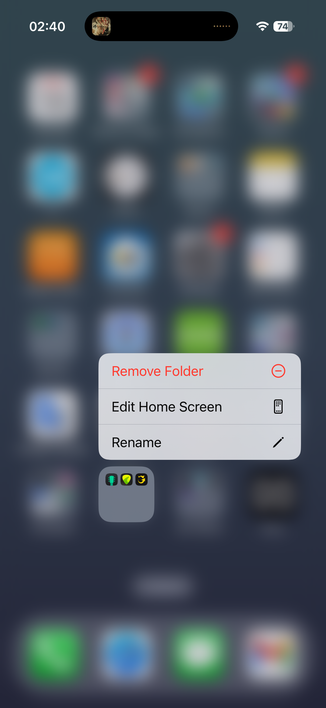
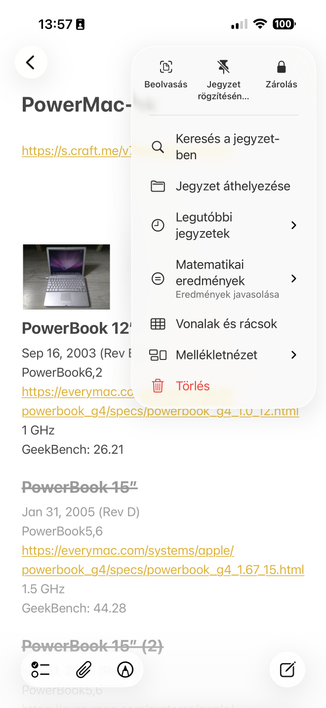
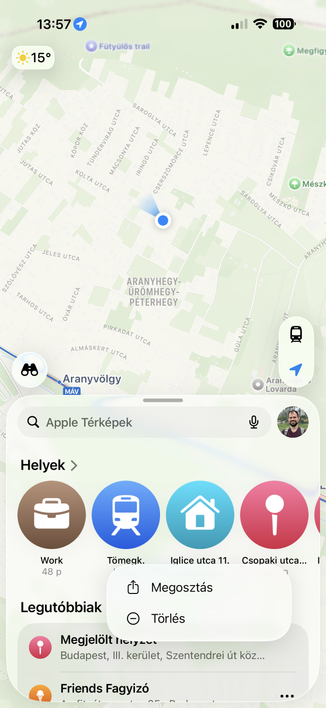
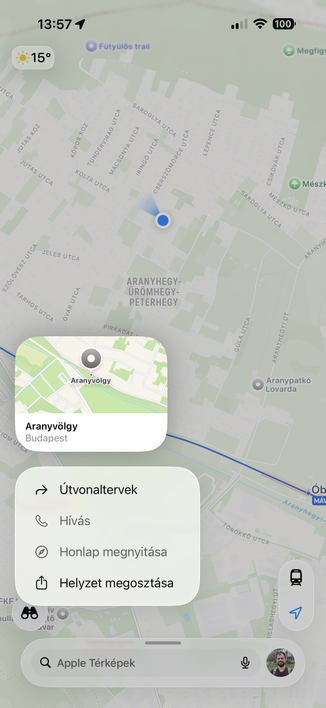
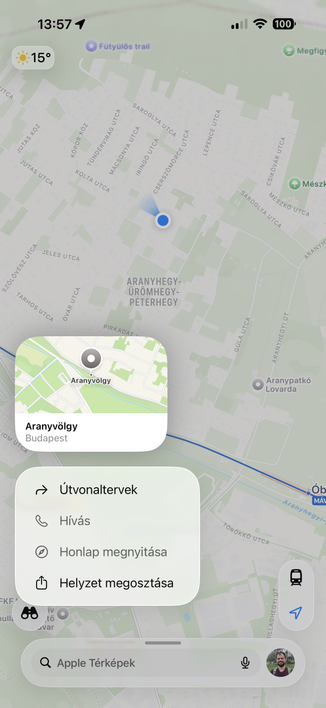
If the original Mac had used icons in menus from the start, nobody in their right mind would be calling for their removal today.

That's how you know that argument doesn't reflect reality. All major platforms now have icons in menus; you can't wind back the clock on that one, you're just obstinately refusing to follow the system standards and user expectation.

So much ink and many podcast hours have been wasted discussing the wrong parts of the issues with Liquid Glass on the Mac

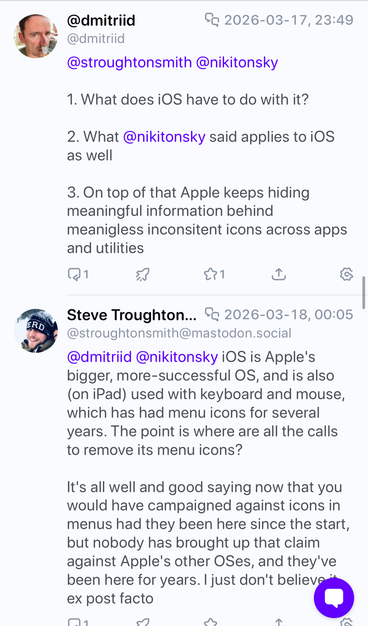
@stroughtonsmith I would. It’s not a question of “are we used to it or not”. It’s about principles: do icons help you find stuff faster? Do they help understand the meaning of the action? For most of the menu items, no. The original Mac didn’t have icons not because they couldn’t do it, but because it was impossible to do in a good and meaningful way. Still is. It’s not about computers capabilities, it’s about how human perception works. Humans are still the same
@nikitonsky are you calling for them to be removed from iOS?
@stroughtonsmith maybe if I used iOS more (which I barely do) and then used menus there more (which I almost never do) I would care about it. Where do you even see a menu on iOS? When deleting an app from a home screen?
@nikitonsky there are pull-downs everywhere in iOS, and longpress context menus everywhere else 😅 Save for not using any native apps, I don't know how you could avoid them

@stroughtonsmith @nikitonsky

They are not everywhere. All apps on iOS are designed to avoid menus as much as possible.

You discover any long presses and those by accident and usually dismiss them.

I think the only menu-like object anyone encounters with any frequency is the text options (select, paste, lookup).

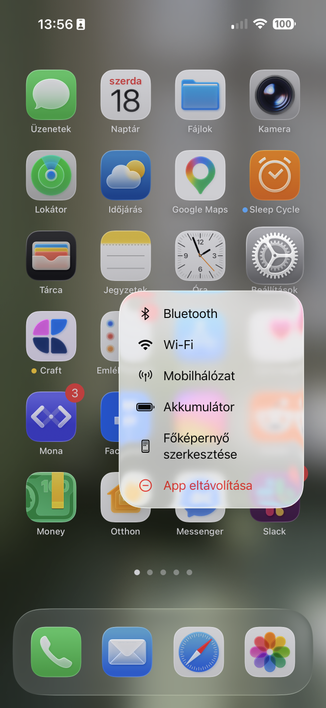
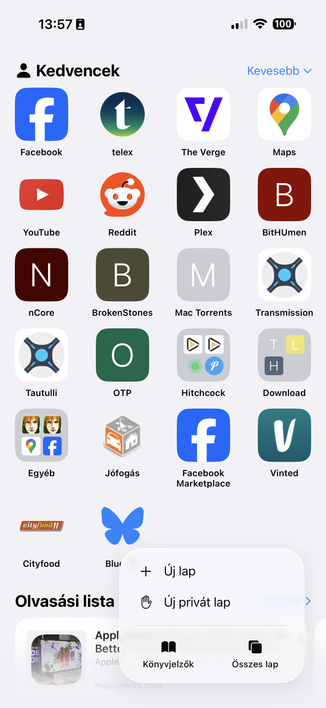
Oh. When you want to edit the home screen you are now presented with a menu first because apps can populate it. The order of the menu depends on icon position lol.

@stroughtonsmith @nikitonsky

I've been an iPhone user since iPhone 3GS I think. I've never once concsiously used any of the long press menus anywhere. Except by pure accident.

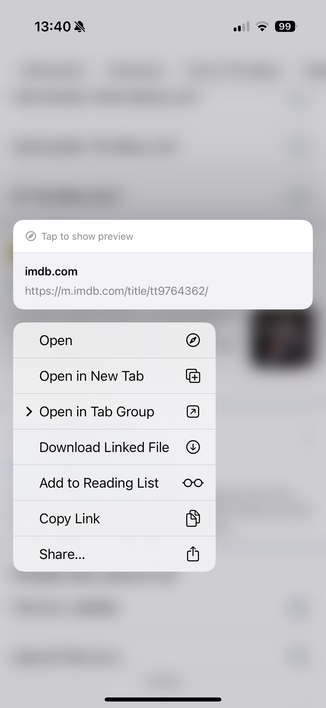
Oh. I remember one I actually use regularly. The annoying finicky "copy image" in Safari.

@dmitriid @stroughtonsmith @nikitonsky sorry buddy, but then I have to tell you that you are doing something seriously wrong.

@gklka @stroughtonsmith @nikitonsky

I could challenge to list all the multitude of popup/context/long press menus you constantly use in the apps you use on a daily basis.

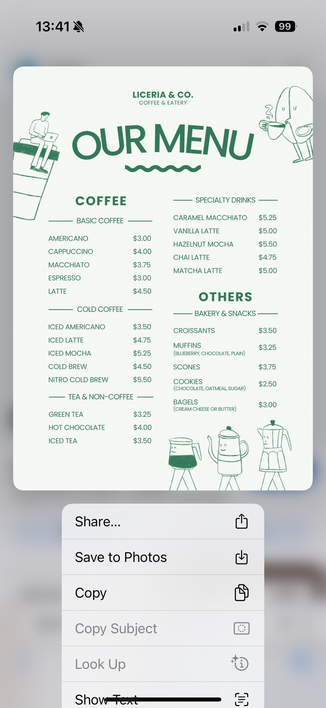
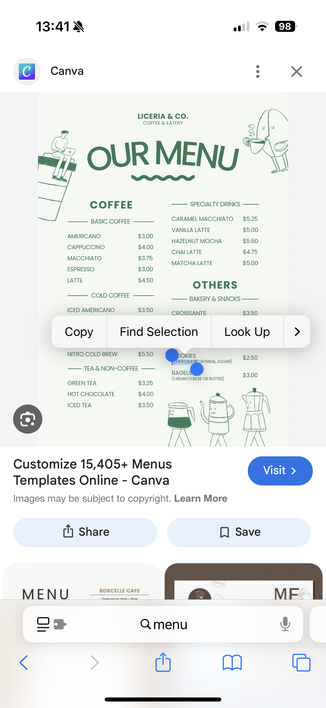
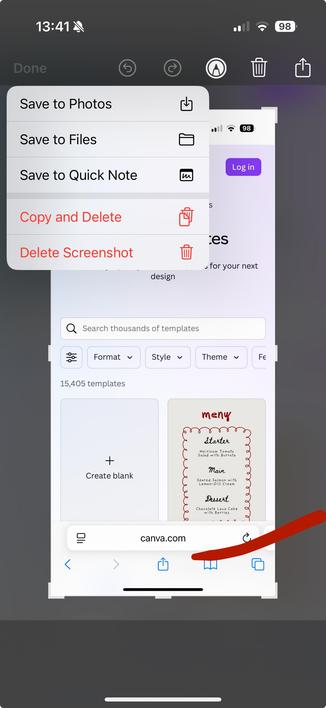
I did find four I use regularly. Two in Safari, one text selection, one screenshot tool.

This returns back to the question of why these short one-off random menus are now assumed to be *the* model for MacOS menus?

@gklka @stroughtonsmith @nikitonsky

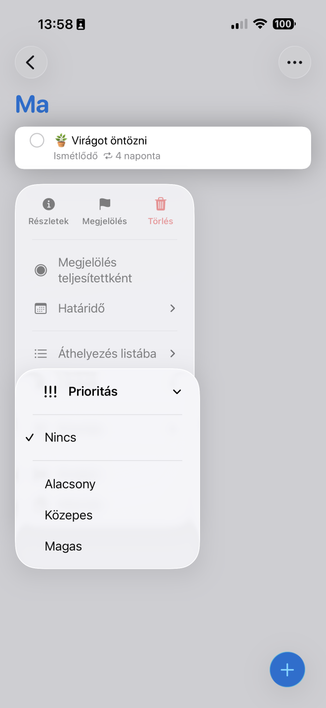
There are a few more that I sometimes randomly run into (I don't use Messages that much), but look at how amazing this menu is and what happens when I click "More...".

Truly something to bring wholesale to MacOS

@gklka @stroughtonsmith @nikitonsky

And here's what happens when you say "well, iOS is the more popular system, we need consistency whereby we just blindly copy iOS interaction patterns": "Why macOS Ventura Share menu is bad" https://lapcatsoftware.com/articles/VenturaShare.html

Why macOS Ventura Share menu is bad

@dmitriid @gklka you're not even on iOS 26, no wonder your arguments have no bearing on what we're talking about 🤦‍♂️ Menus are everywhere now, the new shared design language leans on them heavily, and they have the same design on both iOS and Mac

@stroughtonsmith @gklka

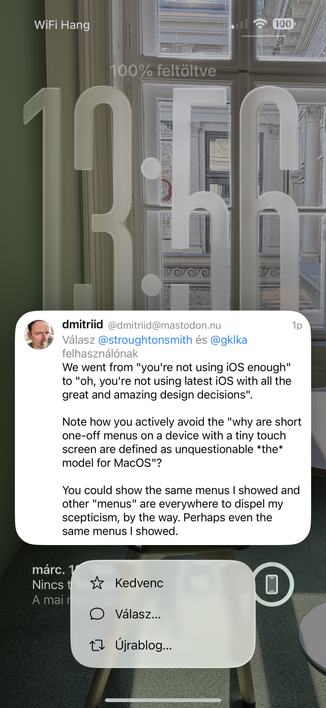
We went from "you're not using iOS enough" to "oh, you're not using latest iOS with all the great and amazing design decisions".

Note how you actively avoid the "why are short one-off menus on a device with a tiny touch screen are defined as unquestionable *the* model for MacOS"?

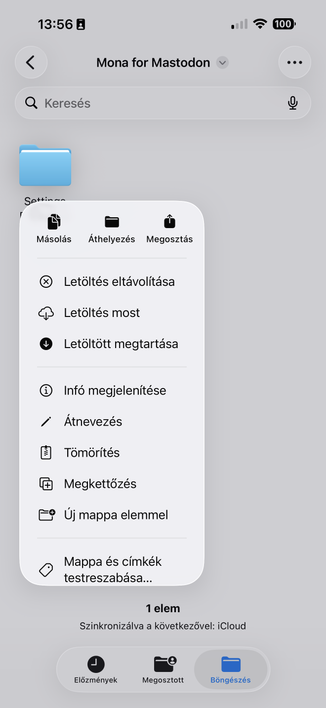
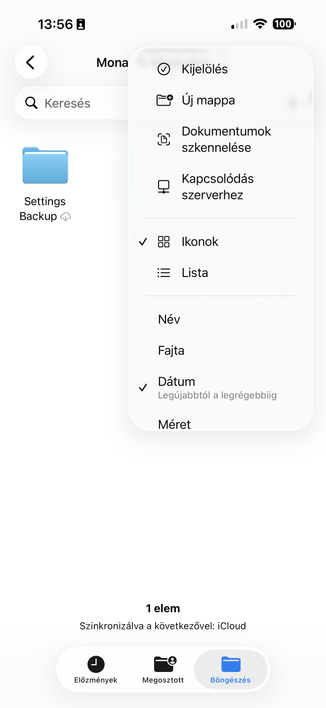
You could show the same menus I showed and other "menus" are everywhere to dispel my scepticism, by the way. Perhaps even the same menus I showed.

@gklka @stroughtonsmith

Thank you for the screenshots!!

So.... It's all the same context menus that have always been there, just more oval, and more padding?

As I've seen all, or most, of them at one time or another. Cant't say I use them (I now remember I always curse the Files app and Files menu on the rare occasions I end up there)

@dmitriid @stroughtonsmith So eventually we came to the conclusion that you definitely don't use iOS without them. Great.

@stroughtonsmith @gklka

(I mean, they moved all icons to the left, made all menu items require icons, and made everything as oval as possible. Why is this assumed an undeiably unquestionably good thing, and anyone who challenges the assumption is met with undeserved hostility and "but iOS is so popular"? I mean, with so many failures of the redesign, *this* is the one area that received the utmost care, attention to detail and research?)

@dmitriid @stroughtonsmith I am not stating or challenging any of these things. All I stand for is that iOS currently has huge piles of context menus virtually everywhere, and it is not possible to use the OS without them.

@gklka @stroughtonsmith

I literally use iOS without the vast majority of them.

Honestly, I didn't even know you could long press Notes, for example. And Notes is my life :)

@dmitriid @stroughtonsmith I see. Then I wouldn't draw too much generic conclusions from your user habits.

@gklka @stroughtonsmith

But you do draw "impossible to use iOS without them" from your user habits, and I have to accept those unquestioningly while yours are just the truth.

@gklka @stroughtonsmith

I'd even wager that *most* iOS users don't use most of the iOS menus because they are inconsistent, non-discoverable, and break context and flow of the current app (since they are all popups).

Just because they exist in iOS doesn't mean they are either good or used. Many of those are just Apple's concessions to "we have no idea how to design ourselves out of this corner"

@dmitriid @gklka I have no interest in dispelling your skepticism, and you have completely misunderstood what my position is (which has nothing to do with iOS — I was throwing shade, and you inserted yourself). My position is stated in the original post: "If the original Mac had used icons in menus from the start, nobody in their right mind would be calling for their removal today"

I think saying you would, now, is performative. All other platforms have moved in this direction, nobody fought it

@dmitriid @gklka (and by 'all other platforms', I mean Windows, Android, and Apple's own other — and larger — platforms)

@stroughtonsmith @gklka

I mean.

Your premise is quite literally "whatever's on iOS must be used because it's a popular OS".

This is the premise. Any challenges to it are dismissed out of hand with surprising hostility and ad hominems.

@dmitriid @gklka you're clearly just here to cause trouble; I've stated twice what my premise is, I've been very accommodating to your hostility, and you've had many chances to back off, so I'm removing you permanently now

@dmitriid you are virtually never more than one screen away from a button or element that spawns a menu on iOS. 90% of the system's functionality is buried in menus. They're in the main toolbar of Messages, Photos, Files, Notes, Reminders, Phone, Mail, Safari, Music, and pretty much every system app. Same API as menus on macOS.

If you're genuinely not using iOS enough to notice the menus, I can't really help you; I don't know what your argument is, or why you think it needs to be in my replies

@stroughtonsmith

Most buttons invoke a share sheet-like functionality

a) which is distinctly different than context menus

b) which is a long huge messy single list of random things

Why is it in replies? You keep bringing iOS menus as *the* menus to look at when discussing MacOS menus. Your unshakable premise is that "iOS is more popular, so every single design decision made for the touch-optimised tiny screens is a must have on MacOS", and we collectively challenge that assumption.

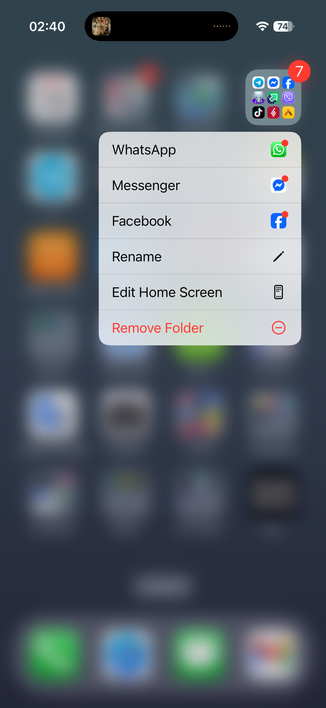
@dmitriid @stroughtonsmith long press on a folder shows menu with 3 random apps from that folder? Not even first 3? ew