RE: https://mastodon.gamedev.place/@eniko/116232581608004216

instead of dealing with any of that i spent the afternoon refactoring so that i can include my library multiple times with different suffixes. this will be useful for supporting different color bit depths and such without making my code completely impossible to maintain
i was looking at 9 functions

1. flat color
2. gouraud
3. luminance grayscale
4. luminance with color ramp
5. textured
6. textured with flat color
7. textured with gouraud
8. textured with luminance grayscale
9. textured with luminance with color ramp

times 6 color depths (32, 24, 16 555 & 565, 8 332 and 8 bits with CLUT) is 54

(times two for depth buffer is 108)

now instead it can just be one include per desired supported mode

though tbh i'm dubious on the usefulness of 24 bit vs 32 bit color
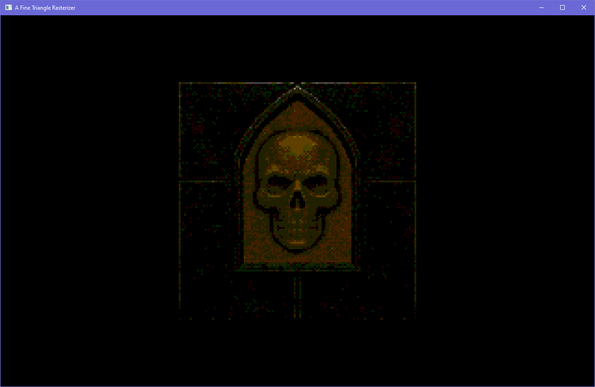
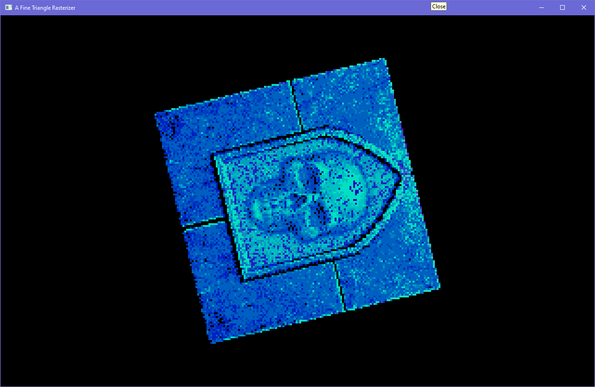
as you can see the 332 bit rgb 8 bit mode is working perfectly
its ok don't worry i fixed it

ok it's actually looking proper now except that it throws an access violation when i exit so that's probably not an amazing sign

update: i fixed the access violation

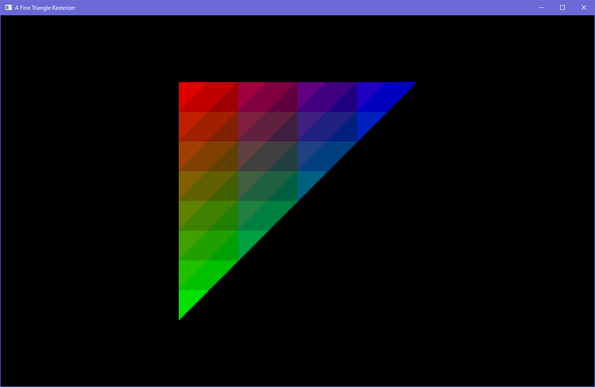
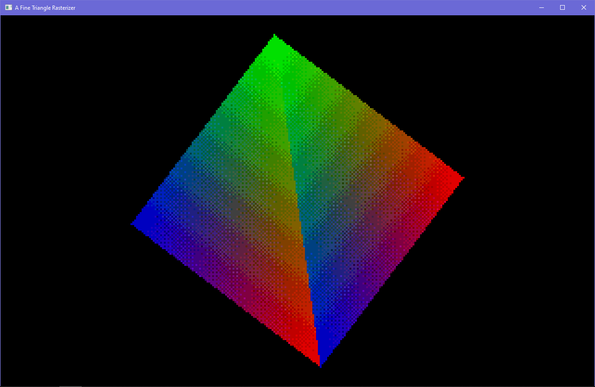
you're telling me 3 bits of red/green and 2 bits of blue isn't enough to smoothly gouraud shade a triangle? i'm shocked, shocked!

well. not that shocked

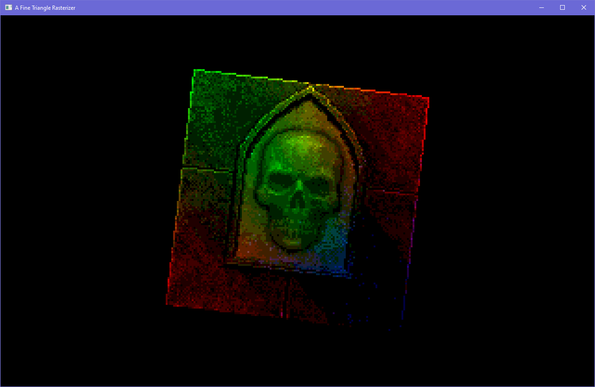
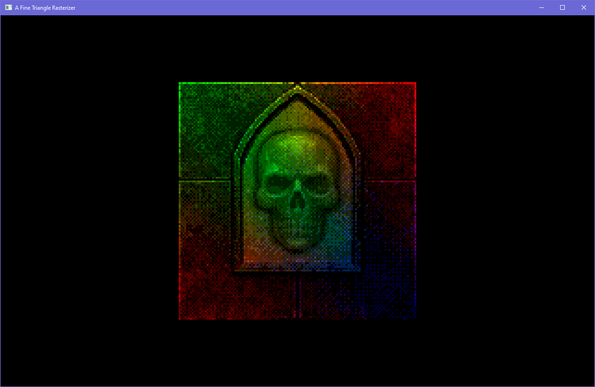
really had to amp up the brightness boost for this to work but gouraud shaded rotating 8 bits per pixel skull is real

anyway now i can support all sorts of customizations, including different color modes easily. all you gotta do is include the header again for the mode you want:

⋕undef AFINETRI_H
⋕define AFINETRI_SUFFIX _Rgb8
⋕define AFINETRI_MODE_RGB8
⋕include "afinetri.h"

and there won't be a combinatorial explosion and my code won't become as much of a godawful mess so that's neat

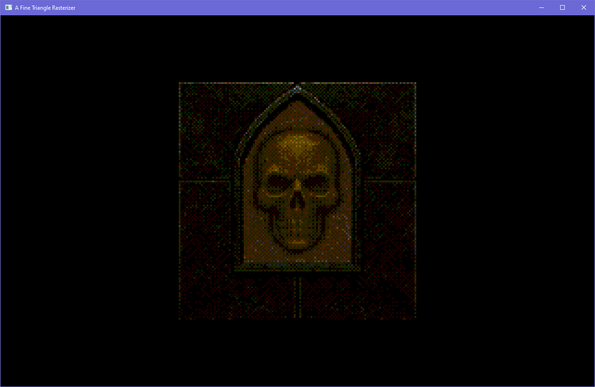
ok, that's it. *dithers your 8 bit gothic wall skull*
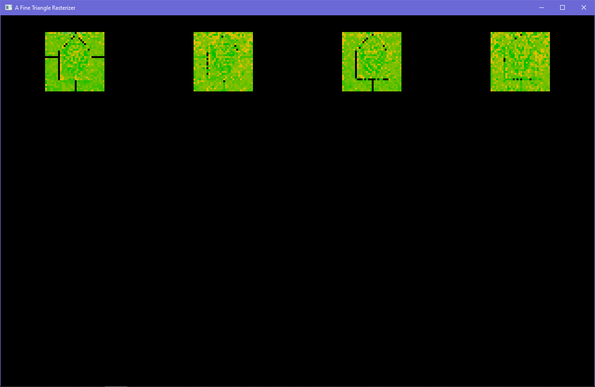
bonus dithered gouraud
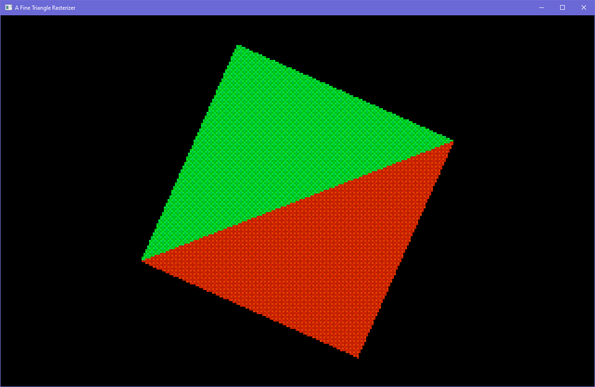
made it so it dithers flat color triangles too. the 16 colors for the pattern are calculated once, before the triangle renders
@eniko Looks like the green dither isn't "big" enough? Red and blue look fine.
@TomF yeah I was playing with different dither strengths for each color channel
@eniko noooo... not my 8 bit gothic wall skull 😭
@eniko wall skull in da club
@eniko just needs a touch of dither spice
@eniko Just means you need more dither :-)

@eniko When I was writing drivers for 3D cards back in 1997, one thing our card didn't have was MSAA. But we could of course do dumb SSAA - just render 4x bigger, then shrink down.

I figured out we could do the 4x render in 332 with dithering, then when we did the shrink we'd read that but render to 565, because the extra colour bits came from blending the dithered pixels together.

I sent A/B pictures around the office, and nobody could tell the difference, but it was 15% faster. SHIP IT!

@eniko There was one game it didn't work that great for, because it was a game that had almost no textures, just gouraud shading, and they used a lot of blue lighting. And since the scenes were so simple, of course they turned on AA.

Well, you can dither 2 bits all you want, but it's still not going to look great. The developer was impressed by my inventiveness, but I put in an escape to detect his game and switch back to normal 565 for it (yes, "quack.exe" was real - everybody did it)

@TomF @eniko You are a QA nightmare.
@fatlimey @TomF @eniko Gosh, I'm glad those days are behind us! *camera slowly pans over to modern drivers*
@TomF that's kind of amazing
@eniko I remember being pretty sure it wouldn't work, but I had to know...
@TomF @eniko
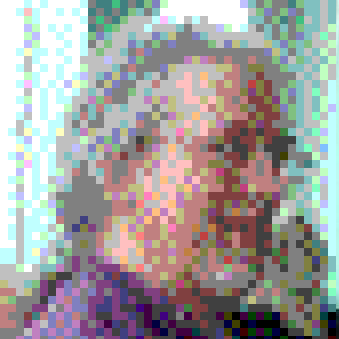
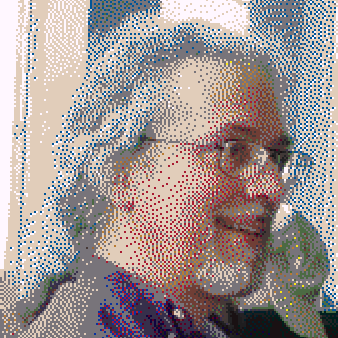
I observed a similar effect with some people's profile pictures here (forgot who :-/): when they're small (in the timeline) they look almost like photographs, but when looking at their profile so the picture is bigger it turns out to be pixelart with dithering
@Doomed_Daniel @TomF @eniko
You probably weren't referring to me; mine is a dithered photo. [And a different dither on alt @BRicker ]
@n1vux @TomF @eniko @BRicker
no, but yours also shows how well downscaling dithered images works :)
@Doomed_Daniel
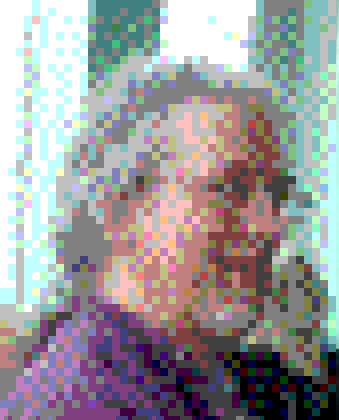
FWIW, I uploaded that at the same 339×339 resolution it has stored and is returning, with block mega-pixels formed intentionally in the dither process (Fotocx), which cranks down the PNG size greatly, and allows sub-sampling to be harmless from what I planned. IIRC I had to select a square from the vertical 339×420 dither output
@eniko hey look, I don't need to squint that hard for it to look like a perfectly smooth gradient. Just advise players to squint at all times through very large text in the tutorial.
@eniko plz dither, I want to see this work.
@eniko SMOOTHLY is a key word there. Isn't too bad aside from the smooth 😎!
@eniko Thankyou for playing Wing Commander
@eniko I see the problem - there is no gouraud shaded triangle.
@eniko I wonder if instead of all the combinations you could make the triangle function an iterator, then use composition:
```
struct tri_iter iter = make_iter(triangle);
struct tri_iter_data = TRI_ITER_DATA_ZERO;
while tri_iter_next(&iter, &texel_data) {
struct rgb8 c = sample_tex2(tex, texel_data.uv);
c = lighting(c, light, lerp2(texel_data.uv, …));
buffer[texel_data.index] = rgba8_to_rgb555(c);
}
```
@bnut i *could* do that, but it would almost certainly be much slower? if only for the iterator logic
@eniko Not sure, it definitely puts more work on the compiler’s optimiser, but depending on what your logic was and with inlining it may be similar. Although if the #define method works then that’s great :) it’s a pity C doesn’t have closures.
@eniko it’d likely make dithering harder though