 Mario Guzmán
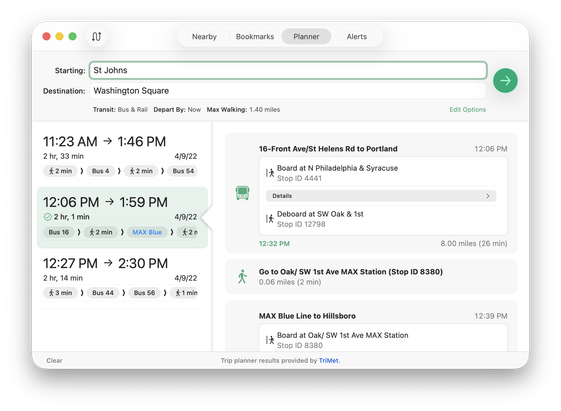
I wanted a more interesting selection state for my app. Initially I wanted the highlight to be pointy on the right side so you know data & details flow to the right.
But my friend @tuomas_h (always challenging me to something better) suggested a little triangle tab pointing from the details to the selected row.
Through illusion, I got it to work using NSSplitViewController without doing something gross or abusing AppKit. The little arrow tab even follows on scroll! 😄
 Christian Tietze