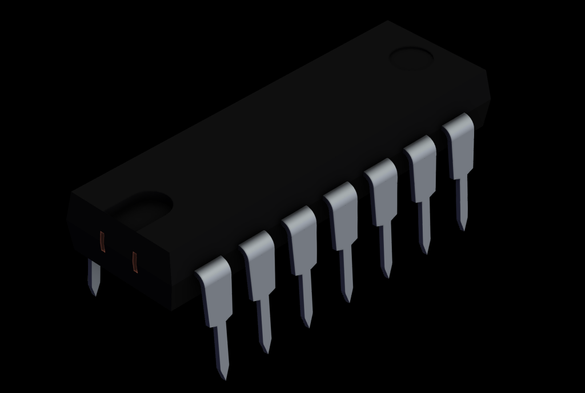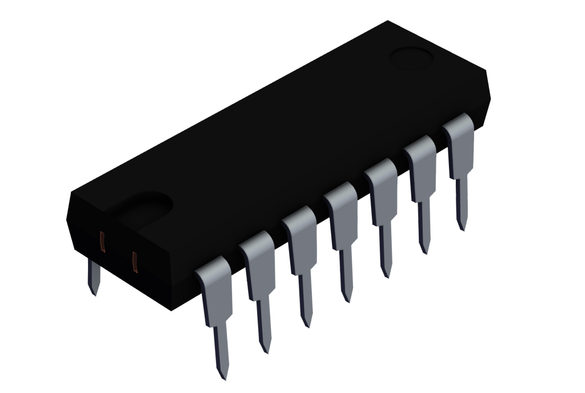
An #ImageMagick recipe I use over an over is to remove the background of an image from two versions of the image: one with white background and another with dark background

magick light.png dark.png -alpha off ^( -clone 0,1 -compose difference -composite -separate -evaluate-sequence max -auto-level -negate ^) ^( -clone 0,2 -fx "v==0?0:u/v-u.p{0,0}/v+u.p{0,0}" ^) -delete 0,1 +swap -compose Copy_Opacity -composite no-background.png

I ❤️ ImageMagick 🙂

P.S. Recipe found at https://usage.imagemagick.org/masking/#two_background
P.P.S. The command syntax above is for Windows (that's the reason for the "^" before "(" and ")". Omit them if you want to run it in macOS (or Linux or UNIX)

BTW, #ImageMagick is available in the #ShortcutsApp via @nholzschuch's #aShell mini app
https://apps.apple.com/app/id1543537943
so this can also be done in #iOS and #iPadOS using a #shortcut 🙂

a-Shell mini App - App Store

Download a-Shell mini by Nicolas Holzschuch on the App Store. See screenshots, ratings and reviews, user tips, and more games like a-Shell mini.

App Store
@atnbueno what are some of the best tutorials I can look at to learn how to use this app especially when it comes to using it with shortcuts?