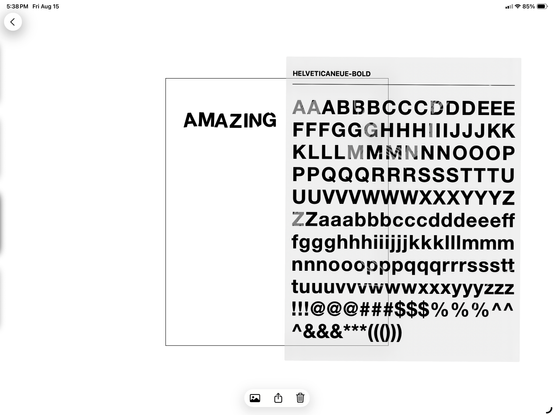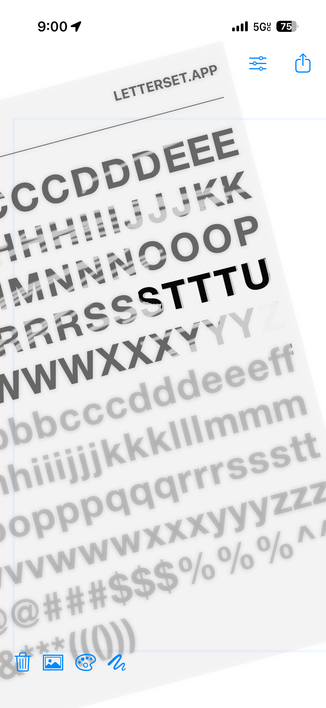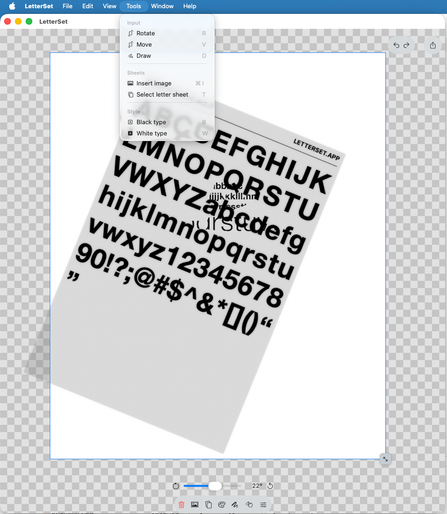
After taking almost two years off, I’m starting on the #PencilKit version of #LetterSet again.

I had to rebuild the masking as before it only worked on a single letter, and I thought “oh this would be easy to scale across multiple views” but I was very wrong. I’ve also switched to a pixel-based output, which more easily allows for letter mistakes.
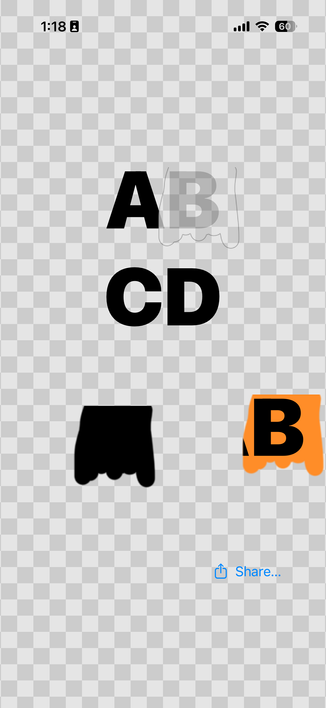
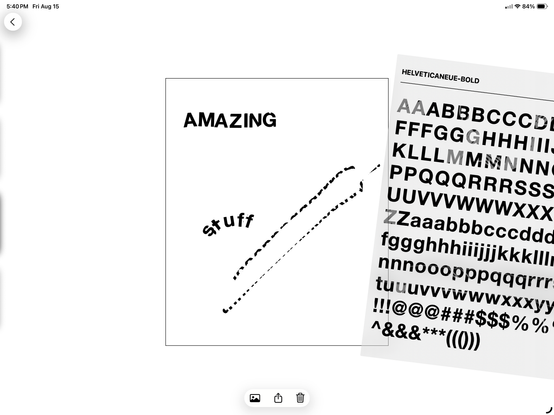
Making it so you can accidentally screw up the adjacent letter has taken so much work. #PencilKit #LetterSet
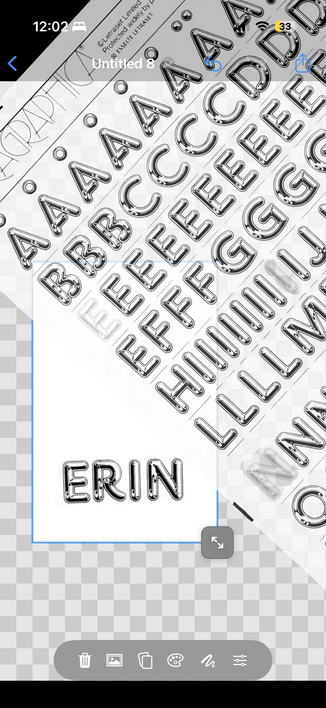
Works on iPhone too (barely). #PencilKit #LetterSet

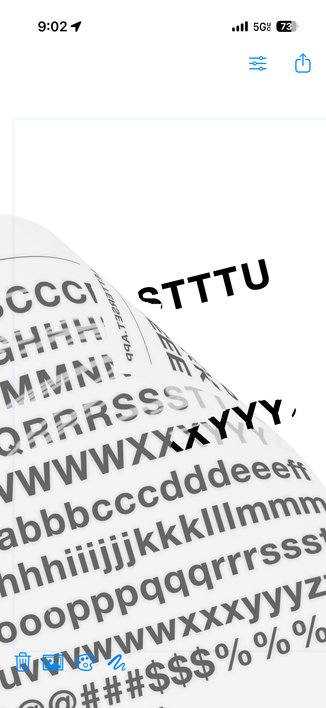
Oh you thought I was done pushing this into the realm of absurdity? Nope! How about repurposing a page curl metal shader to emulate translucent vellum?

As an aside: can I just say how annoying it is to have a single surface that needs to move, rotate, curl and accept pencil input?
#PencilKit #LetterSet

Almost all of the pieces are together for the MVP. Letter color is now selectable and ignores dark mode, pen size has two options, the gesture system has been completely redone (as a single UIRepresentable that handles both rotate and move). Major next step is a moveable canvas, and an eraser.

The eraser is the challenging one, as I’m rendering pixel data from a PKDrawing, and so the eraser has to manipulate pixels (luckily already separate from the background).

#PencilKit #LetterSet

The iPhone version is still not something I’ve looked at in the least, but the app itself is starting to look SO GOOD.

@stroughtonsmith I’m not ready to use the showcase 25 hashtag yet, but I’m very close.

#PencilKit #LetterSet

Ok I got it working on the iPhone too! It’s … hilarious. #LetterSet #PencilKit

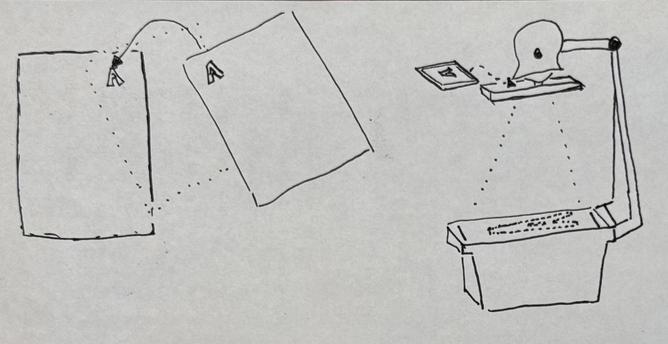
I tried to explain to my kids yesterday how the my new app works and … what’s it called when you use one outdated metaphor to explain another?

Maybe this needs a new term?
- Deuterskeuomorphism: using an outdated object or interface to explain another outdated object or interface.

#LetterSet #PencilKit

Test views are the best views. #LetterSet #PencilKit

Okay #typography fans, I've created a TestFlight sign-up form. If you want to play around with the existing version, please sign-up here: https://letterSet.app.

#pencilkit #LetterSet

New day new feature. Today we have sheet selection, for adjustable weights and sizes! #typography #pencilkit #LetterSet

Sometimes you have to rip everything out to make new functionality. Enough people in the beta said “but in this one circumstance, letters don’t align” (e.g. of you rotate your device, or start in landscape mode, or are using a smaller screen, or …) so I’m ripping out the entire canvas mechanism.

Good news though: the next version will support an infinite canvas, and arbitrary device size and rotation! So glad I already redid the sheet mechanism.

#LetterSet

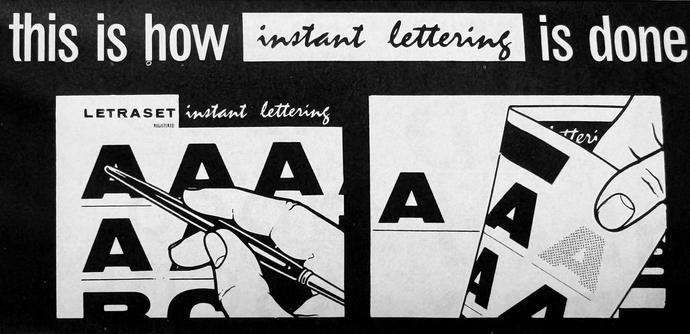
New ebay purchase: an ad pamphlet on Letraset lettering. I primarily purchased it to get high res of these “how to” illustrations. #Letraset #LetterSet

New day new feature: “Infinite canvas” & “hard mode.”

This video shows disabling reusable letters, and accommodate all screen sizes.
- “Infinite canvas” now acts like a design app should: you can pan around & use flexible canvas sizes. As a bonus, you can now more easily use larger letter sheets, even if you’re on a small screen.
- “Hard mode” makes it so letters cannot be re-used. It is still possible if you switch font sheets, but is less obvious.

#typography #LetterSet #pencilkit

Sheet selection has been an afterthought in terms of the UX in #LetterSet but lately I’ve been working to change that. This is a demo of my current thoughts, but it could be better. I like the #SwiftUI matchedGeometryEffect here, but at the same time the final sheet size needs to be different. We’ll see where this goes.

#BuildInPublic

The transitioning in of the “real sheet” will take a lot more work than what I had time to do before my day job this morning, but I at least got the switcher in to replace the existing one.

#LetterSet #SwiftUI #BuildInPublic

The app is now totally usable from the desktop (as of build 212), with key commands and manual controls for multi-finger gestures! #LetterSet #BuildInPublic #swiftui

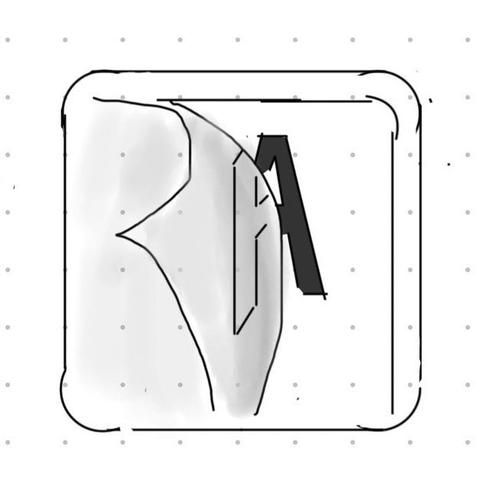
How it started vs how it’s going. Apple’s #iconcomposer is pretty interesting.

#LetterSet #BuildInPublic #swiftui

And a few more tweaks, now that I'm a bit more comfortable with #iconcomposer.

#LetterSet

I lied: this was the original sketch that I filed the bug with. You get the idea. This is an actual "how it started" vs "how it's going" now. #LetterSet #iconcomposer

Ok huge release today:
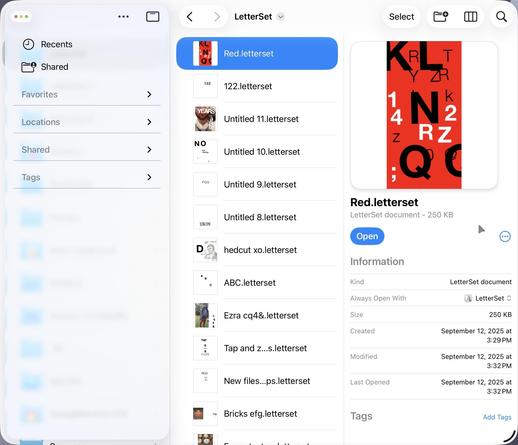
- Files, and a new .letterset document format!
- Tap to place (as an option)
- Sharper document output

This is now a real app that manages documents, can edit files and ipad that were made on an iPhone, and generally behaves as one would expect an app to do. Only downside of this release is that I’ve purposefully broken macOS support while I refactor the launch experience just for desktops.

I can’t wait to see your new art with this!

#LetterSet #typography #swiftui

I think my favorite feature is the “custom image as sheet” experience. Any image, as in this screenshot with Chromium via Letraslut, immediately becomes a new usable tool. https://letraslut.com/wiki/index.php?title=File:Chromium_One_72.jpg

#LetterSet #typography #swiftui

Thumbnail support on iOS was very straightforward to add, but now #XcodeCloud dies every time I’ve attempted to distribute this version. I’ve verified that it is exclusively an Xcode Cloud env problem too, as I was able to archive and upload for distribution manually. I bet this is one of those annoying things like how to get package support working therein.

The top feature request at this point is more flexibility around available font sheets. I loved the “real” sheet selection UI but it isn’t scalable to the number of sheets people want. I can’t just have sliders as each size should allow for a distinct configuration, but this is directionally consistent with where I’m going.

#LetterSet #swiftui

New font selection UI is now live in the latest TestFlight release!

#swiftui
#typography
#LetterSet

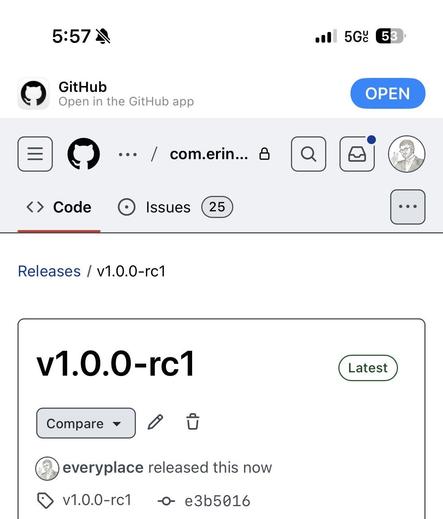
The first release candidate is going out to testers right now! There is so much more I’d like to do, but everything “works” right now so… what better way to get more feedback than to make it real?

#LetterSet

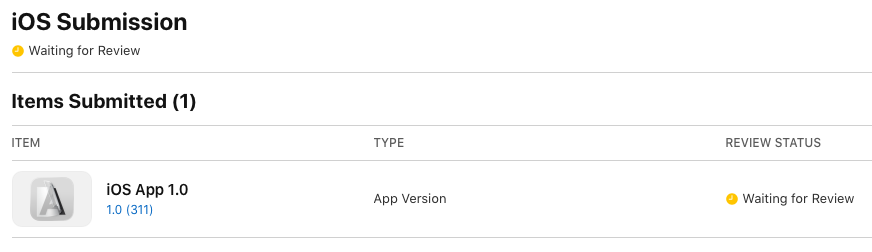
v1.0.0-rc3 submitted for review, just under two years from the day I started it. #LetterSet #BuildInPublic

OMG “hole in one!” releasing!

#LetterSet #BuildInPublic

My sophomore effort, LetterSet - A Typography Tool, is live! Neither a text editor, nor a drawing tool, but a secret third thing.

In this unusual experience, you can relive what it meant to design in the era of pre-Desktop Publishing. Revel in the joy of:
-Rudimentary font selection
-Mistakes that are hard to undo
-Creative expression through limitations
-An unusual photo collage experience

I can’t wait to see what you do with it.
https://letterset.app

#LetterSet #typography #showcase25

LetterSet - Typography App

In an effort to be forward-compliant with font requests and copyright/licensing, I’m having to make an insane pipeline:

1. library to host custom fonts, not used by the app
2. library to download the above and parse fonts into svg for a set of characters, and build a catalog of character-to-svg file mappings
3. library to convert a catalog of character-to-svg mappings to a swift representation
4. swap character rendering

Currently on step 3.
#swiftui
#BuildInPublic
#LetterSet

I finished #3, but in an unexpected way. I’m still using my swift package that wraps fontforge scripts to do font exporting, but am using a custom svg->path implementation because every library didnt do it thoroughly.

So now I have:
- an “air gapped” repo to hold and process fonts, which makes an output format, containing the converted data, in a known location for a host app to consume
- a reference implementation of a renderer for said output format.

#swiftui #BuildInPublic #LetterSet

The availability of the Logitech Muse (ships to me in a week) means I have to actually make the version of this app for #VisionPro now. I think this can officially be 3rd in my roadmap:

1. Support arbitrary fonts via the SVG conversion pipeline.

2. Improve the renderer via a fixed coordinate system (aka “quasi-infinite canvas, as opposed to the existing “actual infinite”, which is unmanageable).

3. AR with stylus.

#swiftui #BuildInPublic #LetterSet

Last night I completed the font-license-complaint workflow, and got it working in Xcode Cloud.

Packages:
- glyph-preprocessor uses fontforge to convert fonts to paths commands stored in json
- LetterSet-sheet only knows about finding catalog json files, how to render path data as a sheet, and the process state changes (touch events)
- Distributed host iOS app only includes LetterSet-sheet for glyph rendering, doesn’t know about fonts or svg files

✅🤦🔡✍️

#swiftui #BuildInPublic #LetterSet

This video shows the end result: embedded New UI test mode swaps the glyph renderer for the new one, and has new fonts available without them being embedded in the app (I.e. Zapfino). #swiftui #BuildInPublic #LetterSet

I've been updating my catalog and sheet format to accommodate the new flexibility granted by the Font -> SVG -> Path pipeline, but I needed a new tool for previewing and managing the configurations. I've found that the various ai-related code tools are pretty decent at doing things like this, e.g. spinning up examples using a well-documented library. So... now I have a Mac app that authors configurations for my main app!

#swiftui #BuildInPublic #LetterSet

So much non-obvious new work in this latest video:

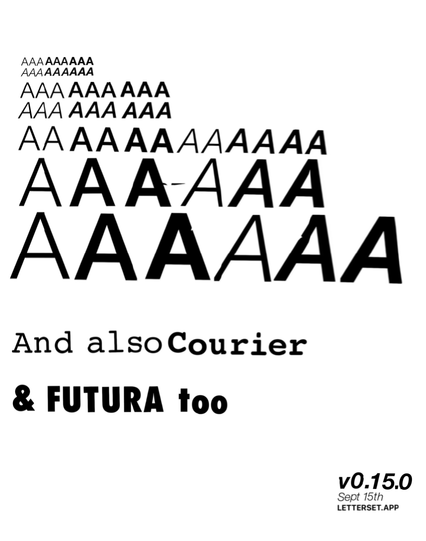
- Font->SVG->Path-based glyph pipeline now allows the use of the full set of font variations (as seen in Futura).
- Glyph rendering is sharp, no longer using GraphicContext for display.
- Zoom out finally “just works”.
- When in “hard mode” (aka character re-use disabled) one can now partially scribble over a letter; subsequent stamping only stamps the remainder!

Almost ready for testing…

#swiftui #BuildInPublic #LetterSet