#a11y folks, what's your take on this UI pattern that's quite common on social platforms:

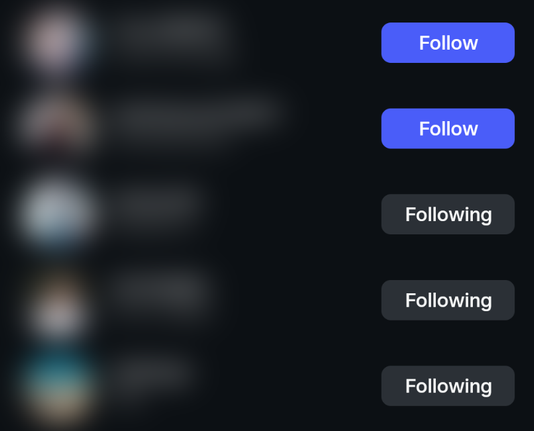
A button with a verb label (e.g. "Follow") that, after the button was pressed, changes to an adjective describing the status (e.g. "Following"), rather than being explicit about the action it'll perform when pressed again (e.g. "Unfollow").

Do you find this problematic in practice?
Context:
Normally, buttons should say what they'll do when you press them. Toggle buttons can instead have a pressed state (conveyed visually and via `aria-pressed`), but shouldn't change their label when pressed.

To me, the example above looks like a toggle button where the label _is_ changed when pressed – not to the inverse action, but to reflect the new state more explicitly. This leaves it to the user to infer that unpressing the button will "undo" that state.

@diondiondion Counter example: media players mix the types in the same UI, and it appears to work.

Eg., a typical toggle-play button icon is an ▶ to indicate pressing the button will play, and a || to indicate pressing the button will pause - icon indicates the next state.

But the toggle-mute button is typically some icon that shows audio is enabled when it is enabled (🔊), and the same icon under a circle-slash (🔇) when the audio is muted - icon indicates current state.

@nikclayton I'm particularly interested in the case of toggle buttons with changing text labels. In icon-only interfaces this isn't really an issue. (Not saying those can't be super confusing too, it's just that there are usually clear conventions for implementing them accessibly "on paper".)

@diondiondion Your original example has other problems. E.g., following state is not binary, there's a "Sent a follow request, hasn't been approved" state.

Better UI might be:

- Checkbox, if unchecked, checking sends a follow request. If checked, unchecking unfollows.
- Label to display one of the states (Following, requested, not following).
- Button to cancel an in-progress follow request.

If the request is in progress then disable the checkbox and show the cancel button.