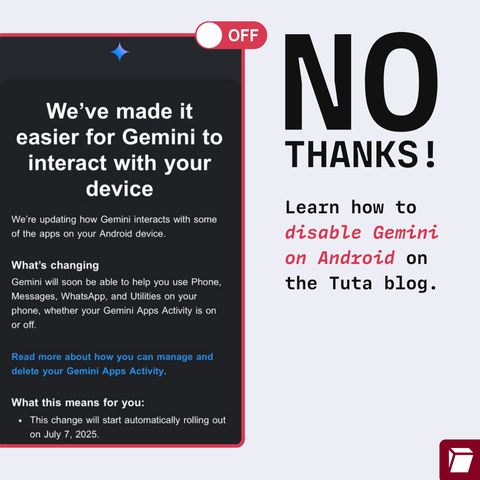
🚨 WARNING: Google is trying to force you into using #Gemini AI on Android in #Gmail, #WhatsApp & other apps - hijacking your data for "AI training"

This is opted in by default – so check your Settings to opt out.

Here’s how: 👉 https://tuta.com/blog/how-to-disable-gemini-on-android
@Tutanota Is this country-specific? I'm in the UK and there is no Gemini app on my phone, and I just updated the OS.

@cassolotl @Tutanota

Without gemini app you can do this:

-Go to the google app.

-Click on your profile picture.

-Go to settings.

-Go to google assistant.

-Go to google digital assistants (choose between google assistant and gemini).

-Choose google assistant instead of gemini.

-Go back to the google assistant section.

-Go to the "Your Apps" section.

-Go to the Whatsapp section.

-Disable: "Allow assistant to learn from this app" and "Allow assistant to choose this app".

@simonjpaladinus @cassolotl @Tutanota may I add do this for more apps in the list like brave web browser and maybe Wikipedia?

@FilesUnknown @cassolotl @Tutanota

Yes, you should definitely do the same with the other apps. I only put whatsapp as an example.

I also forgot to mention that if you want to disable google assistant completely, you should do the following:

-Go to the google app.

-Click on your profile picture.

-Go to settings.

-Go to google assistant.

-Go to general.

-Deactivate the google assistant.