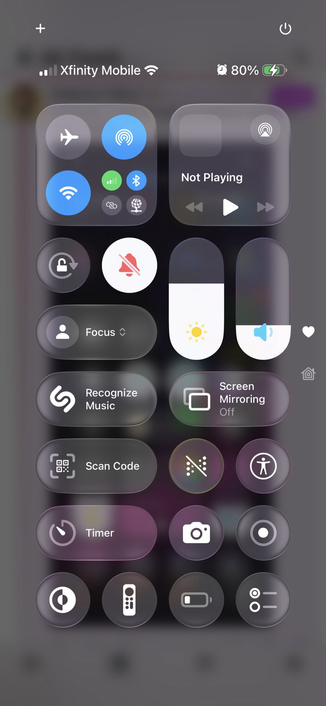
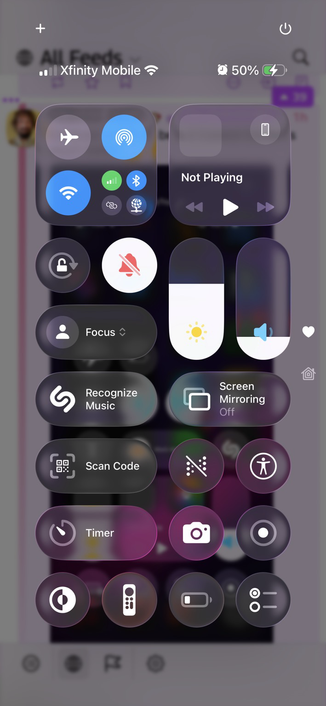
Contrast in iOS 26 beta 2 Control Center is much better 👍
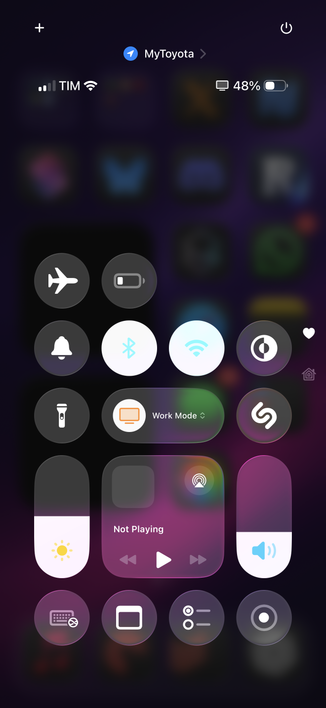
@viticci ohh that looks very good

@viticci nice at better backgrounds!

However, those light blue Wi-Fi and Bluetooth logos against a white background are far from good.

@viticci this is the kind of "frosted" Liquid Glass I expected to to make the jump from visionOS.
@viticci Is it more "daily drivable" yet?

@viticci Does anyone wonder why Apple won’t do a 1px black stroke outline on their SF Symbols (and labels) to increase contrast?

Movie subtitles that have black stroke and white fill are legible for either a black or white background. We know people like this CX.
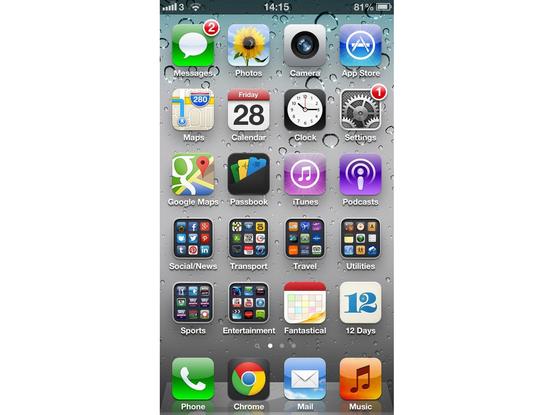
@isophetry @viticci They did up to iOS 6. After iOS 7 they’ve tried everything from switching to black text if the background is too bright or a terribly looking blurry shadow behind white text. iOS 6 icon text looked great with all backgrounds
@isophetry @viticci Zooming in I noticed it’s actually a well defined shadow and not a black line. Either way it works
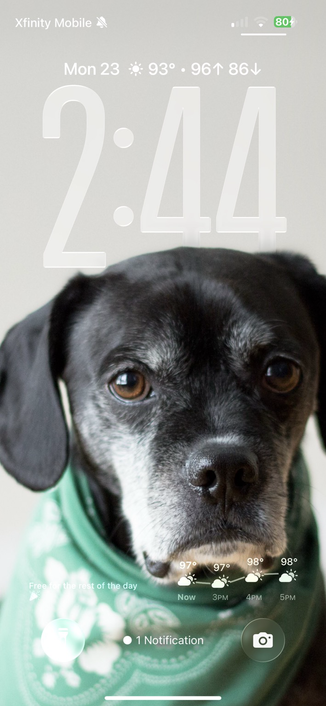
@viticci looks like they significantly increased the background views blur under the control center and made some slight adjustments to the liquid glass effect there. Although on my home screen, it doesn’t look like the liquid glass effect is doing any better. Attached before and after images of both, notice the bottom left button on the lock screen is the same on both.
@viticci That was the first thing I checked post-installation. Much better indeed!