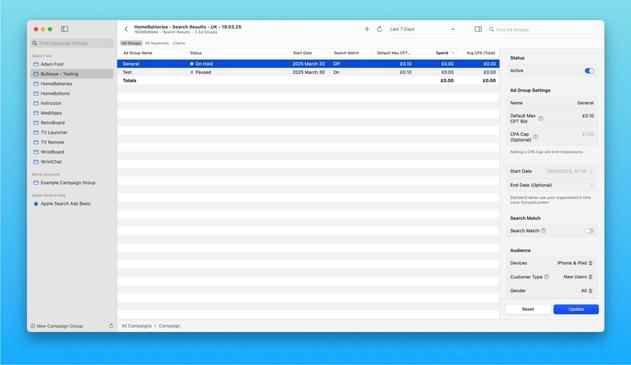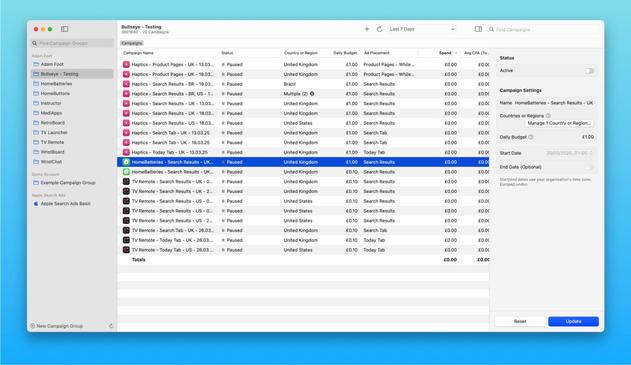
Plenty of new features to control your #AppleSearchAds campaigns added recently to my native Mac app, Bullseye!

TestFlight: https://testflight.apple.com/join/htWd83JY

New features below… 🧵

From: @adamfoot
https://mastodon.social/@adamfoot/114184012345650547
Join the Bullseye - Search Ads Manager beta

Available on iOS

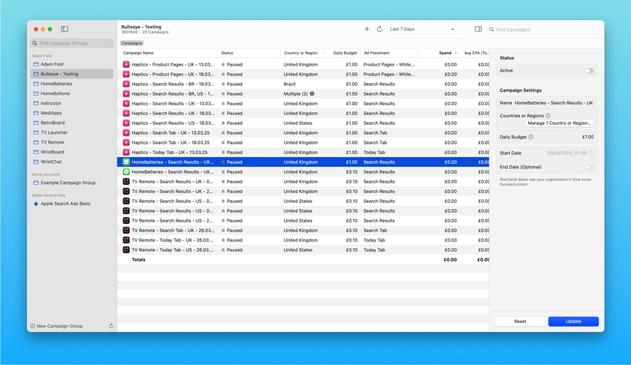
First up, the inspector! Use this to make adjustments to your campaigns, ad groups, ads or keywords from a convenient sidebar ✏️

You can easily activate/pause multiple items at once too, just adjust the Active toggle and press Update

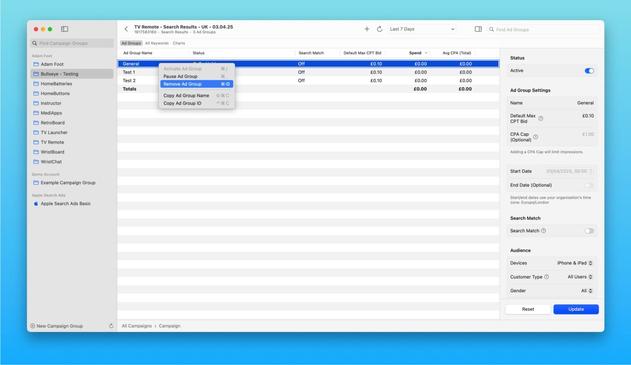
For even quicker changes, context menu actions allow you to activate, pause or remove Campaigns, Ad Groups, Ads or Keywords 🚀

Since it uses a standard table, selecting multiple rows works as expected. You can even use keyboard shortcuts to quickly perform actions based on your selection too 🤩

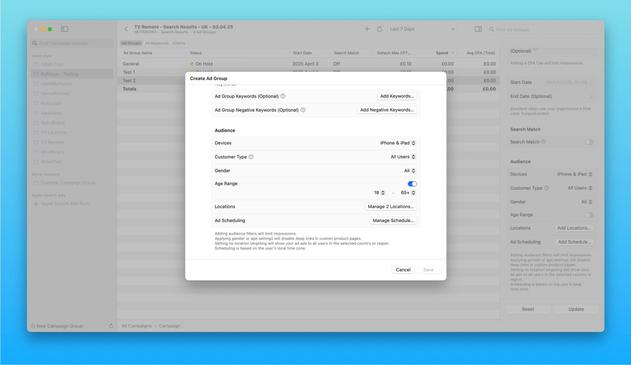
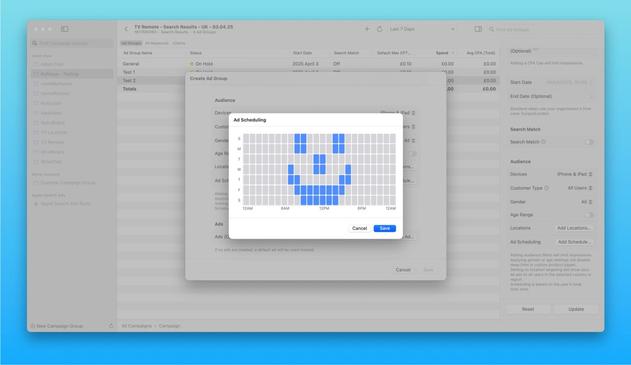
Full targeting is now also supported for Ad Groups so you can set a target demographic, schedule when your ads will run and more! ⏰

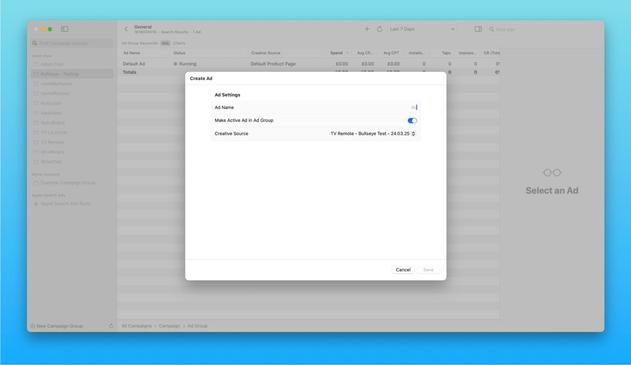
Creating Ads is now supported which means you can now create Campaigns, Ad Groups, Keywords, Negative Keywords as well as Ads to fully replace the Search Ads website!

@adamfoot @mattiem Amazing app! How did you manage that the titlebar accessory view that’s being generated by .searchScopes stays visible at all times? When I used, it was only visible when I activated the search bar from .searchable
@jakob41 @mattiem Thanks! It’s actually a toolbar item with a placement of .accessoryBar(id: String)!