 Marc Edwards
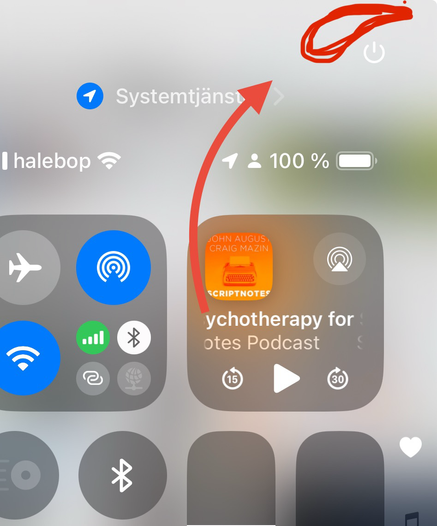
iOS 18 tip: You can delete Control Center pages, including the music and networking pages. To delete, long press to go into wiggle mode, then remove all widgets from the page you’d like to delete.
If you have only one page, it’s possible to swipe up to dismiss Control Center.
 jsveningsson