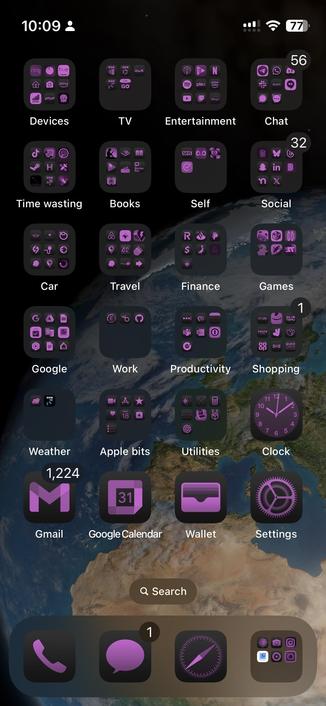
@popey in case you are running dark mode 24/7, you can turn off the dark icons.
Tap and hold any icon on your Home Screen, tap edit Home Screen, tap edit in the top left corner and then customize.
Once you’ve solved that maze, you can pick what kind of icons you want.
 popey
popey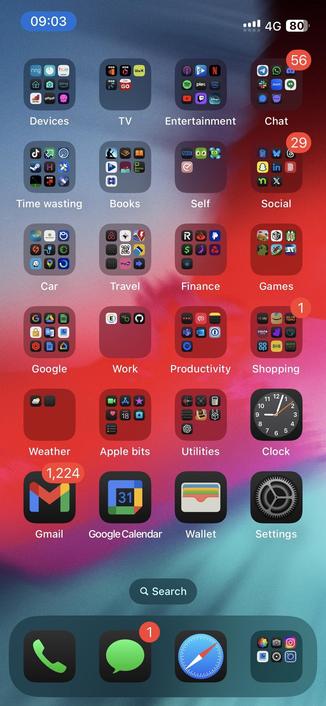
 Brian Hall
 Giovanni De Francesco
 Matt Daubney
 Chris
Chris 

 Stilvoid
 eric
eric Take It EV Podcast 🎙️