 Zen
Zen👋 Hi everyone!
We're the team behind Zen Browser! You can follow us for updates about the project :^)
 AlexTECPlayz
@zenbrowser Wow! Zen Browser is basically the Firefox-based version of Arc Browser. I'm already in love with this, as a heavy user and massive fan of vertical tabs.
So far:
- minor gripe with 'Expand Tabs on Hover': This moves the entire window, as opposed to having the vertical tab expansion happen over the window, as with the Vertical Tabs extension on Firefox. Video example in the next post. Because of this, my eyes really don't like this new movement. On Firefox, the window remains static. Here, the whole content moves, which is just awful. Additionally, the vertical bar shouldn't expand when hovering over the bottom buttons (profile, arrow, toolbar, bookmarks) as this can result in misclicks.
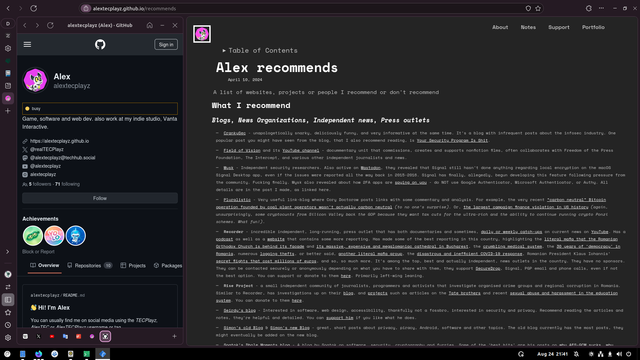
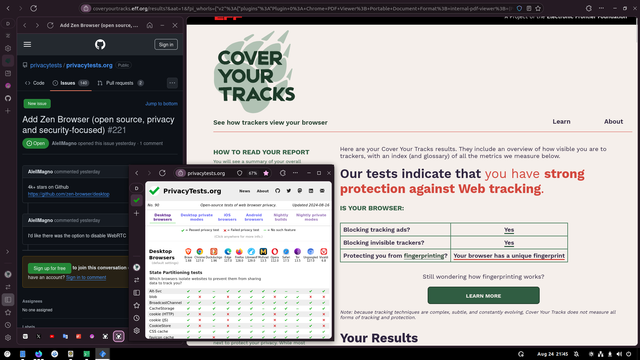
@zenbrowser Here is the video comparing Firefox with Zen Browser, when it comes to vertical tabs. For me to switch fully to Zen, I'd probably have to keep vertical tabs not expanded by default, until this gets fixed, or an option to not move the content shows up.
Another small gripe is that some of the bottom vertical bar buttons don't seem to have hover text show up. The toolbar button, the arrows to expand/retract the vertical bar, bookmarks, history don't show a hover tooltip, at least for me.
And lastly so far, I had to download the 'generic' variant from the site, for the browser to run. The 'optimized' version, both AppImage and archive file, don't run at all, with 'illegal instruction' being the only thing I get in the terminal, without attaching a debugger.
But overall, this is really nice, I can see this being my go-to browser in the future, I really like it and would definitely recommend others to try out as well, if they're either a Firefox or a Microsoft Edge fan.
@zenbrowser Okay, upon checking the documentation (https://docs.zen-browser.app/guides/generic-optimized#supported-cpus-for-optimized-builds), it seems that the 'optimized' version doesn't work, because my processor is too old (Intel i7-2600, so 2nd gen, it only supports AVX, not AVX2).
Perhaps you could have a button for users to be redirected to this doc page from /download, to check if their processor is supported, instead of having to re-download a different version or format, or maybe giving up completely and just not installing Zen.
@alextecplayz when chosing between optimized and generic, there is a note that links to list. So the user can check