
Yes!! @matuzoโ€™s book just arrived! ๐Ÿฅณ It was a huge honor to contribute a little bit by reviewing it โ€“ now I canโ€™t wait to read the final version. ๐Ÿค—

Also: get yourself a copy! Itโ€™s a fantastic and invaluable book for everyone working on the Web!
๐Ÿ‘‰ https://accessibility-cookbook.com
#a11y #accessibility #webdev
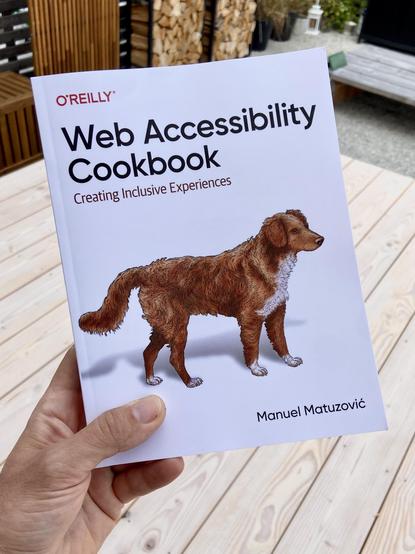
Web Accessibility Cookbook

The Web Accessibility Cookbook provides you with dozens of recipes to help you build common components on the web.

@matthiasott @matuzo

is there a recommended screen reader or other kinds of extensibility extensions for browsers to ACTUALLY see or hear the web like people who need it would?

which ones are those?

i seeing these promoted would help me and others a lot - by just trying it out and test the accessibility one has tried to implement ๐Ÿ™‚

@serapath @matuzo Yes, testing your site with a screen reader is super insightful and a mandatory step if you really want to make a website accessible. There are various screen readers out there. The most popular ones are called JAWS, NVDA, and VoiceOver (the screen reader built into macOS): https://webaim.org/projects/screenreadersurvey9/

This is a super interesting video with @tink showing how she uses a screen reader to access the web: https://www.smashingmagazine.com/2019/02/accessibility-webinar/

WebAIM: Screen Reader User Survey #9 Results

@serapath And throughout the recipes in the book, @matuzo regularly mentions how screen readers behave in different situations. For example, how they access headings, links, lists, etc, or if certain HTML elements / their roles are announced and so on. Thatโ€™s another really useful aspect of the book!