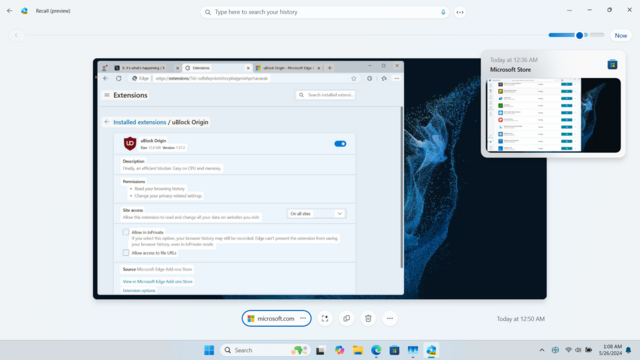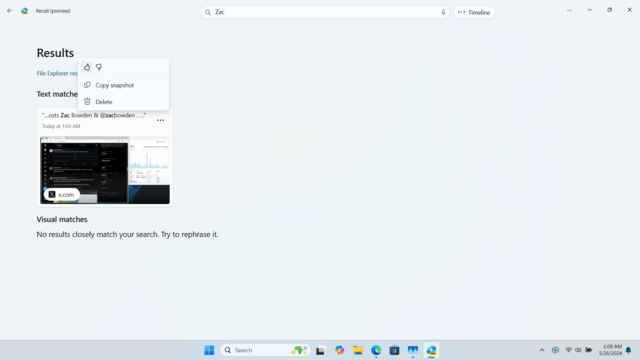
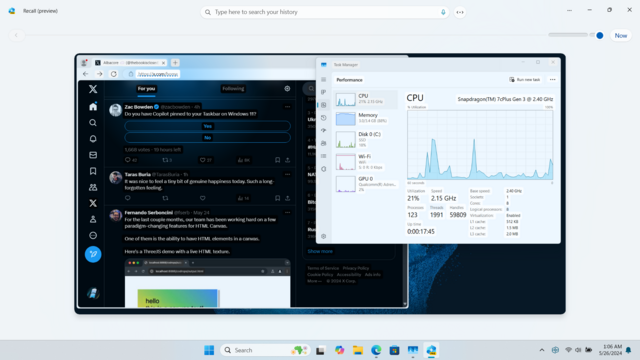
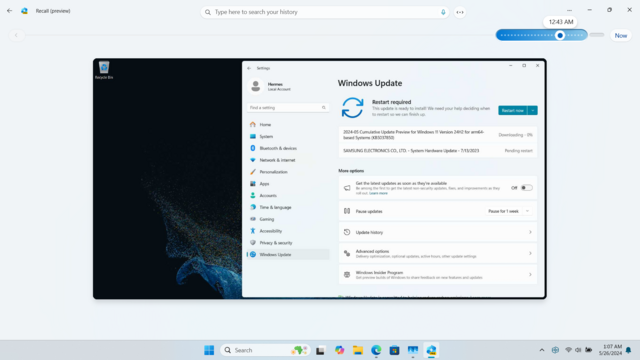
I was able to get Recall working on this bad boy 😎
Snapdragon 7c+ Gen3, 3.4 GB of RAM, no NPU in sight

Will cook up a tutorial soon, it's surprisingly good even on something this low spec 😊 If you have any questions I'll do my best to answer them ✍️
@detective Which use cases do you imagine for such a device? Any kind of professional activity related to editing non-sensitive documents? Personal – sometimes intimate – teenager conversations? Aren't you afraid that with social media, this would contribute to erode the sense of privacy of an entire generation of personal computers users?
@oceane At this moment this feature is disabled by default even if your hardware supports it. When it's active, there's a persistent icon in the tray that won't go away to remind you that it's capturing, with a distinct second state when capture is off. I don't think it's too difficult to press the Pause button when you're about to do something with sensitive data.
@detective Lol, I'd like to remind you that people don't even use passwords managers – they'll enable the feature by accident and forget about it
@detective And maybe it will save the day for an important task once in their lives so they'll insist to always keep it enabled. This looks like a plausible scenario to me
@detective Oh and people will say that “apparently it's a bad thing to do” without much context, building a sort of postmodern threat management fatigue (Ulrich Beck)