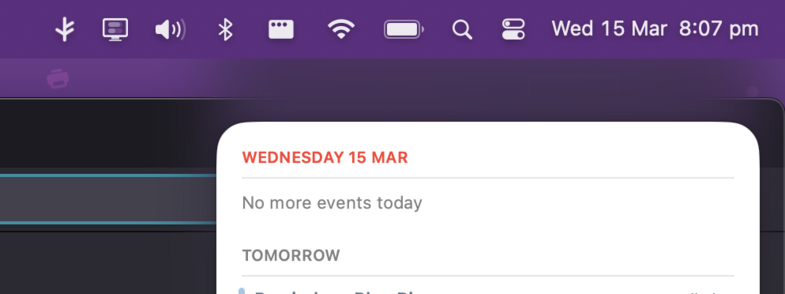
I’ve moved from dailying #MacOS v10.14 (‘Mojave’) to v13 (‘Ventura’) & it’s quite a jump. But there are some real ‘how the hell did this get signed off’ details. For example, this Notification shadow is awful, regardless of the app it appears over or the wallpaper colour:
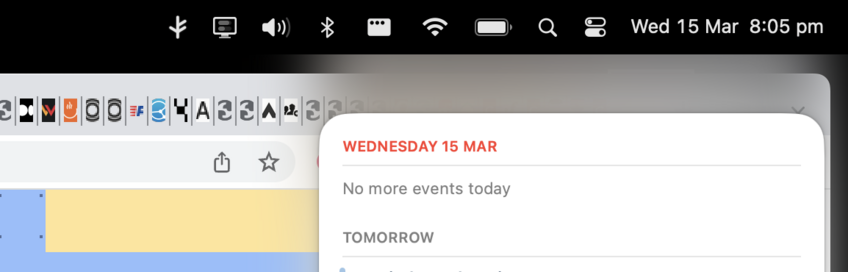
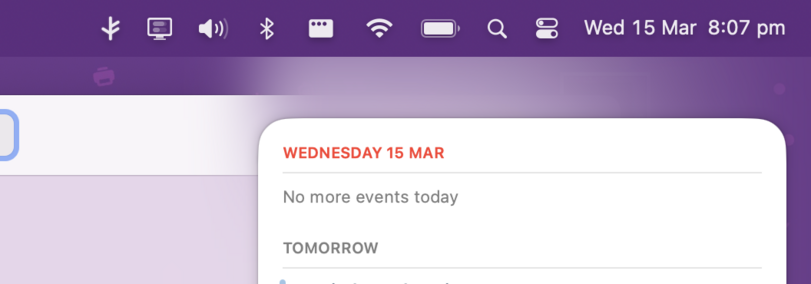
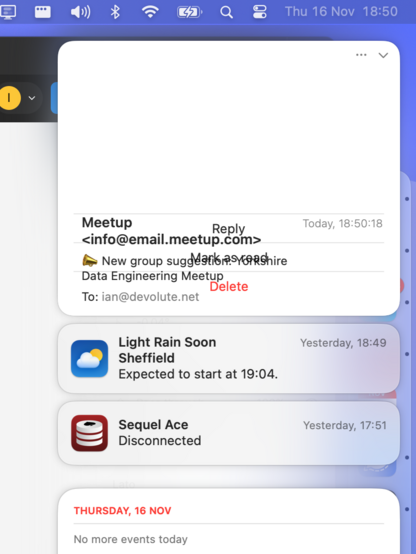
They're still struggling with this part of #MacOS. The shadows are somewhat better (but still a bit naff in some contexts), but not sure why obscure app *checks notes* 'Mail' displays notifications like this:

I'm still dogged by this constant window focus bug on #macOSSonoma , for weeks now (described here: https://forums.macrumors.com/threads/macos-windows-focus-bug.2399922/). Plus I've found it's exacerbated by right-clicking. v14 is truly the pro-NFT release.

I've never paid so much for a computer and conversely I've never had so many software problems. An awkward reality that's making web development very difficult. #itjustworks

MacOS Windows focus bug

Hi all, Recorded the issue on my work setup, so please check the video (apologies for recording from phone, but that's the only way I can catch the bug and record it): https://www.loom.com/share/e888eea73f944f65bd9ce77439301bcd Has someone else experienced this? It's mega annoying as I'm...

MacRumors Forums
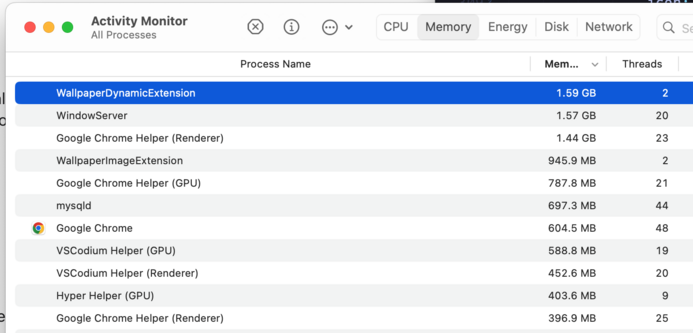
#MacOS v14 is using 2.5GB to display a (non animated, default) desktop wallpaper. This seems a little greedy.

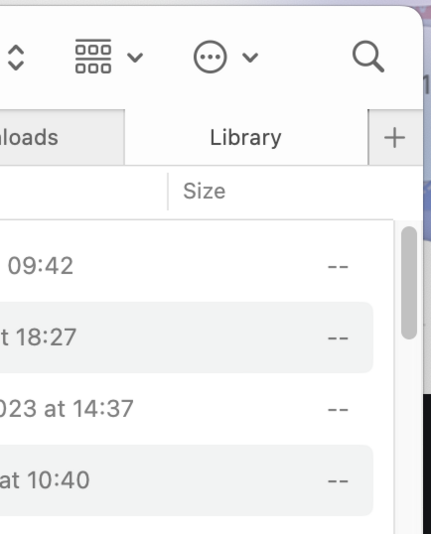
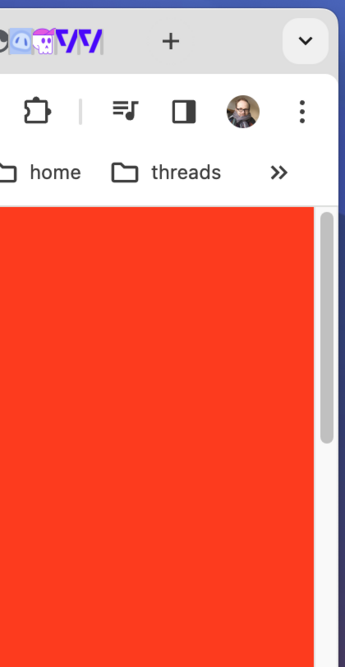
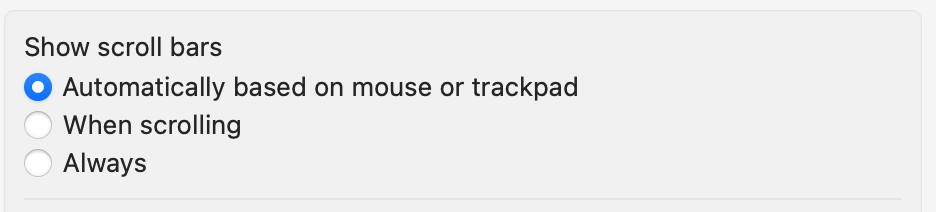
Sweet new bug on #MacOS v14.4: Sometimes you'll get an always visible scrollbar - ala Windows 95. Sometimes this will show, sometimes not. It's supposed to be clever and detect if you're using a mouse or trackpad - but this doesn't work reliably.

Especially enjoyable when combined with the still unfixed focus/hover bugs (https://mastodon.social/@devolute/111465031697023985)

Incidentally, the 'fix' for the #MacOS hover state / focus bug I've settled on is entering this into the Terminal when it becomes too frequent:
`killall -KILL Dock; killall -KILL Finder; killall -KILL SystemUIServer;`
Intuitive. #itJustWerks
Perhaps the ultimate sin - however - is that #MacOS Sonoma doesn't allow me to print directly to my beloved and perfectly good Brother printer. *angry groaning noises*

I go my printer working again. I used a CUPS Docker image to talk to it and then connected via MacOS through that.

One more example of having to use a third-party piece of software to do really basic stuff that used to be possible but then Apple broke it when I finally decided to buy new hardware from them.

#MacOS 14.5 upgrade. Great hopes. But what's this at the top of my 2nd screen? Global menu bar seems to have gone walk about.

Edit: This is because of an unannounced change in 'Displays have their own spaces'. I got it back now.

👍 Good productivity tools should always keep you on your toes!

I implemented the native sharing API ages ago for some clients. The right thing to do, no? But now Chrome on #MacOS finally 'supports' it on desktop it kills my sensible "copy link to clipboard" fallback and only allows sharing to Messages (which I don't use) and doesn't even have the ability to copy the link and 'Add to extensions' is broken. Rubbish.

On #MacOS Sequoia 15.2 and simply copying a URL using native search is _still_ broken.

Plus this visual bug where representative window items just totally disappear is still knocking around after a couple of years #attentionToDetail

It's #MacOS 15.3 time!

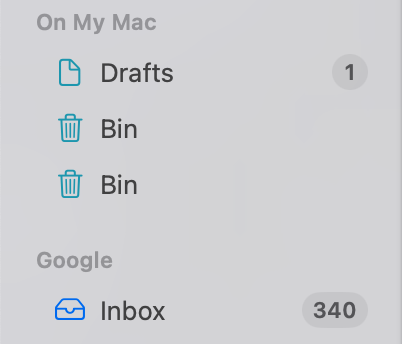
I've dared to continue to use GMail through the Mail app and now I have 2x 'Bin's as a special treat and a return to our old friend "I'll delete messages on your Mac, but not from GMail itself".

Sort it out, lads. #itJustWerks

Another winner of an update from #MacOS #15.6 - When I use Spotlight to search for "mail" it offers to open search Google for that string, but no app. When I type "chrome" it offers to search in Chrome for 'chrome'. But not app.

Another great #WhatsAComputer update lads. I'll just relearn how I use the bloody thing. Played.

I fixed this by entering Terminal and entering a load of commands I found on Reddit: https://www.reddit.com/r/MacOS/comments/1gjhiha/comment/m16fsar/ (the official Apple guide to re-indexing Spotlight triggered some new, exciting error messages) - they must know I'm a keen Linux user #itJustWerks
Now instead of being instantaneous, there is a wait - sometimes of just 1 second or so - before the app is found in Spotlight. Not enough to stop me using it, just enough to infuriate. c'mon lads.