 Froyok
I wonder if anybody tried to use FXAA before doing display mapping BUT by still applying and reverting a curve ? 🤔
Aka:
1 - Switch from HDR to SDR
2 - Apply FXAA
3 - Switch back from SDR to HDR
4 - Apply regular post-process stuff
I wonder if anybody tried to use FXAA before doing display mapping BUT by still applying and reverting a curve ? 🤔
Aka:
1 - Switch from HDR to SDR
2 - Apply FXAA
3 - Switch back from SDR to HDR
4 - Apply regular post-process stuff
Just tried out the idea with a version of Reinhard from here: https://github.com/microsoft/DirectX-Graphics-Samples/blob/master/MiniEngine/Core/Shaders/ToneMappingUtility.hlsli#L58
... and it kinda work ?
I need to do more experiments, but that's promising !
Unfortunately the curve in there loose too much range, so specular reflections get really dimmed and the bloom loose in intensity.
So I tried out this instead: https://gpuopen.com/learn/optimized-reversible-tonemapper-for-resolve/
Wasn't enough either alone, so I applied the same trick did for my LUTs to compress further the range and it seems to be working.
The fog gradient doesn't seem to suffer (it was a good indication of the precision loss previously) and edges are still anti-aliased !
Alright, got it working at both end, depending on a switch. So I was able to compare.
On regular geometry edges, visually almost no differences.
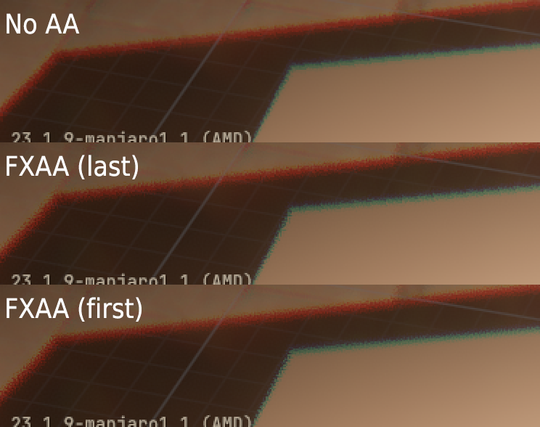
BUT, doing FXAA as the last step end produce noticeable differences because it misses aliasing that has been exaggerated by some effects.
Example with my chromatic aberration effect:
Yesterday I tried once again to optimize my SSAO pass in compute, and still failed. A fragment shader still performs quite a lot better.
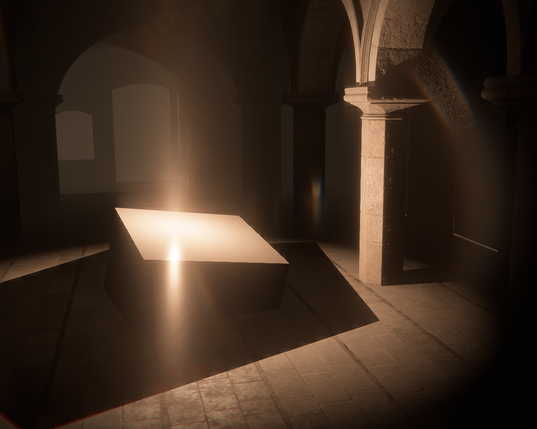
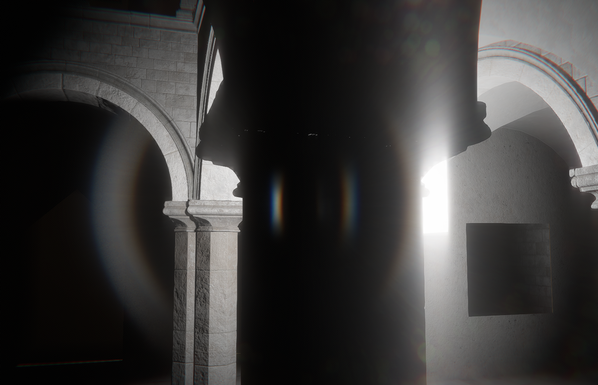
So today I decided to play again with my bloom and lens-flare to tinker with other ideas. Like anamorphic shapes.
Not necessarily a success, but I got interesting results just by playing with some buffers size or UVs:
Back on Ombre... and I decided to play again with lens-flares (I know 🤪 ).
This time I wanted to try out the little radial projection trick from John Chapman article (https://john-chapman.github.io/2017/11/05/pseudo-lens-flare.html) to create fake streaks. It's a good start, but I will need to think about how to refine that effect. It looks nice already !
Been tweaking my lens-flare again for the past few days and now reaching a point where I want to try some kind of anamorphic bloom.
Right now I went with a hack where I modify one of the downsample texture when it is fed for the upsample pass. It is giving me a rough idea of what to expect, but it's not good enough yet (not sharp enough, and some flickering issue to manage still).
Will likely need to do a proper downsample/upsample process too.

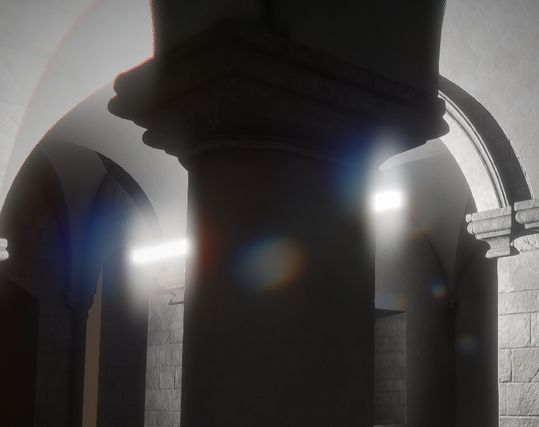
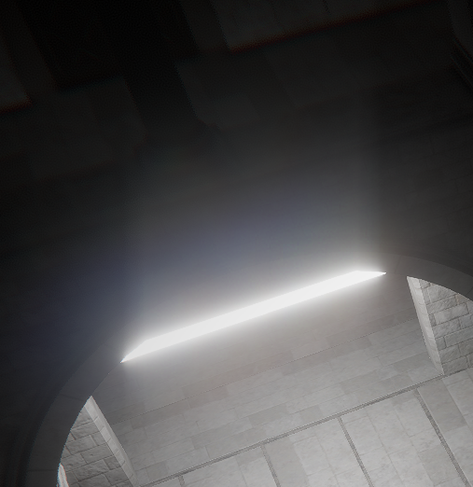
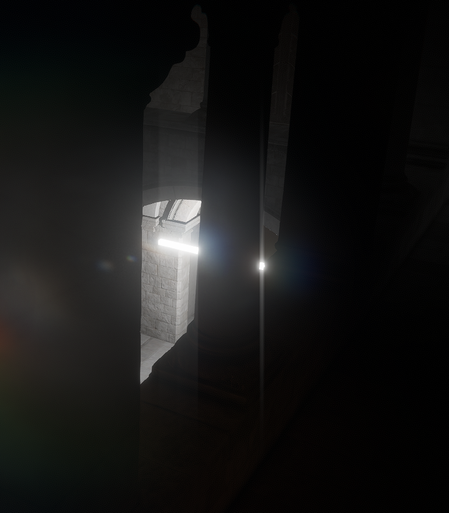
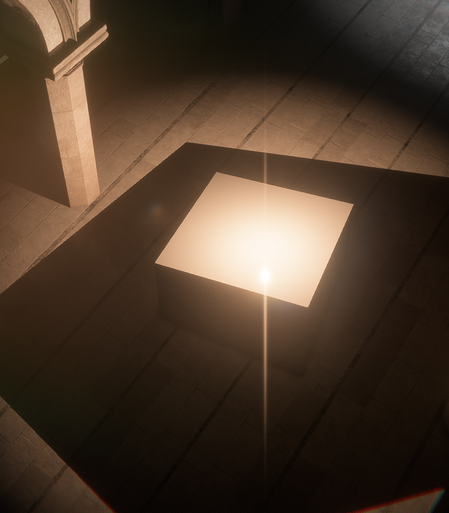
I tweaked a bit more and properly integrated my bloom streak pass in the engine.
Combined with the regular bloom and the lens-flare this is all coming together well ! :)


 Krisso