GNOME users, I have some questions for you! This won’t single-handedly drive the design of GNOME (I’m not that influential… yet 😉 ), but anecdata is always nice to help unstick design discussions or just gather insights.

(Polls will follow posts as I can’t share an image and a poll, sadly.)
#GNOMEdesign #GNOME #UX

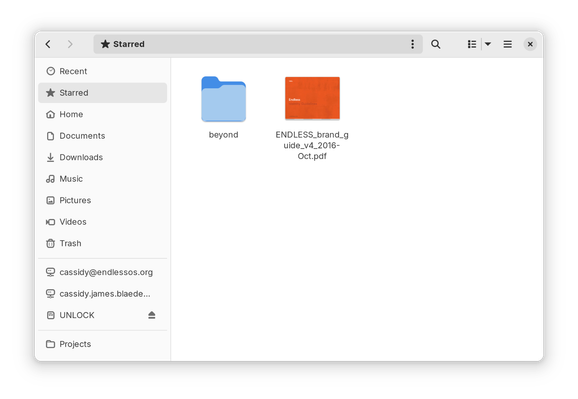
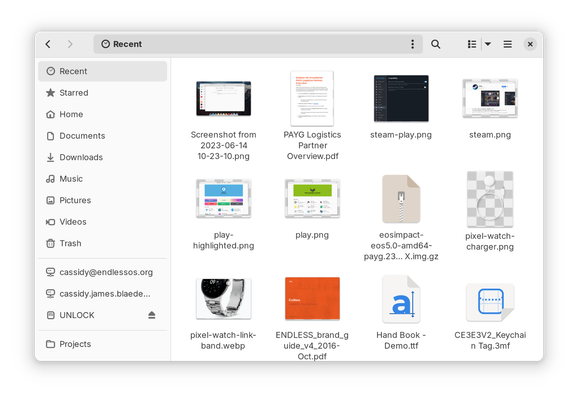
If you use GNOME, do you use the “Recent” view in the Files app? Note this is NOT the same as the file chooser, e.g. when opening a file in an app.

(Answer in the following poll.)

#GNOMEdesign #GNOME #UX

If you use GNOME, do you use the “Recent” view in the Files app? Note this is NOT the same as the file chooser, e.g. when opening a file in an app.

(See previous post for a screenshot, reply for context.)

#GNOMEdesign #GNOME #UX

Yes, frequently
22%
Occasionally
22.7%
Rarely
24%
Never
31.4%
Poll ended at .

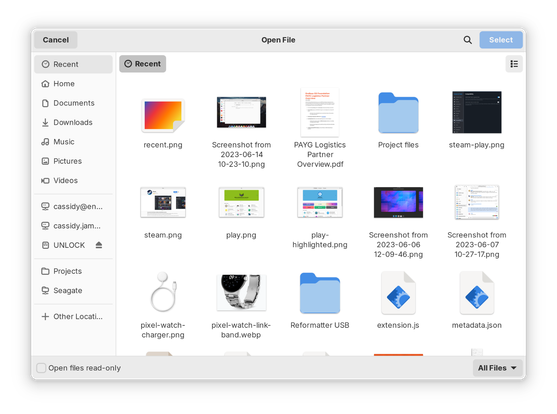
If you use GNOME, do you use the “Recent” view in the file chooser, e.g. when opening a file in an app? Note this is NOT the same as when browsing in the Files app.

(Answer in the following poll.)

#GNOMEdesign #GNOME #UX

If you use GNOME, do you use the “Recent” view in the file chooser, e.g. when opening a file in an app? Note this is NOT the same as when browsing in the Files app.

(See previous post for a screenshot, reply for context.)

#GNOMEdesign #GNOME #UX

Yes, frequently
43.6%
Occasionally
26.8%
Rarely
14.3%
Never
15.3%
Poll ended at .

If you use GNOME, do you use the “Starred” view in the Files app?

(Answer in the following poll.)

#GNOMEdesign #GNOME #UX

If you use GNOME, do you use the “Starred” view in the Files app?

(See previous post for a screenshot, reply for context.)

#GNOMEdesign #GNOME #UX

Yes, frequently
7.5%
Occasionally
12.9%
Rarely
16%
Never
63.6%
Poll ended at .

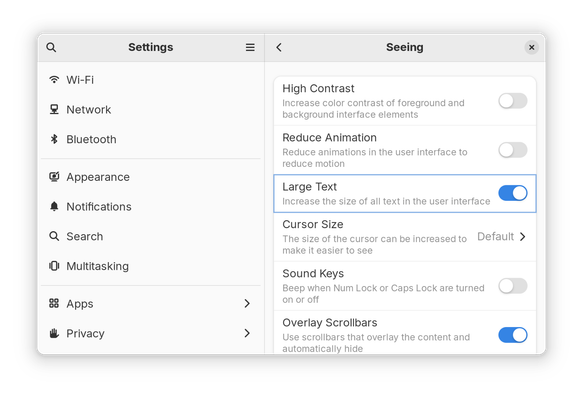
If you use GNOME, do you use the “Large Text” option in Settings → Accessibility → Seeing?

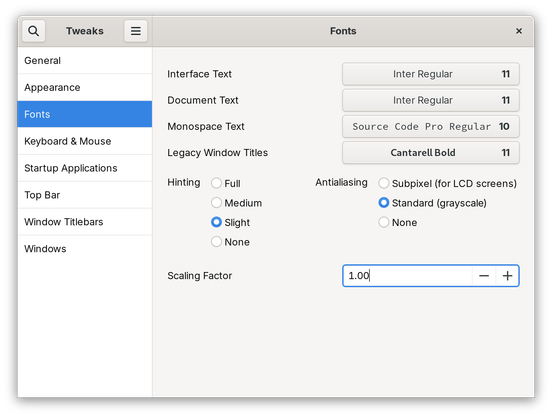
Alternatively, do you set a different font scaling factor somewhere else, e.g. in Tweaks?

(Answer in the following poll.)

#GNOMEdesign #GNOME #UX

If you use GNOME, do you use the “Large Text” option in Settings → Accessibility → Seeing?

Alternatively, do you set a different font scaling factor somewhere else, e.g. in Tweaks?

(See previous post for screenshots, reply for context.)

#GNOMEdesign #GNOME #UX

Yes, “Large Text” in Settings
8.9%
Yes, larger font scaling set somewhere else
14.7%
Yes, smaller font scaling set somewhere else
7.3%
No, no change to text/font size
69.1%
Poll ended at .

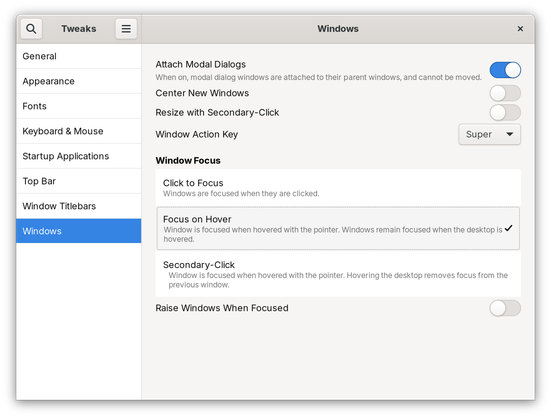
If you use GNOME, do you use “Focus on Hover” or “focus follows mouse” behavior in GNOME?

(Answer in the following poll.)

#GNOMEdesign #GNOME #UX

@cassidy Not currently, but I just might start. Frequently I find myself changing workspaces and my focus is unexpectedly in a window on another monitor, so I type in the wrong place. This is especially hellish if I did Ctrl+Q to close one app and accidentally closed another.
@brainblasted @cassidy surely unexpected window getting focused on workspace switch is something that should be fixed in Mutter and not worked around by using a tweak? And yes, this annoys me too.
@brainblasted hopefully the focus indication work will help resolve this as well, making it more obvious which window is focused when changing workspaces?

@cassidy @brainblasted the problem with the focus indication work (from the thread i saw on discourse a while back) is that it's not a *static* indication. I really want an easy way to tell at a glance when looking at my screen(s) which window has focus.

In older desktops this was easy, due to coloured titlebars / window borders being different on focused windows.

I'm not a fan of GNOME's unfocused "backdrop" styles since they reduces contrast, making it hard to read unfocused windows.