GNOME users, I have some questions for you! This won’t single-handedly drive the design of GNOME (I’m not that influential… yet 😉 ), but anecdata is always nice to help unstick design discussions or just gather insights.

(Polls will follow posts as I can’t share an image and a poll, sadly.)
#GNOMEdesign #GNOME #UX

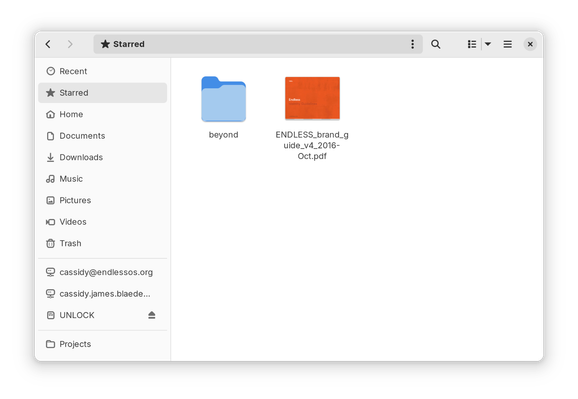
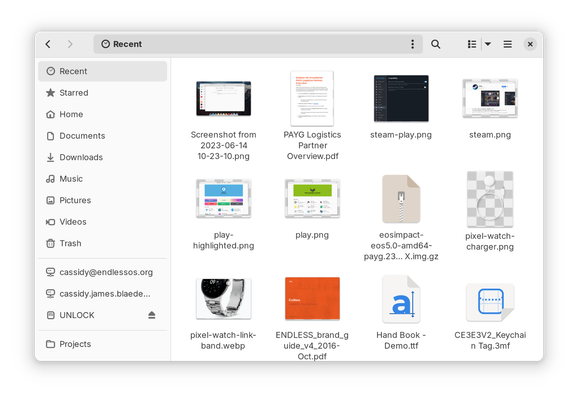
If you use GNOME, do you use the “Recent” view in the Files app? Note this is NOT the same as the file chooser, e.g. when opening a file in an app.

(Answer in the following poll.)

#GNOMEdesign #GNOME #UX

If you use GNOME, do you use the “Recent” view in the Files app? Note this is NOT the same as the file chooser, e.g. when opening a file in an app.

(See previous post for a screenshot, reply for context.)

#GNOMEdesign #GNOME #UX

Yes, frequently
22%
Occasionally
22.7%
Rarely
24%
Never
31.4%
Poll ended at .

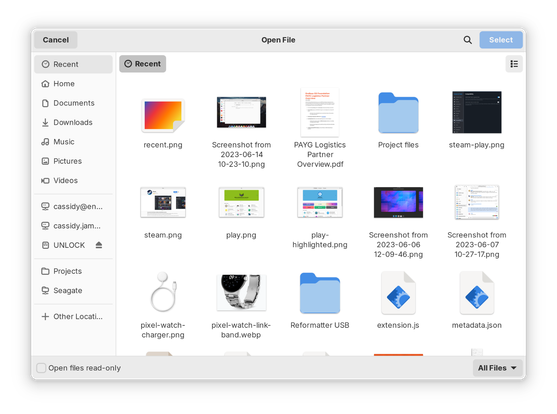
If you use GNOME, do you use the “Recent” view in the file chooser, e.g. when opening a file in an app? Note this is NOT the same as when browsing in the Files app.

(Answer in the following poll.)

#GNOMEdesign #GNOME #UX

If you use GNOME, do you use the “Recent” view in the file chooser, e.g. when opening a file in an app? Note this is NOT the same as when browsing in the Files app.

(See previous post for a screenshot, reply for context.)

#GNOMEdesign #GNOME #UX

Yes, frequently
43.6%
Occasionally
26.8%
Rarely
14.3%
Never
15.3%
Poll ended at .

If you use GNOME, do you use the “Starred” view in the Files app?

(Answer in the following poll.)

#GNOMEdesign #GNOME #UX

If you use GNOME, do you use the “Starred” view in the Files app?

(See previous post for a screenshot, reply for context.)

#GNOMEdesign #GNOME #UX

Yes, frequently
7.5%
Occasionally
12.9%
Rarely
16%
Never
63.6%
Poll ended at .

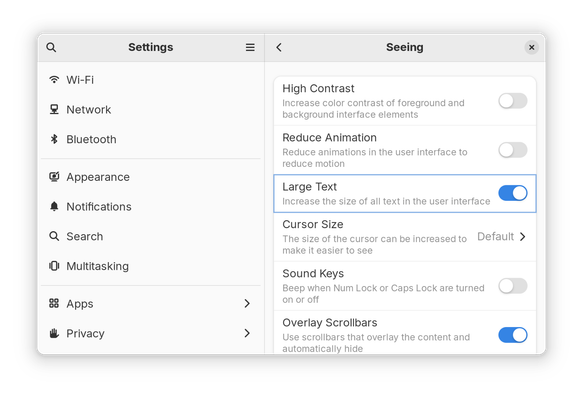
If you use GNOME, do you use the “Large Text” option in Settings → Accessibility → Seeing?

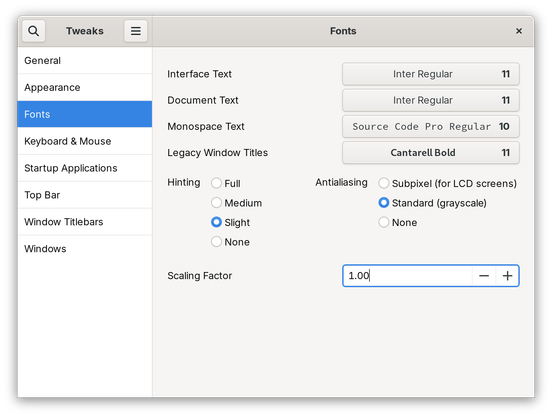
Alternatively, do you set a different font scaling factor somewhere else, e.g. in Tweaks?

(Answer in the following poll.)

#GNOMEdesign #GNOME #UX

If you use GNOME, do you use the “Large Text” option in Settings → Accessibility → Seeing?

Alternatively, do you set a different font scaling factor somewhere else, e.g. in Tweaks?

(See previous post for screenshots, reply for context.)

#GNOMEdesign #GNOME #UX

Yes, “Large Text” in Settings
8.9%
Yes, larger font scaling set somewhere else
14.7%
Yes, smaller font scaling set somewhere else
7.3%
No, no change to text/font size
69.1%
Poll ended at .
@cassidy ideally this should be part of overall GUI scaling/fractional scaling settings.
@matt one problem right now is that when you scale the text independently from the UI, you get REALLY wonky UI in places. E.g. most places don’t use text-based units for padding, borders, icon sizes, etc. so it starts to get really lopsided.
@cassidy that's a fair point. Isn't this part of the HIG though, to standardize those type of things?

@matt I mean, yes, we could say, “all apps should behave properly with any arbitrary text size,” but that’s… impossible. :)

Right now we support Large Text (1.25× size) and we say apps should be tested w/that, but it’s more a fundamental issue: we’d have to rewrite the stylesheet, every app, and probably GTK itself to use text size for scaling. Which… yeah, that’s a lot.

And even then, it’s not obvious how that would actually be better than just supporting overall fractional scaling.

@matt all that said, we’re looking at how to better support more use cases for text scaling and fractional scaling, and the first step is understanding how and why people use each.