GNOME users, I have some questions for you! This won’t single-handedly drive the design of GNOME (I’m not that influential… yet 😉 ), but anecdata is always nice to help unstick design discussions or just gather insights.

(Polls will follow posts as I can’t share an image and a poll, sadly.)
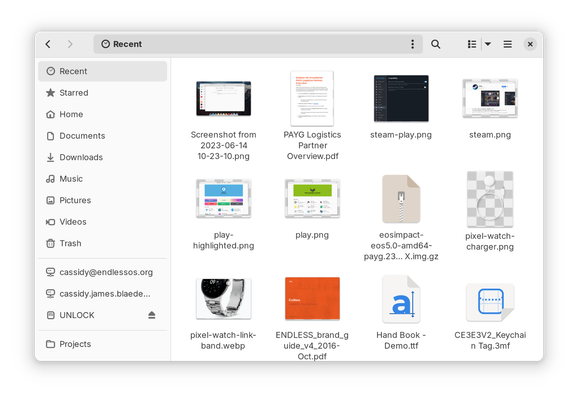
#GNOMEdesign #GNOME #UX

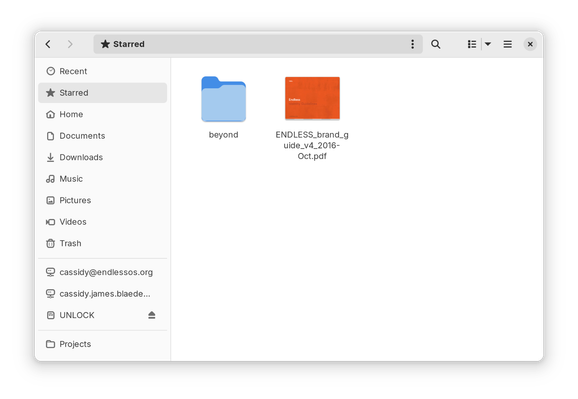
If you use GNOME, do you use the “Recent” view in the Files app? Note this is NOT the same as the file chooser, e.g. when opening a file in an app.

(Answer in the following poll.)

#GNOMEdesign #GNOME #UX

If you use GNOME, do you use the “Recent” view in the Files app? Note this is NOT the same as the file chooser, e.g. when opening a file in an app.

(See previous post for a screenshot, reply for context.)

#GNOMEdesign #GNOME #UX

Yes, frequently
22%
Occasionally
22.7%
Rarely
24%
Never
31.4%
Poll ended at .

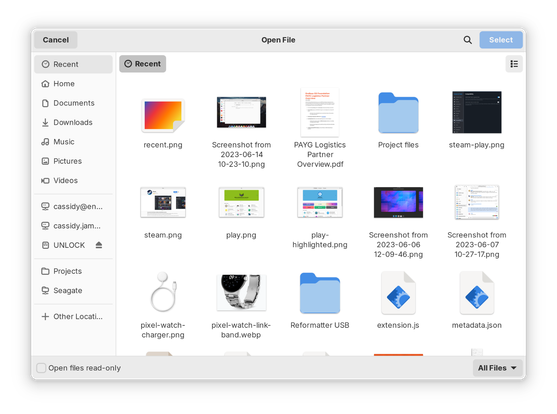
If you use GNOME, do you use the “Recent” view in the file chooser, e.g. when opening a file in an app? Note this is NOT the same as when browsing in the Files app.

(Answer in the following poll.)

#GNOMEdesign #GNOME #UX

If you use GNOME, do you use the “Recent” view in the file chooser, e.g. when opening a file in an app? Note this is NOT the same as when browsing in the Files app.

(See previous post for a screenshot, reply for context.)

#GNOMEdesign #GNOME #UX

Yes, frequently
43.6%
Occasionally
26.8%
Rarely
14.3%
Never
15.3%
Poll ended at .

If you use GNOME, do you use the “Starred” view in the Files app?

(Answer in the following poll.)

#GNOMEdesign #GNOME #UX

If you use GNOME, do you use the “Starred” view in the Files app?

(See previous post for a screenshot, reply for context.)

#GNOMEdesign #GNOME #UX

Yes, frequently
7.5%
Occasionally
12.9%
Rarely
16%
Never
63.6%
Poll ended at .

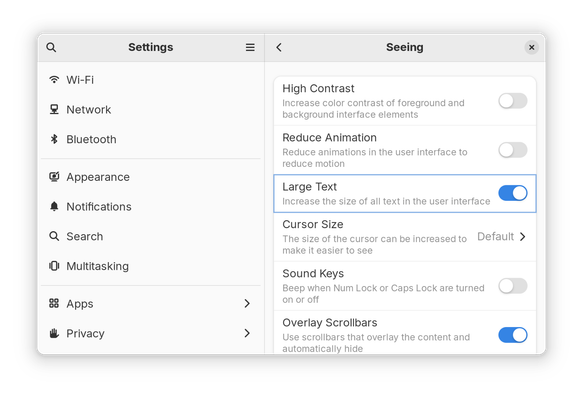
If you use GNOME, do you use the “Large Text” option in Settings → Accessibility → Seeing?

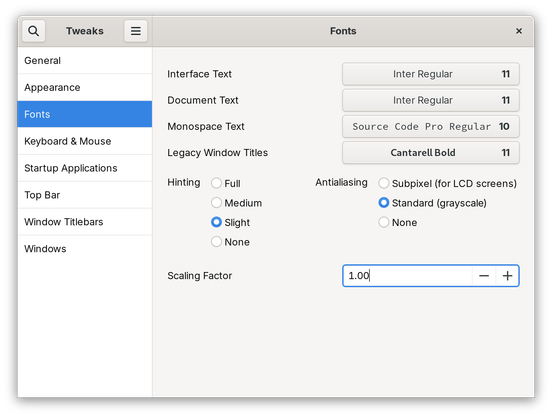
Alternatively, do you set a different font scaling factor somewhere else, e.g. in Tweaks?

(Answer in the following poll.)

#GNOMEdesign #GNOME #UX

If you use GNOME, do you use the “Large Text” option in Settings → Accessibility → Seeing?

Alternatively, do you set a different font scaling factor somewhere else, e.g. in Tweaks?

(See previous post for screenshots, reply for context.)

#GNOMEdesign #GNOME #UX

Yes, “Large Text” in Settings
8.9%
Yes, larger font scaling set somewhere else
14.7%
Yes, smaller font scaling set somewhere else
7.3%
No, no change to text/font size
69.1%
Poll ended at .
@cassidy Technically it wasn't Settings but the Accessibility menu in the top bar, when I first set up the home media laptop connected to the TV, to make the text readable across the room.

@mgedmin ah, good differentiation! That changes the same setting under the hood, just from either the menu or the Settings app. Hm.

If GNOME supported more display scaling options out of the box, would you use that, instead? E.g. being able to set 150% in Settings → Displays → Scale.

@cassidy I tried 125% for a while, after enabling the experimental gsetting. Went to 100% scaling and 120% font size in the end. (Different laptop this time, 1080p at 13")
@mgedmin Fascinating! Why the 100% display scaling with 120% font size instead of the 125% display scaling?
@cassidy Fuzzy text in XWayland apps. I had to use an Electron app and couldn't figure out how to force it into native Wayland mode (back then Chromium and Firefox had flags for this, off by default).