GNOME users, I have some questions for you! This won’t single-handedly drive the design of GNOME (I’m not that influential… yet 😉 ), but anecdata is always nice to help unstick design discussions or just gather insights.

(Polls will follow posts as I can’t share an image and a poll, sadly.)
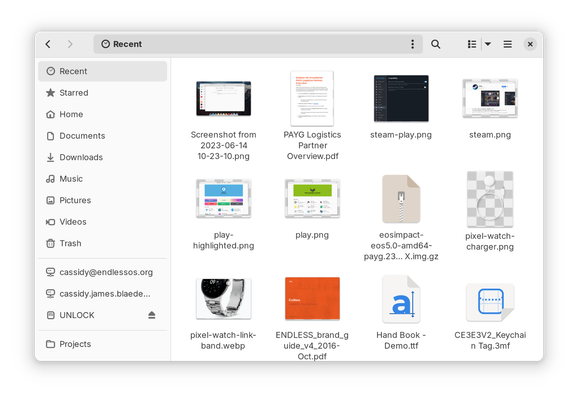
#GNOMEdesign #GNOME #UX

If you use GNOME, do you use the “Recent” view in the Files app? Note this is NOT the same as the file chooser, e.g. when opening a file in an app.

(Answer in the following poll.)

#GNOMEdesign #GNOME #UX

If you use GNOME, do you use the “Recent” view in the Files app? Note this is NOT the same as the file chooser, e.g. when opening a file in an app.

(See previous post for a screenshot, reply for context.)

#GNOMEdesign #GNOME #UX

Yes, frequently
22%
Occasionally
22.7%
Rarely
24%
Never
31.4%
Poll ended at .

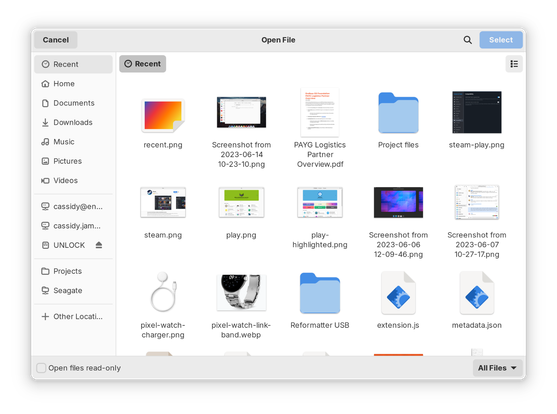
If you use GNOME, do you use the “Recent” view in the file chooser, e.g. when opening a file in an app? Note this is NOT the same as when browsing in the Files app.

(Answer in the following poll.)

#GNOMEdesign #GNOME #UX

If you use GNOME, do you use the “Recent” view in the file chooser, e.g. when opening a file in an app? Note this is NOT the same as when browsing in the Files app.

(See previous post for a screenshot, reply for context.)

#GNOMEdesign #GNOME #UX

Yes, frequently
43.6%
Occasionally
26.8%
Rarely
14.3%
Never
15.3%
Poll ended at .

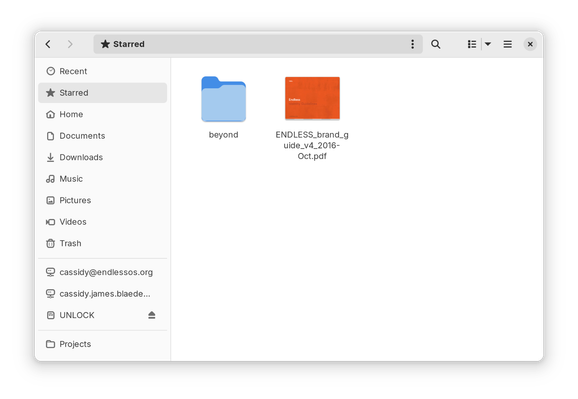
If you use GNOME, do you use the “Starred” view in the Files app?

(Answer in the following poll.)

#GNOMEdesign #GNOME #UX

If you use GNOME, do you use the “Starred” view in the Files app?

(See previous post for a screenshot, reply for context.)

#GNOMEdesign #GNOME #UX

Yes, frequently
7.5%
Occasionally
12.9%
Rarely
16%
Never
63.6%
Poll ended at .

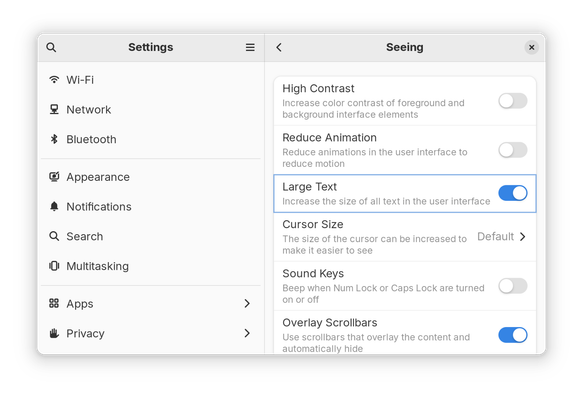
If you use GNOME, do you use the “Large Text” option in Settings → Accessibility → Seeing?

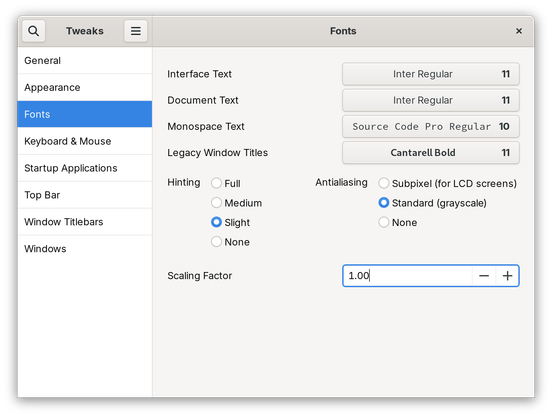
Alternatively, do you set a different font scaling factor somewhere else, e.g. in Tweaks?

(Answer in the following poll.)

#GNOMEdesign #GNOME #UX

If you use GNOME, do you use the “Large Text” option in Settings → Accessibility → Seeing?

Alternatively, do you set a different font scaling factor somewhere else, e.g. in Tweaks?

(See previous post for screenshots, reply for context.)

#GNOMEdesign #GNOME #UX

Yes, “Large Text” in Settings
8.9%
Yes, larger font scaling set somewhere else
14.7%
Yes, smaller font scaling set somewhere else
7.3%
No, no change to text/font size
69.1%
Poll ended at .

@cassidy I've set a larger font scaling using Tweaks on my laptop, I've found the default UI scaling too small on the FHD laptop screen, and the other scaling options didn't work well.

Fractional scaling works only on Wayland but the XWayland apps become very blurry. I've tried other scaling options as well and they also appear to be blurry.

@ymstnt YES the more-blurry-than-necessary XWayland apps when using fractional scaling is a huge pain, and my main gripe with it. I hope the right people hear this and change the scaling algorithm, at least, even if the apps are at 1×, they shouldn’t be blurrier than running them at 1×. :)