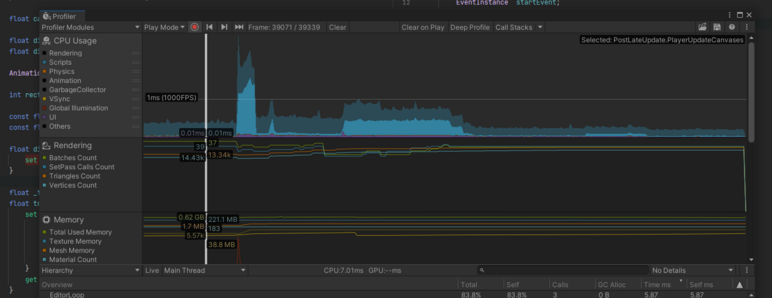
my unhinged ui shenanigans are finally coming back to bite me.

i wish i had someone to blame that isn't me!
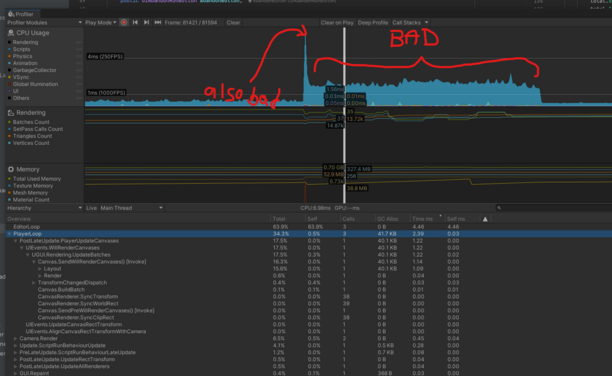
is there a way to move a UI thing around and not have Unity recalculate everything inside of it?

changed it to update localPosition instead of offsetMax and somehow got it down to almost 1/10 of the per frame allocations.

idk how exactly, but i'll take it!
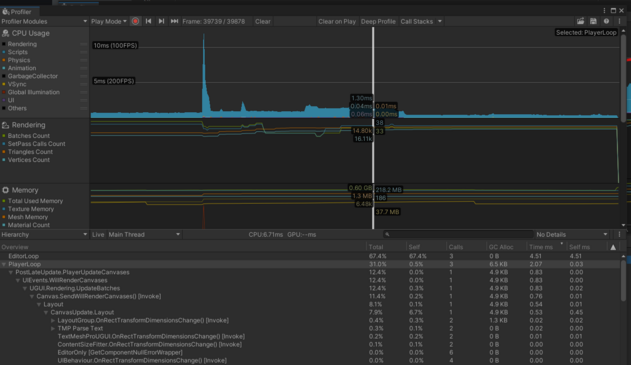
Maybe tomorrow, I'll deal with that ginormous spike on the left. Maybe.
couldn't resist sprinkling a few couroutines in there to spread it out a bit. same amount of work across 10 frames, takes a bit more time in total, but with some luck i can sneak it in under 16ms and you'll never know!
@grapefrukt isn’t it also a thing to disable all raycast targets while moving to prevent it from recalculating some static collision thing?
@joon maybe? i can try and see if it does anything.
@joon doesn't seem to do much in my case :(
@grapefrukt render it to a texture?
@grapefrukt I vaguely remember maybe doing that for the cards in Card Hunter.
@Farbs i bet that would work, but i'm gonna try and avoid it if possible, since that'll just break in some new way! 😭
@grapefrukt from my memory to 2020, multiple canvases. Basically, chunk groups of UI that change together in their own canvas. Can be nested too.
@grapefrukt I think separating static elements and dynamic elements into different Canvases is about all you can do...