Casey Liss
It'll be better, they said! 1Password 8 is our best yet*.
* = for us. For the customer, it's tale of 1000 papercuts.
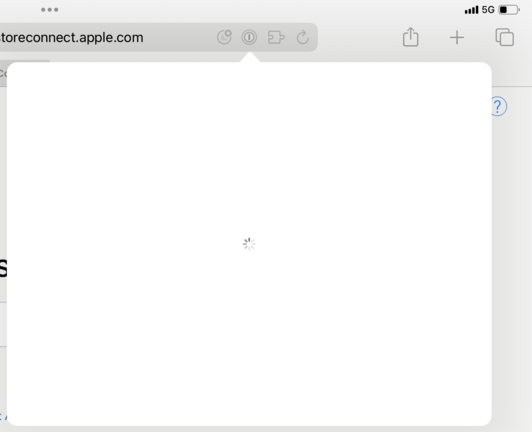
It'll be better, they said! 1Password 8 is our best yet*.
* = for us. For the customer, it's tale of 1000 papercuts.
Update: I disabled and re-enabled the Safari extension. It now shows the extension... but won't autofill.
🥴
@MrRooni with respect, I hope 1Password 8 has been spectacular for y’all. Because for me, it’s been the opposite.
The problem with setting such a high bar with 7 is that it makes it hurt that much more when 8 misses the mark.
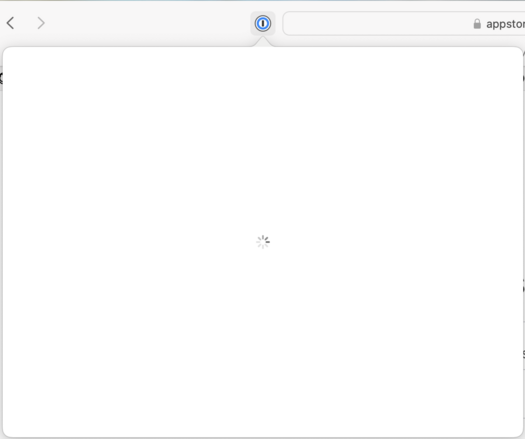
@MrRooni I was prompted to TouchID seconds before this. Once I did, everything disappeared, and now I see this.
I really don't mean to beat a dead horse here, but truly, 1P8 is an exercise in papercuts.
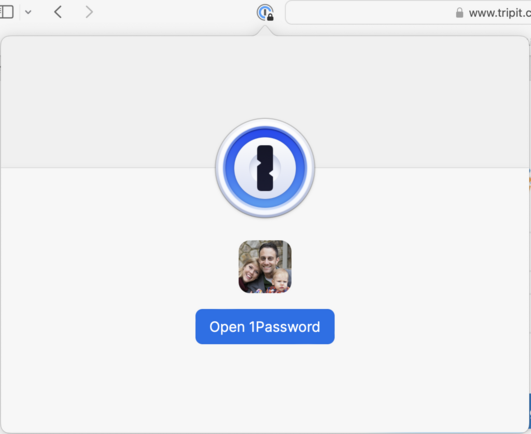
@MrRooni The other really shitty part is, these issues may very well be with Safari. And in 1P7, everything was so rock-solid, that I'd have blamed Safari first.
But now, my natural assumption is that it’s 1P8's fault, because so many things are broken in small and insufferable ways these days.
Y'all have bought internal speed/ease of development by spending my confidence and enthusiasm.
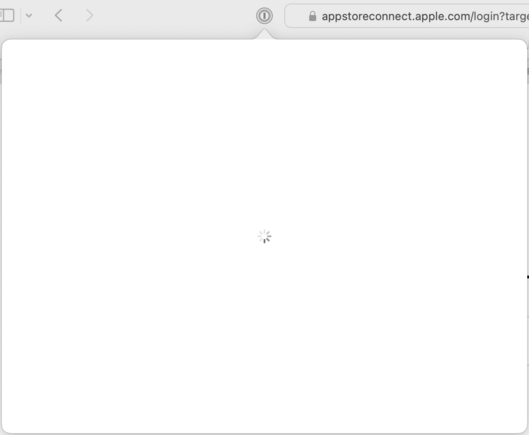
@MrRooni Aaaaaaaand just found myself in this infinite loop again.
 Michael Fey