@igorkulman @steipete It’s related to multicast DNS (Bonjour) in some way, and disabling wifi certainly seems to help in some setups, but my current setup does not suffer from the issue although I constantly ran into it when we lived at our old place. Router/DHCP server hasn’t changed, although our new ISP doesn’t do IPv6 🙄 and come to think of it we have a new Wifi AP, so perhaps it’s to do with multicast handling in the AP?
 Peter Steinberger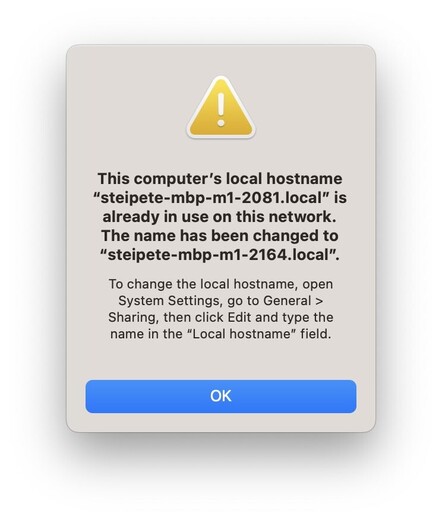
 Igor Kulman
 Phil Dennis-Jordan