Forward thinking and designed for real life with an improved sideloading and alt store experience, power profiles management, and using a next generation UI toolkit. OS 7 Helps you get the apps you need, Empowers you with new features and settings, and evolves our developer platform. Download it now for a pay-what-you-can price! https://blog.elementary.io/os-7-available-now/

elementary OS 7 Available Now

Forward thinking and designed for real life

It’s been just over a year since we released elementary OS 6.1 Jólnir which brought new features and fixes based on your feedback, introduced new office productivity features, and expanded compatibility with a wide range of hardware. So far, OS 6.1 has been downloaded from our website over 400,000 times—150,000 times more than 6.0—and as always, that’s not including downloads from third parties or direct downloads via torrent that bypass our download page!

Today we’re proud to announce that OS 7 is available to download now and shipping soon on several high-quality computers. To get elementary OS 7 now, head to https://elementary.io for the download.

With OS 7, we’ve focused in on 3 main themes. Which is most important to you?

Helping you get the apps you need
37.6%
Empowering you with new features and settings
47.9%
Evolving our developer platform
14.5%
Poll ended at .
Thoughtful, capable, and ethical computing ⋅ elementary OS

Thoughtful, capable, and ethical computing

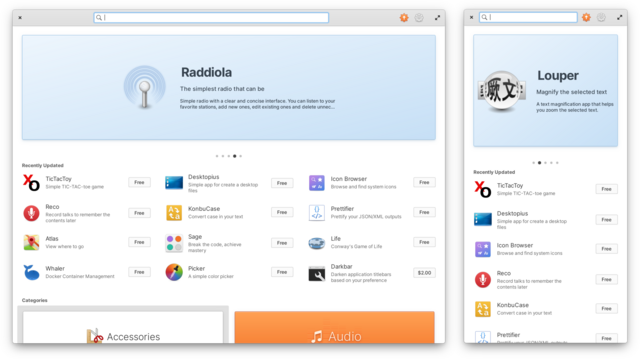
The primary purpose of any operating system is to support the apps that you use to work, play, and express yourself creatively. In the latest version of AppCenter we’ve made app descriptions more engaging with more information, made it easier to update to the latest versions of apps, and improved support for sideloading and alt stores. We’ve also worked on responsiveness—making sure you can comfortably use it when tiling and on small displays as well as better using space on large displays.
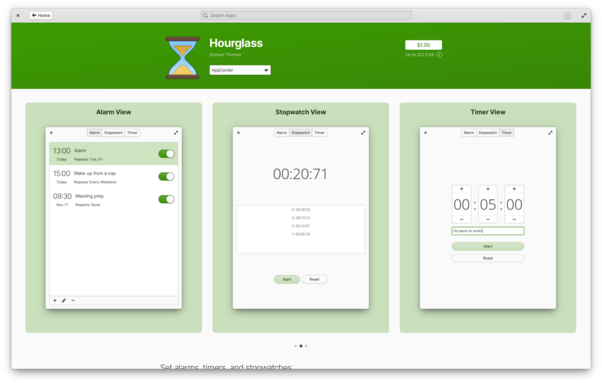
The biggest change you’ll notice when viewing app info pages is the improved emphasis on screenshots. Carousels now fill the width of the window, showing more screenshots at once. They can now also be accompanied by captions, which can help describe individual features as well as making pages more #accessible to folks with vision-related disabilities. And finally each screenshot now sits on a card that uses the app’s accent color, showing off more of the developer’s personality.

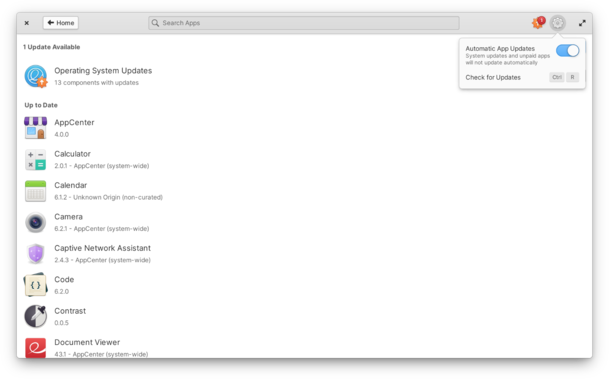
@FlatpakApps makes it simple for developers to publish app updates quickly and now you can get those updates automatically. If you’d still like to check for updates on your own, there’s now a handy menu option.

AppCenter now also installs OS updates offline. Packages are downloaded during your session and then quickly installed whenever you decide to restart, without forced or automatic shutdowns.

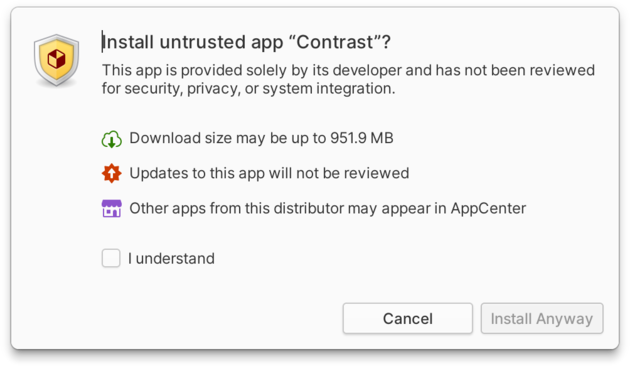
#Sideloading apps and using alt stores like #Flathub is a major feature of elementary OS and a competitive edge over closed platforms that only let you install apps from a locked down store. In this release we’ve made several improvements to smooth out the experience of using alt stores based on your feedback and the latest #CrossPlatform standards.
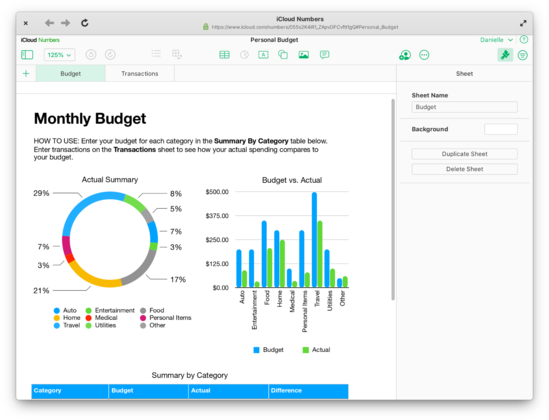
We’re shipping the very latest @gnome Web 43 which includes support for creating #WebApps which show in the applications menu. They can have their own settings including privacy controls and can even run in the background
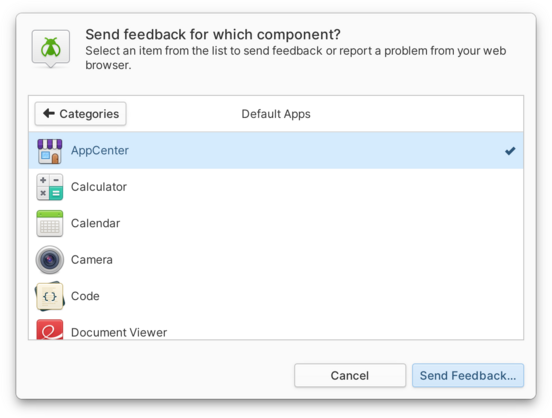
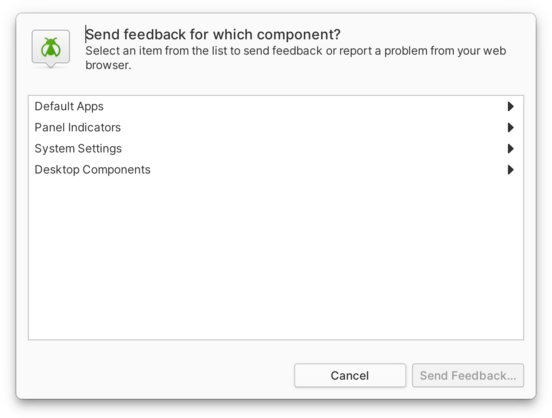
The ability to send feedback directly to developers, see development happen transparently, and receive fixes and new features as updates quickly is one of our greatest strengths over both proprietary platforms and traditional Linux distributions. The Feedback app is a critical component in beginning this loop, so this cycle we’ve brought some major improvements to it including instant launch times and you can now access the Feedback app directly from the applications menu
@elementary this could be expanded to have an "installed apps" section that opened up the bugtracker URL from the appdata