 blarp
blarp 
 Command Line Magic
Ever want to quickly see a hex color value from the command line? Try using ImageMagick display and making a easy to use function to call it.
showcolor() { display -size 400x400 xc:"#${1}"; }
showcolor 6823AF
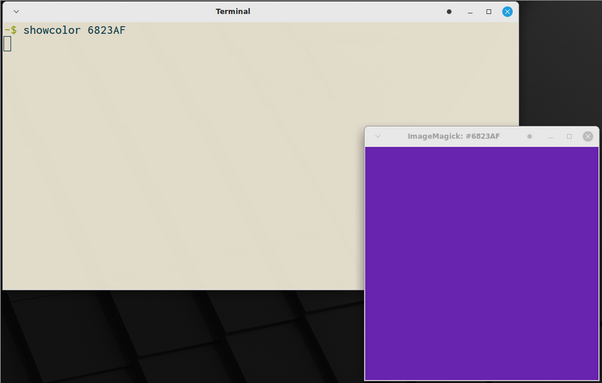
Ever want to quickly see a hex color value from the command line? Try using ImageMagick display and making a easy to use function to call it.
showcolor() { display -size 400x400 xc:"#${1}"; }
showcolor 6823AF
@climagic You can view colors directly on the command line with pastel or colorpedia.
pastel color 6823AF
https://github.com/sharkdp/pastel
color hex 6823AF
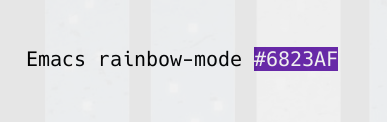
@climagic how about a bash script to see a hex color _on_ the command line (fills a truecolor-capable terminal):
showcolor(){ printf "\e[48;2;%d;%d;%dm%*s" 0x${1:0:2} 0x${1:2:2} 0x${1:4} $(($COLUMNS*$LINES));}
 Sven Geggus
 Thom Zane
 oylenshpeegul
 Mark Fraser
 Shiar
Shiar