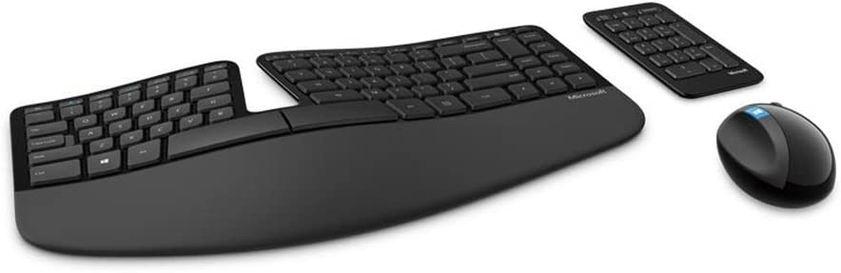
Opened up a random microsoft keypad. It has no names on it, which I hate.
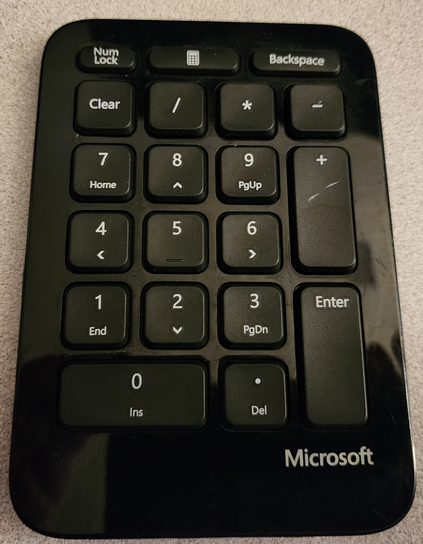
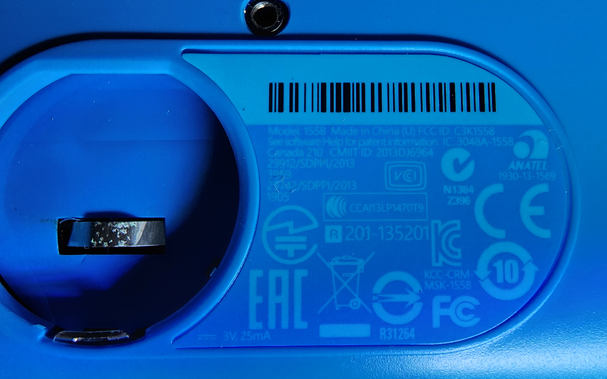
but if you open the battery compartment, which requires a screwdriver, there's a label in here. Model 1558, FCC ID C3K1558.
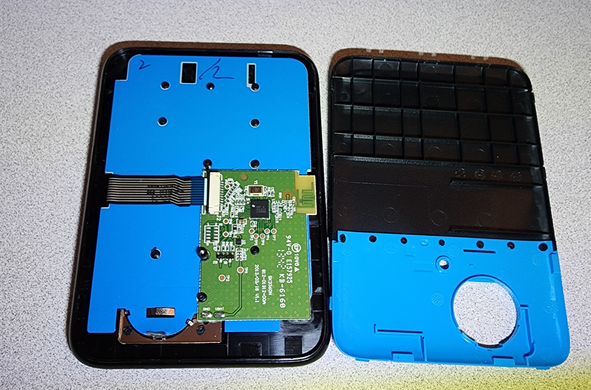
opening the back, it's got one little PCB, and that's all.
The membrane to the front is held on with ultrasonic welding
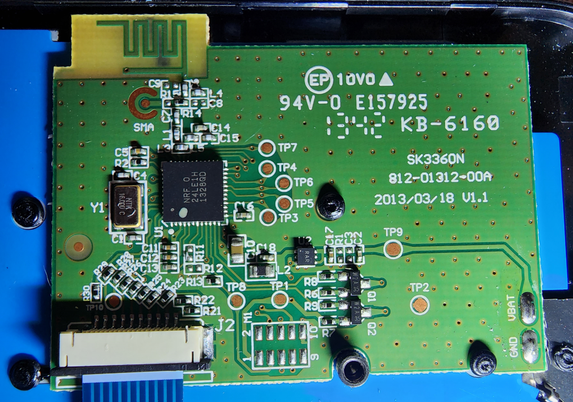
The PCB is pretty simple. It's got a built in antanna, a couple mosfets, and two chips.
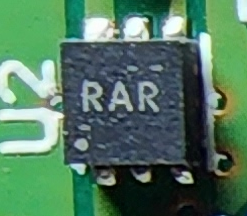
u2 is a 6-pin chip with the label "RAR" on it. Probably something voltage related, given the position.

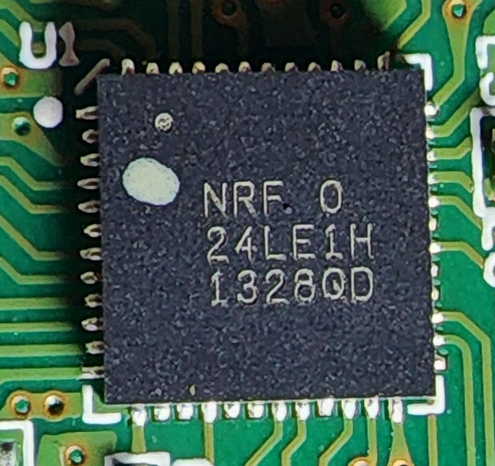
The main chip is an nRF24LE1 from Nordic Semiconductor.
It's a microcontroller with 16 kilobytes of flash, 1 kilobyte of RAM, another 1.5 kilobytes of NVRAM, and it does 2.4 GHz wireless.

AND PUNCH OUT ANOTHER ENTRY ON YOUR CARD, IT'S AN 8051!
The datasheet doesn't say anything about bluetooth or wifi, so this probably talks a proprietary wireless protocol to a USB dongle of some sort. One I don't have, annoyingly.
and apparently this goes with the Microsoft Sculpt Ergonomic Wireless Desktop Keyboard and Mouse
@foone kinda. They were included but you can also buy them separately. They've gotten a facelift since then: https://www.microsoft.com/en-ca/d/new-microsoft-number-pad/8v4nh9q07xc8?activetab=pivot:overviewtab
Buy the Wireless Number Pad - Microsoft Store

Shop the Microsoft Wireless Number Pad. Work with numbers faster & make your Windows 10 PC or compact keyboard more productive with a Bluetooth numeric keypad.

Microsoft Store
@foone Not Bluetooth but an included USB dongle. I have used this keyboard for years and love it. I like that the Numpad is separate which makes the keyboard itself compact. BTW I've never used the numpad piece.
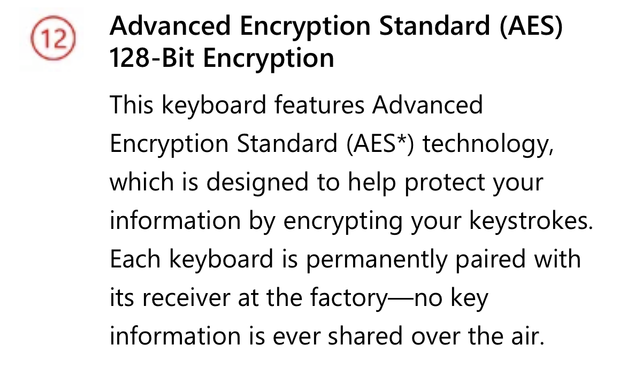
@foone with a factory-paired AES key, something I’ve been curious about. Discussed in this Ars article https://arstechnica.com/information-technology/2015/01/meet-keysweeper-the-10-usb-charger-that-steals-ms-keyboard-strokes/
Meet KeySweeper, the $10 USB charger that steals MS keyboard strokes

Always-on sniffer remotely uploads all input typed into Microsoft Wireless keyboards.

Ars Technica

@bitfliq @foone I absolutely detest factory-paired keys, and a -lot- of newer wireless devices do this. I hate that if a cheap dongle dies or is lost, there's no way to pair a new one. It's just e-waste. This is why these days I try to go either legit bluetooth, or Logitech's similar "Unifying receiver" product line. At least those you can get cheap new dongles easily enough even now. e.e (Or repurpose ones where the peripheral died!)

That's no excuse for the older security issues though.

@foone Indeed. My preferred ergonomic keyboard.
@foone Best keyboard ever 😊 The numpad is completely useless though 😀
@foone love these kinds of keyboards
@foone Like others have said, it goes with a very lovely keyboard. But, sadly tied to a single dongle and useless without the original. There's no way to re-pair or add/remove devices from a dongle.
@foone yup! I’ve got the pair of those on my desk right now.