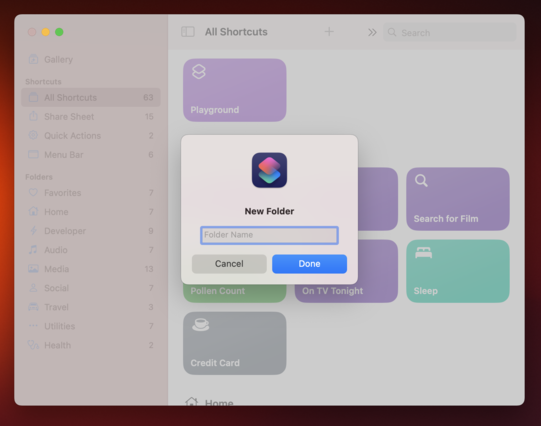
An alert presented in Mac Catalyst vs. an alert presented in a cross-platform SwiftUI app.

Small things like this make me question if it was the right decision to go with Mac Catalyst.
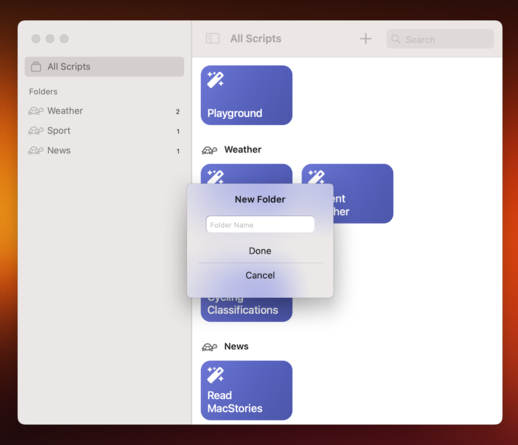
Trying to recreate my UI in a cross-platform SwiftUI app. I've gotten the alert working except:

1. The TextField is a bit small. I can't seem to make it taller.
2. The TextField isn't focused when the alert is presented. This is very annoying. I tried all sorts of combinations of .focused() and can't seem to get it working.
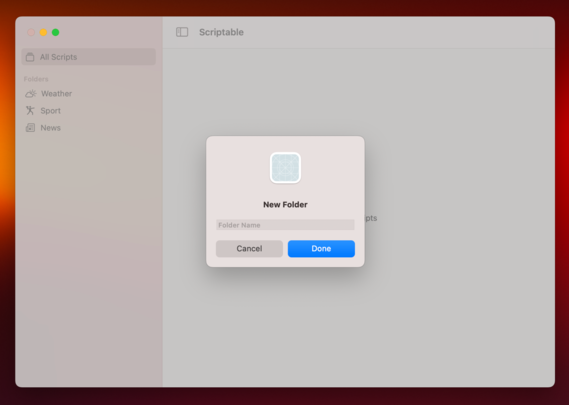
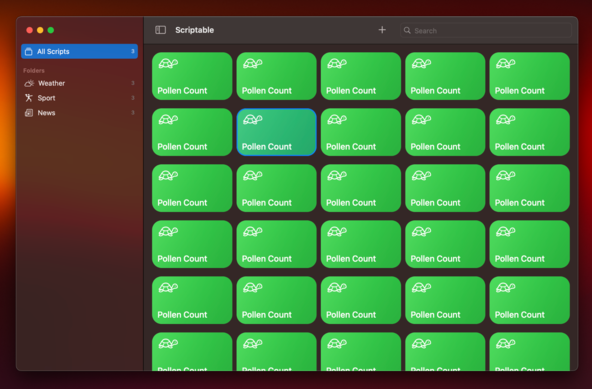
Most of the UI has now been rewritten from Catalyst to cross-platform SwiftUI. It still needs to be hooked up to the data layer which likely requires some rewriting too in order to observe it from SwiftUI. So far I like it but I'm sad to loose my band selection interaction. Will sleep on whether to stick with the Catalyst version or start using this SwiftUI version.
@simonbs I had a similar issue with focusing on a text field that just appeared. If memory serves, focusing it after a delay works (In my case I think 0.5s was the minimum). Alternatively I’ve also used introspect to set it to .becomeFirstResponder(). That was for an iOS app so take it with a pinch of salt.
@Rlfb I also tried a delay. This seems to work for many people in the Internet too but it didn't for me. I think the issue is that the TextField resides in an alert.
@simonbs Catalyst is so weird in certain areas. :/

Have you tried the becomeFirstReponder() function for focusing the text field?
@Viditb This is a cross-platform SwiftUI app so I don't think I can call becomeFirstResponder().
@simonbs Ah! Sorry , for some reason I thought you were working with Catalyst.
@Viditb I also have a version that's using Catalyst but I'm exploring if I should go with a cross-platform SwiftUI codebase instead.
@simonbs @Viditb You could try to use the Introspect library. Not ideal if you want to avoid third party libs but I’ve found it essential to get certain things done…
@simonbs I ran into this too. Ended up using NSAlert instead.
@adam @simonbs Is it possible to add a text field to NSAlert somehow? I don't see it mentioned on https://developer.apple.com/documentation/appkit/nsalert
Apple Developer Documentation

@nighthawk @simonbs Yes, you can set it as the alert’s accessoryView.
@simonbs We were frustrated by limitations/quirks/bugs in both Catalyst and SwiftUI. Settled on Catalyst in the end.
@simonbs It feels like on iOS/Catalyst the SwiftUI workarounds requiring “just wrap UIKit” are decreasing while native SwiftUI on MacOS will require a lot more “just wrap AppKit”, which I am not yet familiar with. Tough choices all around.
@simonbs IIRC the unmodifiable small TextField height is also what you get on Catalyst when building “Optimized for Mac”.