
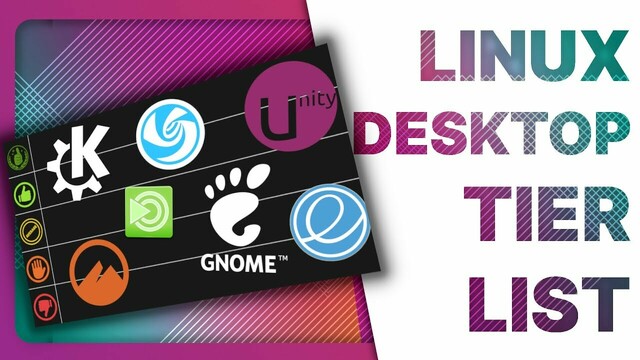
To start the new year, here's a super innovative kind of video, where I rank every #Linux desktop environment I tried into 5 different categories denoting how much I would be susceptible to use them.

Ok, FINE, it's a tier list.

But don't worry, it's not the "look at tier maker for 20 minutes" kind of tier list, there's some actual stuff to look at:
#opensource #tierlist

https://youtu.be/09cYQJBgKEs

Ranking Linux Desktop Environments for 2023

YouTube

@thelinuxEXP Just to comment on your coverage of Budgie as one of the developers: we haven't been sitting idle since Josh left Solus, there's actually been a lot of activity. We put out five releases last year—one minor and four patch—and have a big new release coming before the end of January. I'd suggest checking out the blog at https://blog.buddiesofbudgie.org, especially the year in review that was posted on the 1st.

Also, Ubuntu Budgie is pretty different from the stock experience :)

Buddies Of Budgie

Official blog of the Buddies of Budgie organization and Budgie Desktop environment

Buddies Of Budgie
@serebit Thanks for letting me know! I must have missed that!!
@thelinuxEXP No problem! And just to clarify the UB point: Budgie explicitly supports distros doing their own thing with Budgie's layout and config, but when UB is the only one shown, it's easy for viewers to think that UB's Budgie config is what Budgie normally looks like. Solus and EndeavourOS, and eventually the Fedora Budgie spin releasing with 38, are much closer to "stock" Budgie, and I would recommend showing one of them alongside UB to give a clearer picture of what Budgie is all about.
@serebit @thelinuxEXP Endeavous OS does not provide a live environment with Budgie Desktop, their live env is XFCE, so unless Nick happens to have an install around, it's likely either old A-roll from past videos or new A-roll from a live environment. In the case of Solus, unless you are using old hardware you won't even be able to boot it up.
@JoshStrobl @thelinuxEXP Yeah, a VM would likely be necessary—or, if you don't want to jump through too many hoops, there are screenshots on the blog and GitHub that show the more traditional default layout. You can also switch the layout in UB via presets, and I believe the "traditional" option is the one that aligns with the default settings.