 James Brown
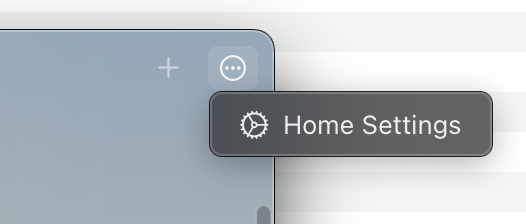
I used Home.app on #macOS #Ventura for the first time today and I don't think anyone at Apple ever tested this on a desktop monitor before. Where do you think you can access the settings for this app, from this screenshot?
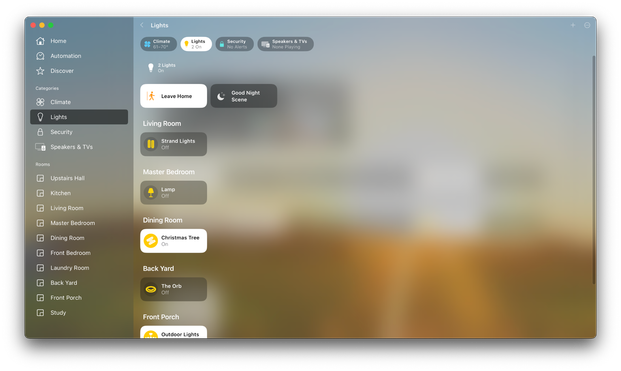
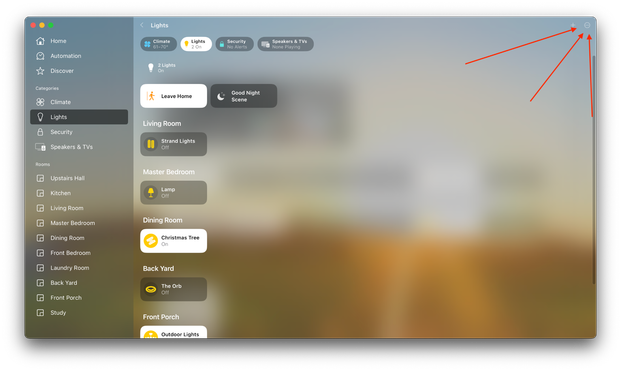
Let's click it and see how many options there are. There must be a lot, since Apple had to hide it behind a three-dot "more" menu...
Oh wait... It literally just has one item in the popup menu.