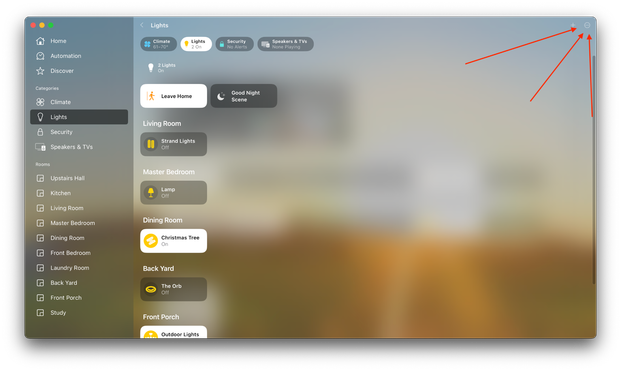
I used Home.app on #macOS #Ventura for the first time today and I don't think anyone at Apple ever tested this on a desktop monitor before. Where do you think you can access the settings for this app, from this screenshot?
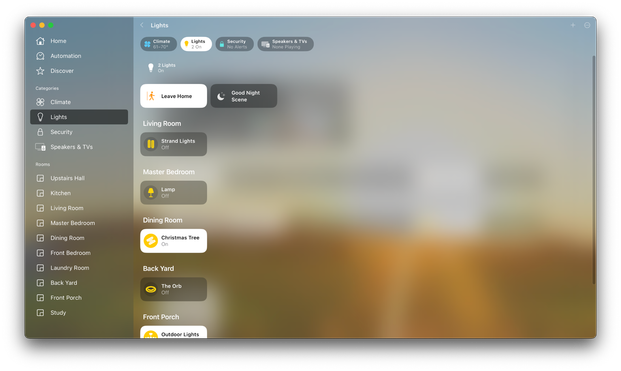
Hint: there is no Preferences or Settings menu item; it's somewhere on screen. Did you find it yet?
Oh look, what is this *BARELY VISIBLE SEMI-TRANSPARENT* ... button in the top-right corner of the window?

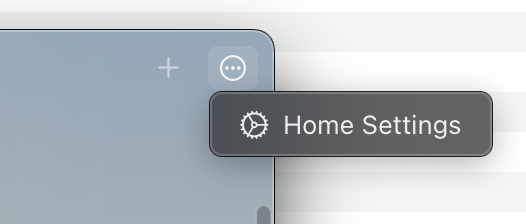
Let's click it and see how many options there are. There must be a lot, since Apple had to hide it behind a three-dot "more" menu...

Oh wait... It literally just has one item in the popup menu.
Apple totally redesigned this application in Ventura and I think all they did was add the sidebar. This is still a *terrible* Mac app.
@roguelazer out of interest, what does command+, do?
@roguelazer command + , or from the 3 dots on the top right or from the home menu
@roguelazer I just opened the app for the first time as well (and realized you already gave away the answer) but you are absolutely not wrong. This is horrendous for an app put out by Apple