mcc
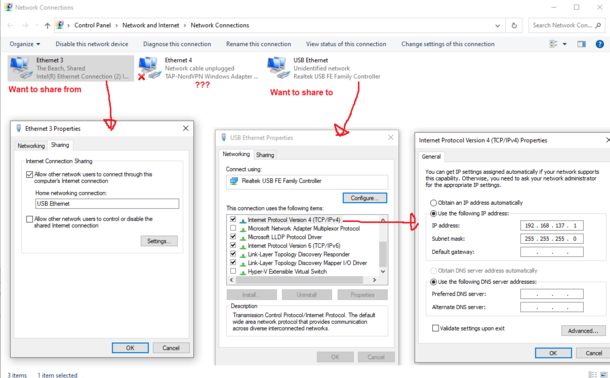
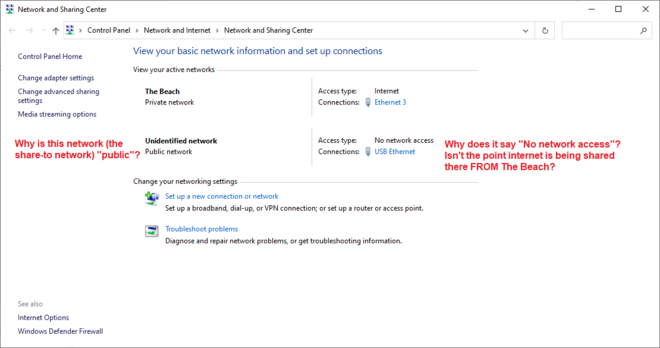
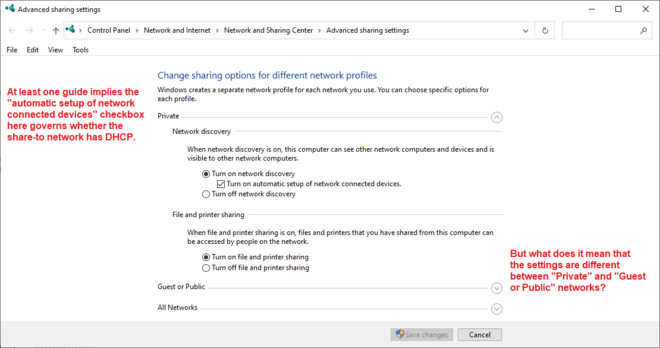
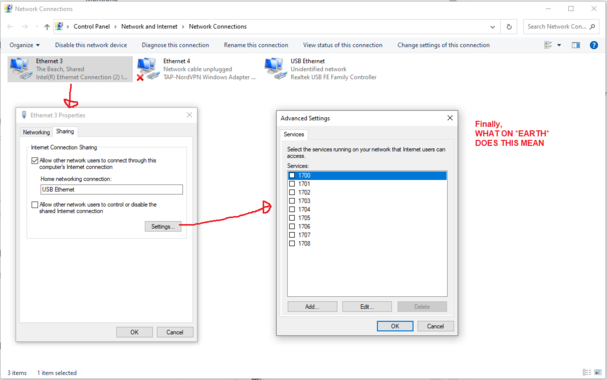
mccI have a Windows 10 machine with two Ethernet interfaces. For Important Reasons I want to share internet from interface A to interface B. I cannot figure out how to do this. There are multiple control panels governing this, showing non-overlapping sets of information. There are multiple guides on the Internet, some of which I have followed the steps in to no avail.
What I'd love is a list somewhere of what's being shared from, what's being shared to, and on which connections DHCP is active.
 Alexander Hamizdat