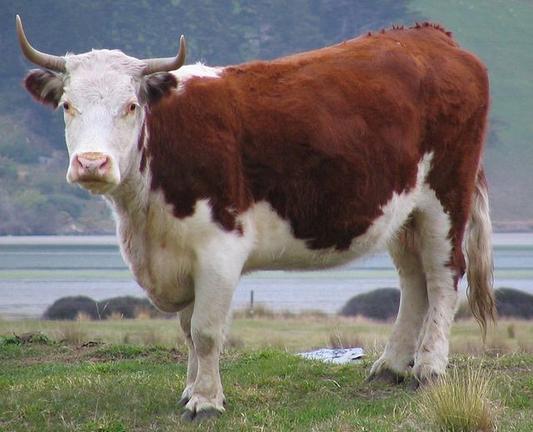
Have you posted a photo on Mastodon and the preview image hides something important?

If you're using the web version of Masto, you can alter the focus of the preview image when posting photos. Just click "Edit" on the image and move the circle around. When you've finished click "Apply".

(And while you're editing, do remember to add an image description for blind people!)

The two photos below are identical, but one has the focus set to the right and one to the left.
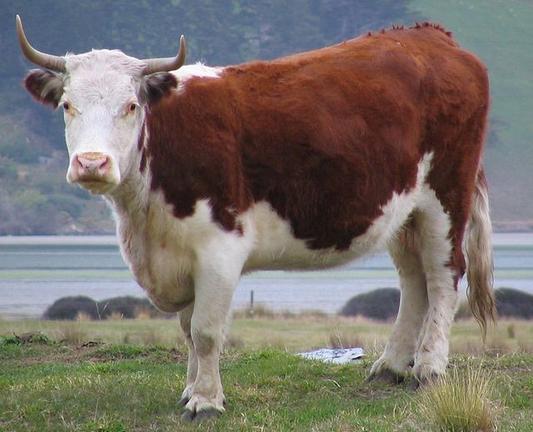
#MastoTips #Mastodon #FediTips

@feditips
The change of focus does not work in my client (#whalebird) both images look the same in the preview 🤔

@Aletsch

The effect of editing focus depends on the shape of the image and the way your app formats preview images, what the cropping is, how it lays out multiple images etc.

In some combinations of image and app, there will be no need to edit focus because the preview and image aspect ratios are identical and there's no need for cropping.

For example, a single preview image on the website and official app is 16:9 so if you're posting a single 16:9 image the focus won't have any effect, because there won't be any cropping.