 FediTips has moved!
Have you posted a photo on Mastodon and the preview image hides something important?
If you're using the web version of Masto, you can alter the focus of the preview image when posting photos. Just click "Edit" on the image and move the circle around. When you've finished click "Apply".
(And while you're editing, do remember to add an image description for blind people!)
The two photos below are identical, but one has the focus set to the right and one to the left.
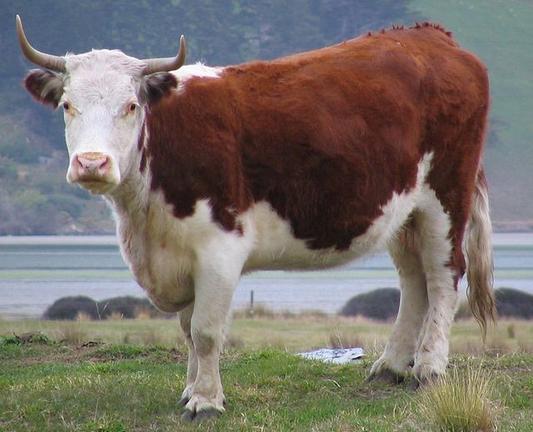
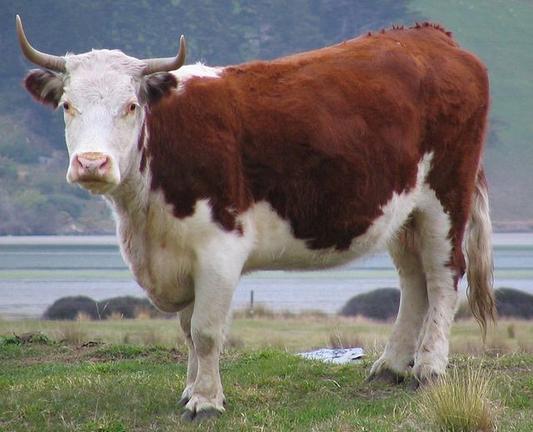
 Takiro 🎨