Xbox One S with a "bad HDMI port" arrived today. It's been painted a rather dark purple-ish color, fairly well done, actually. Still had a warranty sticker on it and from what I saw inside, yeah I think it hadn't been opened before. Most of the intakes were clogged with dust etc. Hooked up and powered on. Fired up and.. displayed. Ok.. reached back and wiggled the cord.. blink. Aight, might need to reflow the port.
Disassembled, cleaning along the way. Thermal paste was more cement than paste. Checked the port and thought "you know, this is solid on the board, the pins are fine... say what's this?" Turns out the outside frame of the port was bent a bit so it was wiggly. So I went at it with a pry tool and pliers and bent it back into place to where it barely moved any more.
New paste on the APU, put the bits back together enough to hook it back up and test. Fired up, displayed, and this time when I wiggled the cord.. no blinks. Put it back together all the way and brought it in to do more testing. Updated, logged in my profile, DLd the Doom collection, installed fine. Played for an hour and no issues at all. Still sitting there running right now.
Yeah '94 Doom isn't the most demanding game, but I literally don't have any Xbox One discs, lol. Never bought any physical games for the One I had or the Series X I have now, just use em for Game Pass. I did stick a 360 game in it and it read it and knew what it was and initiated the file DL from M$ servers so that's promising, I think. .. Yeah I really should drop by Game Stop and get the cheapest Xbone game I can find so I at least have one to test with.
Now I have 2 Xbones I can sell, a One X and this One S. I should prob get on with that heh.
#DIY #TechRepair #XboxOneS #ThereWasntEvenThatMuchWrongWithIt
 Winbuzzer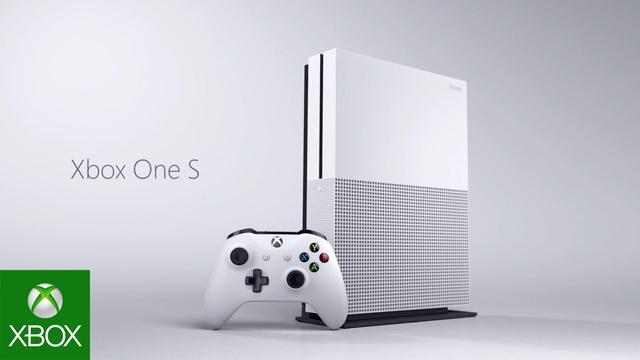
 Dustin
 Sideshowhost


 Álvaro R. G. 🇪🇸🍉


 Anna Saultron
 Гам Вон Швиц
 blackknight95857669