I have added a new article to my own #HIG for Mac apps: Toolbar Guidelines.

This article goes over how to design, organize, and use built-in #NSToolbar & #NSToolbarItem objects and their features.

It also goes over system behaviors when toolbars are mixed with Sidebars, Inspectors, & multi-content layouts!

As a bonus, it also goes over bottom bars & accessory bars. Check it out and let me know what you think!


#AppKit #SwiftUI #macOS #MacOSX #Mac #UIUX #Toolbars

https://marioaguzman.github.io/design/toolbarguidelines/

Toolbar Guidelines

The following sections are general guidelines that describe fundamental Toolbar layout and design principles on the Mac. Following these guidelines will help you create functional and aesthetically pleasing toolbars that are easy for Mac users to understand and use.

Mario Guzman
#macOS allows you to customize #toolbars in macOS windows, as well as status and path bars which provide additional info. https://tchlp.com/436Qake
How to customize macOS Finder window toolbars

Toolbars in macOS make performing common tasks much easier in apps, but you can make them better. He's how to arrange them to your liking.

AppleInsider

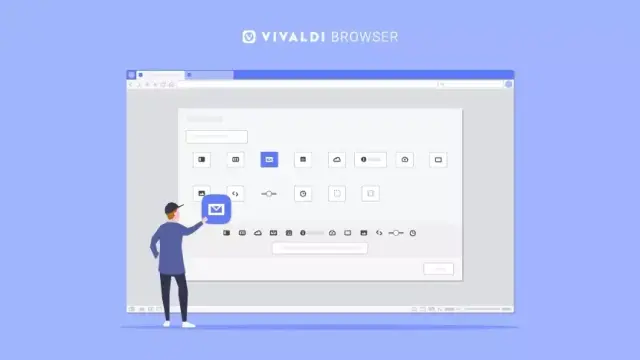
Step by step, we’ve made the #browser’s user interface more and more customizable. The latest update to #Vivaldi added interplay between the Panels and #Customizable #Toolbars so that elements could be moved between them.

Some keep their #modifications modest, others go all out. Where do you stand? Let us know which changes you have made to the user interface now that Panels have entered the game.