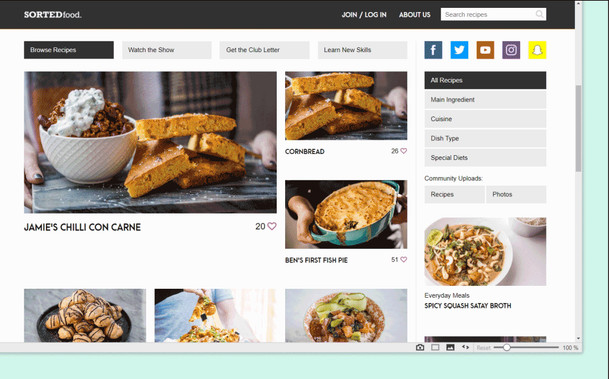
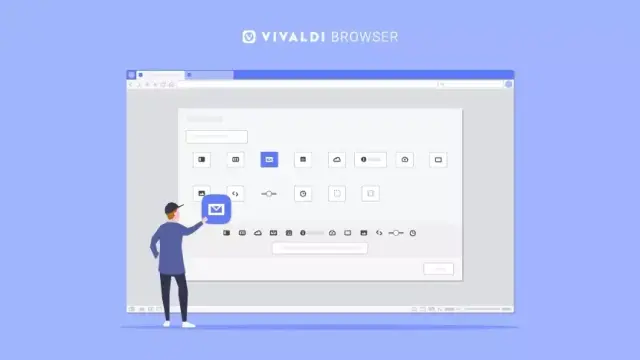
Step by step, we’ve made the #browser’s user interface more and more customizable. The latest update to #Vivaldi added interplay between the Panels and #Customizable #Toolbars so that elements could be moved between them.

Some keep their #modifications modest, others go all out. Where do you stand? Let us know which changes you have made to the user interface now that Panels have entered the game.

@Vivaldi I wish the UX could be resized, the fonts need to be a little larger for my ageing eyes :)
@t3kk @Vivaldi Go To settings, check out Appearance there and you will find user interface zoom there. It scales the UI.
@Hlini @Vivaldi It scales the UI agreed, but it doesn't scale all of it - in particular any bookmarks which are in folders on the bookmarks toolbar, the fonts there never get any larger..... Not here anyway....
@t3kk @Vivaldi Strange, When I change that I get both the ui and text scaled up for me everywhere I check.
@Hlini @Vivaldi Check out these captures. Zoom 100%, then 120% then 140% as you can see the font size in the URLs in folders is the same.
@t3kk @Hlini @Vivaldi That pop-up menu is native, so it's rendered in a different way. Don't know if it can be scaled on the fly
@helmers @Hlini @Vivaldi I thought as much. If you recall we discussed that a couple or so years ago when you were coding on Vivaldi.
@t3kk @Vivaldi Same. This is keeping me from using the notes feature.
@locrian @Vivaldi thanks for confirming I’m glad it’s not just me.
@t3kk the user interface can be resized! Go to Settings → Appearance → User Interface Zoom.
https://help.vivaldi.com/desktop/tabs/zooming-options-in-vivaldi/#Zoom_the_user_interface
Zoom options in Vivaldi | Vivaldi Browser Help

There are many ways to adjust the zoom in Vivaldi. Find out how to configure the zoom of your browser.

Vivaldi Browser Help
@winghongchan See what I posted earlier, this does not affect the font in that part of the interface.