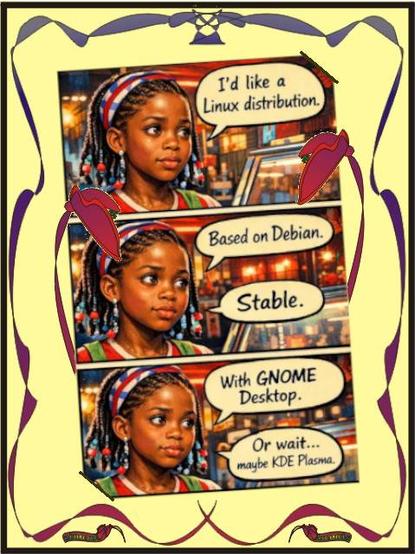

In general terms speaking, it's quite simple to create a comic like image Canvas with GIMP from a photo or other image.

To begin with, the image was sized in Image > Scale Image... to the standard canvas defined for the #scriptedTales project as:
1920px * 1080px

In:
Filters > Artistic
you'll find the option:
> Cartoon

The respective tool box will open.
In this example the metrics chosen were:
Mask radius: 20
Percent black: 0,8

@[email protected]

@studi0

#scriptedTales
  • First frame:
    scriptkiddie@debian:~$ > sudo prompt tale > ..
  • Second frame:
  • Frame three:
  • four:
  • five
  • ..

@edit @editde @edites