 FabScene(ファブシーン)| テクノロジーの「現場」を記録するメディア [Unofficial]
ラズパイと1928年の映写機で、17歳だった父のアメフト映像を劣化したフィルムから救出

ラズパイと1928年の映写機で、17歳だった父のアメフト映像を劣化したフィルムから救出
How bad is it?
Friend wants to buy a Raspberry Pi 500+ after seeing my post about it and playing around with the machine last night.
Messaged me a bit earlier.
Them: Oh sorry to ask but how much was your machine?
Me: Let me find the Invoice ... 189,99€ got a 10€ savings thingy on it so regulary 199,99€.
Them: You have to look at the current pricing.
Me: Okay let's see... 328,79€ fuck me that's more than mine was with the 2TB SSD, the mouse and the the usb hub with 2.5 Gbit ethernet.
I hate it here.


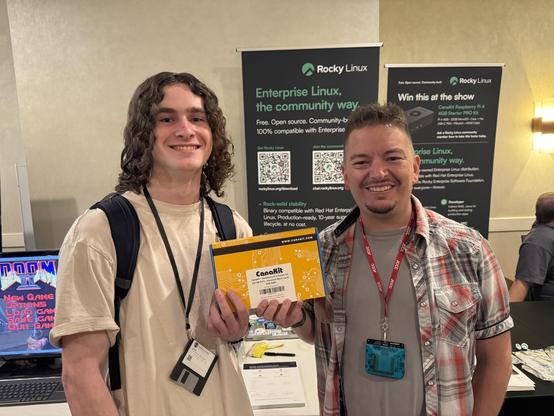
Day 2 of #SELinuxFest has kicked off: You should stop by our booth and grab a #RockyLinux tshirt!
Interested in winning a #RaspberryPi ? Come by the booth at 4:45ET with a 60 second pitch of what you'd use Rocky #linux to build!

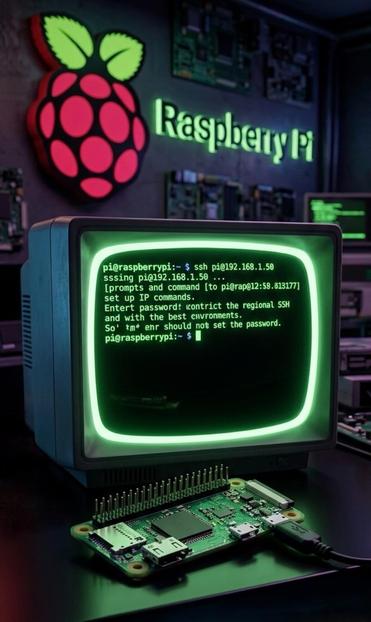
 SSH over USB on a Raspberry Pi.
Setting up access to a headless Raspberry Pi is one of those tasks that should take a few minutes, but for some reason always seems to take much longer. The most common method is to configure Wi-Fi access and an SSH service on the Pi before starting it, which can go wrong in many different ways. I’ve, for example, recently spent a few hours failing to set up a headless Pi on a network secured with Protected EAP, and was eventually driven to using SSH over Bluetooth.
⁉️This could thankfully soon be a thing of the past, as [Paul Oberosler] developed a package for SSH over USB, which is included in the latest versions of Raspberry Pi OS.⁉️
https://www.raspberrypi.com/news/usb-gadget-mode-in-raspberry-pi-os-ssh-over-usb/

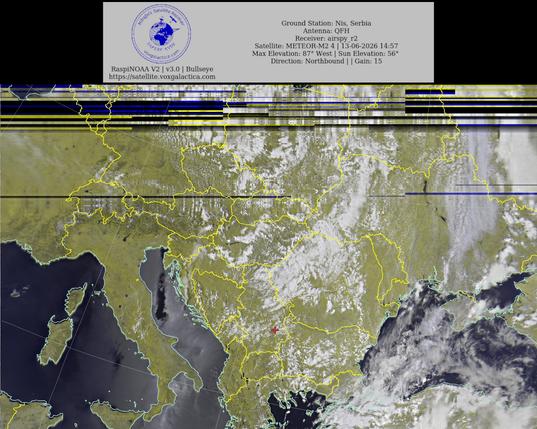
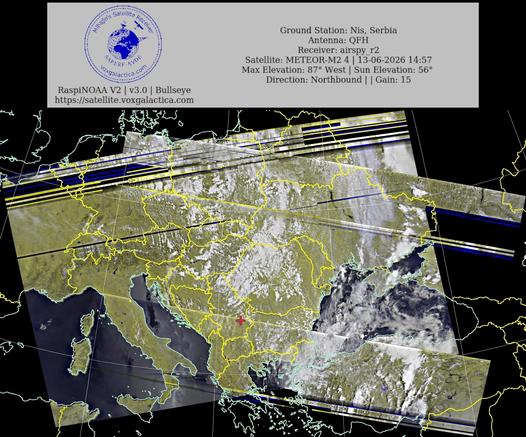
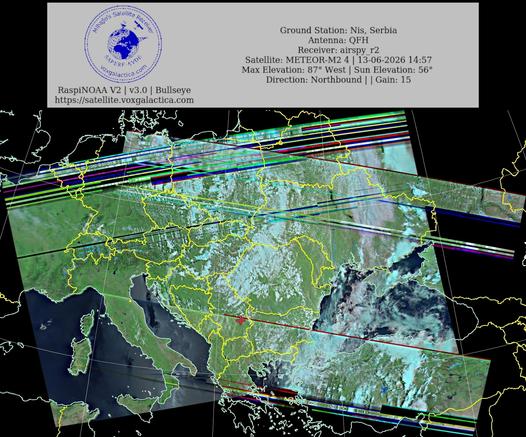
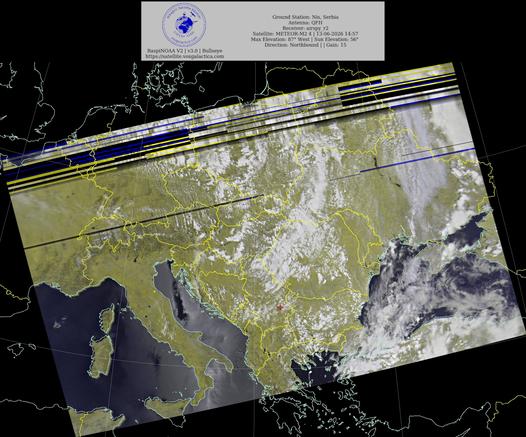
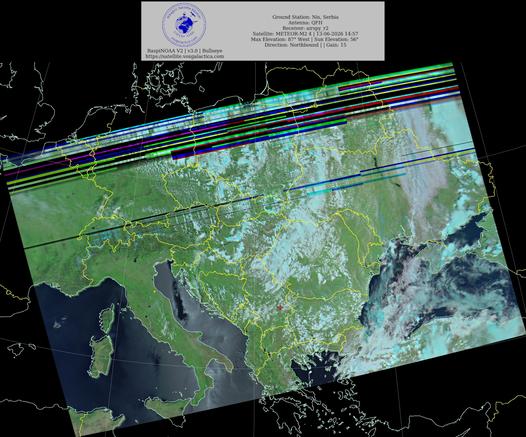
🇷🇸Ground Station: Nis, Serbia METEOR-M2 4 13-06-2026 14:41 CEST Max Elev: 87° W Sun Elevation: 56° Gain: 15 | Northbound
#NOAA #NOAA15 #NOAA18 #NOAA19 #MeteorM2_3 #MeteorM2_4 #weather #weathersats #APT #LRPT #wxtoimg #MeteorDemod #rtlsdr #gpredict #raspberrypi #RN2 #ISS
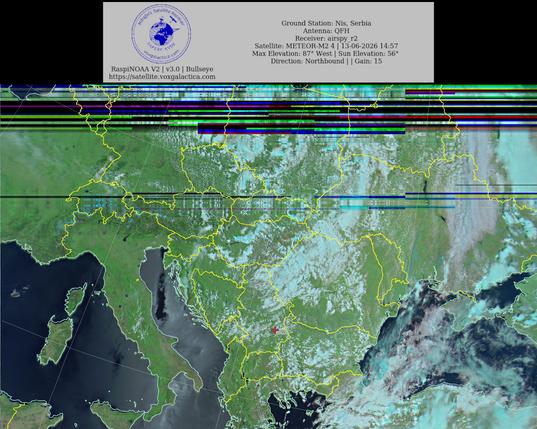
🇷🇸Ground Station: Nis, Serbia METEOR-M2 4 13-06-2026 14:41 CEST Max Elev: 87° W Sun Elevation: 56° Gain: 15 | Northbound
#NOAA #NOAA15 #NOAA18 #NOAA19 #MeteorM2_3 #MeteorM2_4 #weather #weathersats #APT #LRPT #wxtoimg #MeteorDemod #rtlsdr #gpredict #raspberrypi #RN2 #ISS
Raspberry Pi ile GPIO pinlerini kullanarak sensörler ve LED'ler ile projeler geliştirin! 🍓 Hangi sensörleri kullanabileceğinizi ve LED'leri nasıl bağlayacağınızı öğrenin. Hayal gücünüzü serbest bırakın! #Pi #Teknoloji #DIY #RaspberryPi #Maker
📖 Devamını oku → http://teknoveri.com/post/raspberry-pi-gpio-enhance-your-projects-with-sensors-and-leds

 VoidZeroOne


 Rocky Linux
 Olly 👾
 🇷🇸🛰️ YT1GS – MihajloPi 🛰️🇷🇸
 Milan
Milan
 PulseTech | AI & Electronics
 Lectronz
 Nils
Nils