 Frontend Dogma
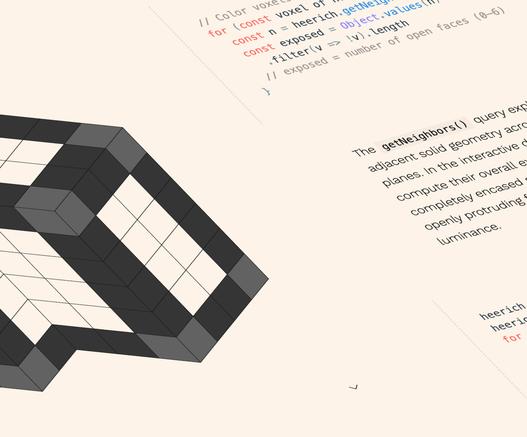
What’s !important #11: 3D Voxel Scenes, Flying Focus, CSS Syntaxes, and More, by @dxnny.fun (@csstricks):
https://css-tricks.com/whats-important-11/
#css #retrospectives #polypane #animations #focus #viewtransitions #webplatform
What’s !important #11: 3D Voxel Scenes, Flying Focus, CSS Syntaxes, and More, by @dxnny.fun (@csstricks):
https://css-tricks.com/whats-important-11/
#css #retrospectives #polypane #animations #focus #viewtransitions #webplatform
How to Debug the “@ starting-style” At-Rule in Polypane, by @polypane.app:
https://polypane.app/blog/how-to-debug-the-starting-style-at-rule-in-polypane/
Polypane 28: Project Improvements, Elements Panel Updates, and Chromium 146, by @polypane.app:
https://polypane.app/blog/polypane-28-project-improvements-elements-panel-updates-and-chromium-146/
Something I did a while back but noticed that I never linked to it from a11y-tools home page: a GitHub repo for PolyPane workspaces that are geared to accessibility testing:
👉 https://github.com/lloydi/PolyPane-Config
So, you might not be aware of these and find them useful.

Using “chrome-devtools-mcp” With Polypane, by @polypane.app:
https://polypane.app/blog/using-chrome-devtools-mcp-with-polypane/
Polypane 26: Accurate Device Emulation With Safe Area and Small Viewport Units, by @polypane.app:
Polypane 25: Browser Extensions With Manifest V3, Form Outlines, and Chromium 138, by @polypane.app:
It’s time for me to try Polypane. Hope to speed-up developing and improvements regarding accessibility audits.
Polypane 24: Recording, 3D View, Custom Tab Colors, and HTML Editing, by @polypane.app:
https://polypane.app/blog/polypane-24-recording-3-d-view-custom-tab-colors-and-html-editing/


 lloydi

 CleanWeb
 Matze
Matze