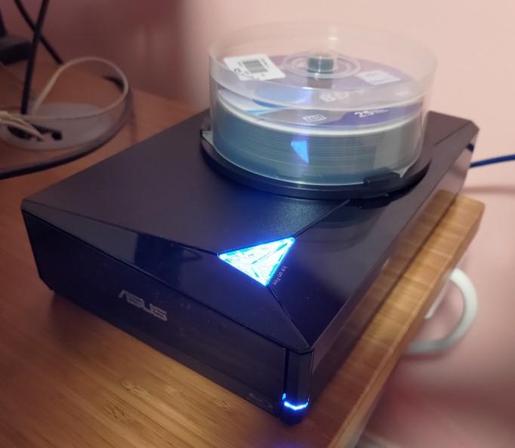
Wrote a #bash script last night to put my plan for #archiving source video and audio files from past projects to #BluRay for cold storage into action

1. divide files into ~22GB buckets with #fpart
2. generate ~1GB of parity data for each bucket with #par2
3. copy the listing of all bucket contents into each directory for reference
4. create an #ISO9660 image of each partition with #mkisofs
5. burn each .iso to BD-R with #growisofs
6. verify the contents with par2 for extra peace of mind
#backup

Parchive: Parity Archive Volume Set

Second day of coping data. I moved from #tar and #mbuffer to #rclone for handling them. First error ruined whole progress, so i switched to something dedicated. It's slower tho. I think one of files is damaged and not readable from source.

Sadly its the biggest file on the NAS - the clone image of the drive. Lesson learned - next time i need spit this 700GB+ monster to 1GB parts and secure them with #par2.

@darkling
Regarding the damaged CD-RW: it’s worth noting that optical media is a fixed size and it’s often overly complex to write multi-session discs. So if you have 500mb to backup onto a 650mb disc, you can fill the remaining 150mb with redundant #parity data. On linux, the “par2” tool can work out how best to uniformly generate redundancy data. Then if the data suffers corruption due to scratches, there’s a good chance of being able to recover using the parity data.

#par2

@tommythorn @NanoRaptor