Samsung Galaxy S21 FE gets the One UI 8 update!
We are excited to announce that starting from today, users can now download the One UI 8 update to their Galaxy S21 FE smartphones as Samsung has finally released this exciting version of One UI. Vietnam and Thailand are the first to get the One UI 8 update according to Mohammed Khatri. Your Galaxy has now become more powerful as One UI 8 brings more powerful features.
Further proof in Samsung Members forums illustrates One UI 8 update being released to their country.
The firmware information states:
- Galaxy S21 FE: HYJ2 [XXV, THL]
To obtain the update, perform the following steps:
Open the Settings appNavigate to Software UpdatesTap on Download and InstallWait until you see One UI 8 at the top of the page, then tap on DownloadWait for the download to complete, then tap on InstallAfter you perform the above steps, your phone will be running One UI 8 based on Android 16, and you can enjoy its new features and with many improvements on place. This makes sure that your experience gets improved.
If you still didn’t get the update for your device, wait for a few days or a few weeks, then check for updates again. If you still see “Your software is up to date,” this means that the update didn’t reach your region yet.
Note that the update process may take 15 to 20 minutes, and this can vary from device to device. The download process may incur extra charges if you’re using the cellular network as the update size is around 5 GB, depending on the device, so we recommend downloading it through Wi-Fi. Never interrupt the update process in any way, or problems may occur. Make sure that your phone gets charged before you initiate the installation process.
#Android #Android16 #AndroidB #AndroidBaklava #GalaxyS21FE #news #oneUi #OneUI8 #OneUI80 #S21FE #Samsung #SamsungGalaxyS21FE #smartphone #Tech #Technology #update
 CEOTECH.IT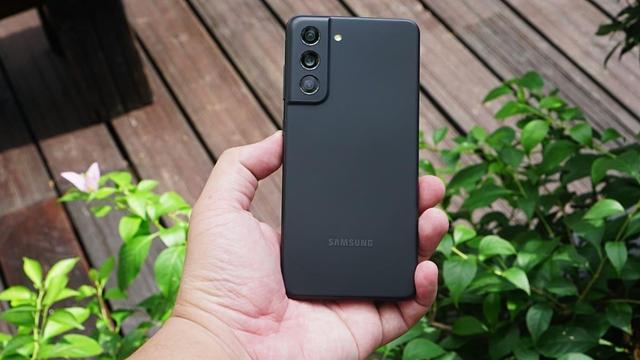
 Aptivi

 Aptivi
 S.v. N.Sönmez
 Android Update Tracker
 João Pedro Almeida
 sorcerer86