 mondstern
 -/mondstern
 BlablaLinux
🍿 Relax dans le fauteuil ☕ ▶ Je teste Warpinator Android
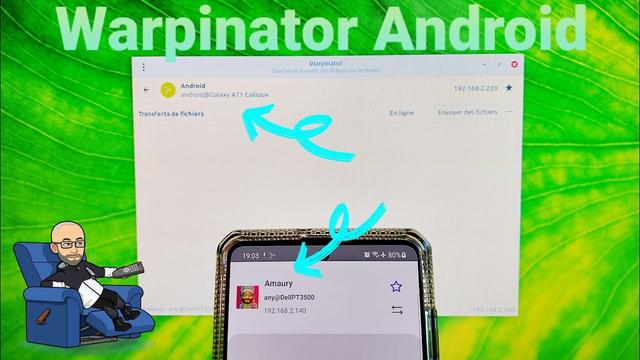
🍿 Relax dans le fauteuil ☕ ▶ Je teste Warpinator Android
 Juan-Pablo Paredes
Ambos son muy buenos, pero al tener Mint prefiero Warpinator porque, al ser nativo, está mucho mejor integrado al sistema. Por ejemplo, paraliza el apagado de pantalla mientras funciona. Pero tiene un bug, a veces se olvida de la configuración del directorio de recepción y tengo que rehacerlo manualmente.
https://www.linuxadictos.com/localsend-vs-warpinator-comparacion-real-en-red-local.html
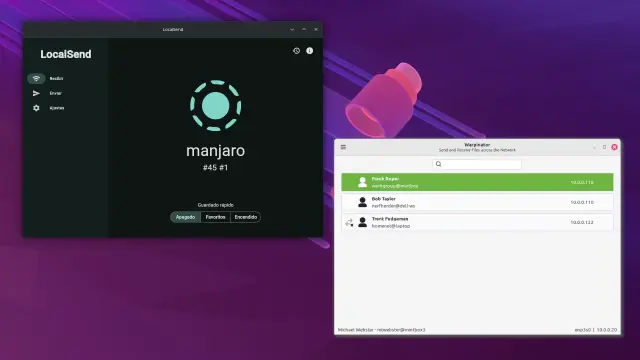
👉 Emmabuntus 🔀 Dons en Belgique 🔀 Warpinator
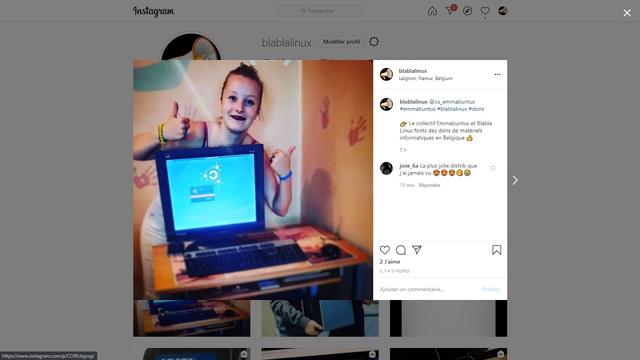
👉 Emmabuntus 🔀 Dons en Belgique 🔀 Warpinator
#phiola
#oeffi
#arcticons #MaterialYou @donno
#warpinator
#fdroid #codeberg #flathub #exhibition
#art #MastoArt
@fdroidorg
https://moooon.dresden.network/
Radebeul / Germany
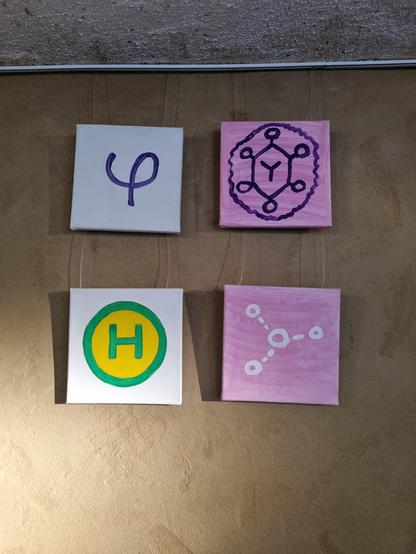
28.09.2025 - 23.12.2025
 Frank
FrankVor einiger Zeit hatte ich so ein Loblied auf #warpinator gelesen und das dann bei mir installiert.
2x #Linux #Mint , 1x #GrapheneOS und 1x #Android
Neues #Gruppenpasswort wurde gesetzt
Die Ports für #Austausch und #Registrierung neu gesetzt
Wenn ich Glück habe sehen die sich kurz, wenn ich dann aber einen Austausch starten will ist das Gerät ausserhalb der Gruppe.
Kennt jemand so ein Problem ?
 Judeau (EatTheRich)
Huh, well, there went my afternoon.
I move files back & forth between my Win10 & #Linux PCs frequently & thought I would try my hand at SFTP.
I watched a ton of videos & read through some guides. I set up a Filezilla server & client & proceeded to screw the entire afternoon away.
I could not get it to connect at all. I don't know why & right now I don't care.
Instead I installed #Warpinator to just be done with it. Works perfectly!
I'll try my hand again someday but today I was defeated. 😔
 Mark Burton
Just a tech note: for file transfer within your own network, #Warpinator on Linux, but available for Android and as "winpinator" for Winders, is brilliant: lightening fast and data doesn't go via the web.

Brücke zwischen #Android und #Linux.
Es gibt viele Möglichkeiten, Daten zwischen #Android und #Linux auszutauschen. Die bekanntesten sind vermutlich #KDE #Connect/#GSConnect und #Warpinator. Beide setzen voraus, dass eine App auf beiden Geräten installiert ist. Bei KDE Plasma ist Connect bereits integriert. Im Fall von Warpinator muss die App auf beiden Geräten installiert werden.
https://linuxnews.de/packet-bruecke-zwischen-android-und-linux/
