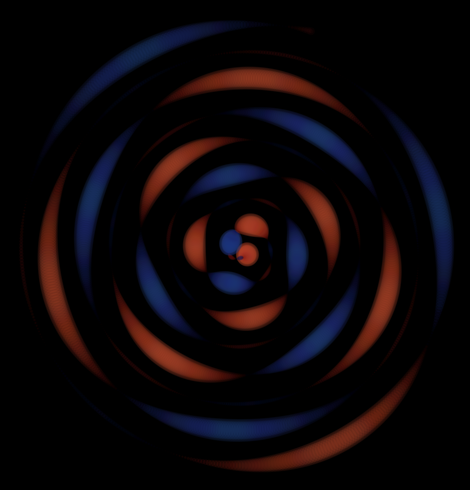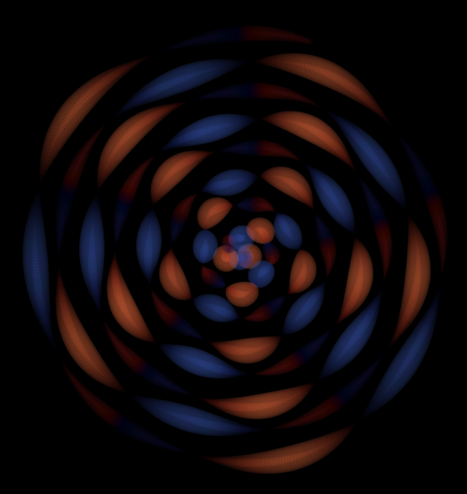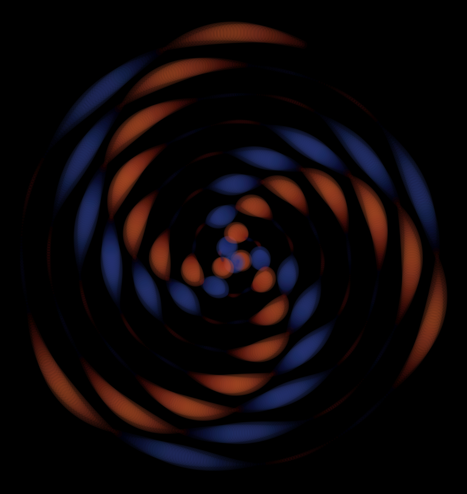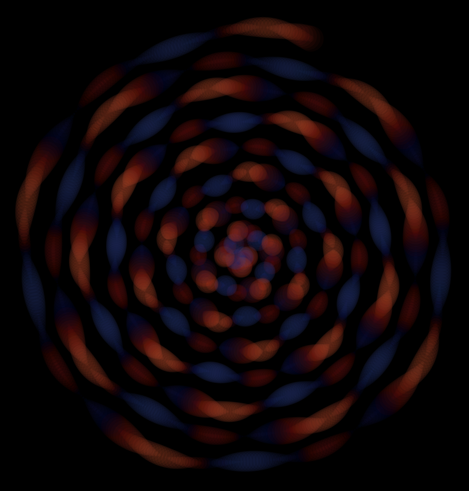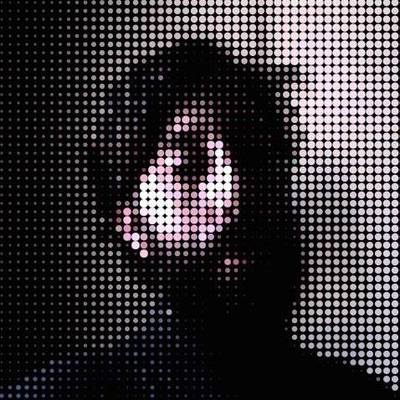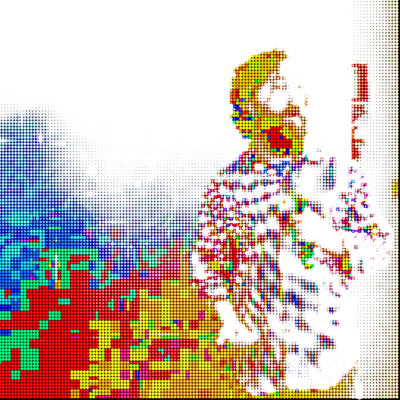
sketch_2023_03_31 #Processing #Python #py5 #トゥートProcessing #TootProcessing #generativeArt #creativeCoding

import py5

margin = 60

def setup():
py5.size(800, 800)
py5.no_loop()

def draw():
py5.background(0)
grid(margin, margin, py5.width - margin * 2)

def grid(xo, yo, largura_total, n=3):
w = largura_total / n
color_step = 255 / n
for j in range(n):
x = xo + w * j
for i in range(n):
y = yo + w * i
py5.fill(i * color_step, # red
j * color_step, # green
255 - i * color_step) # blue
if w > 10 and py5.random(9) > 5:
grid(x, y, w)
else:
py5.circle(x + w / 2, y + w / 2, w * 0.98)

def key_pressed():
py5.save_frame('###.png')
redraw()

py5.run_sketch()

"""
sketch_2022_01_17 #genuary #genuary17 #Python #Processing

Code for #py5 (py5coding.org) imported mode

Recursive grid - I'm always grateful for Takao Shunsuke's inspiration.

#トゥートProcessing #TootProcessing
"""

def setup():
size(1024, 1024)
no_loop()

def draw():
background(0)
grid(0, 0, width, 4)
save_frame('###.png')

def grid(grid_x, grid_y, grid_size, n):
cell_size = grid_size / n
for i in range(n):
x = grid_x + i * cell_size
for j in range(n):
y = grid_y + j * cell_size
if cell_size < 20:
fill(x % 255, 200, y % 255)
circle(x + cell_size / 2,
y + cell_size / 2,
cell_size)
elif n == 1:
fill(0, 0, 200)
square(x, y, cell_size)
else:
next_n = int(random(1, 5))
grid(x, y, cell_size, next_n)

def key_pressed():
redraw()

# Um exemplo de como exportar um sketch no #py5 (#Processing + #Python) em alta resolução:
# Usando py5 (https://py5coding.org) com "imported mode", via plugin no Thonny IDE https://github.com/tabreturn/thonny-py5mode

def setup():
size(512, 512)

# Prepare to record a high-res output
scale_factor = 4
out = create_graphics(width * scale_factor, height * scale_factor)
begin_record(out)
out.scale(scale_factor) # Needs to be after begin_record()

# Your drawing goes here!
background(0)
rect_mode(CENTER) # Don't forget to put mode changes
color_mode(HSB) # inside the recorded part!
no_stroke()
for i in range(16, 256, 16):
fill(i, 200, 200,)
rect(i * 2, i * 2, 32, 32)
fill((i + 128) % 256, 200, 200,)
ellipse(i * 2, i * 2, 16, 16)

# End recording and save
end_record()
out.save('output.png')

#トゥートProcessing #TootProcessing
# Errata da descrição da imagem: quadradao -> quadrado; outpur.png -> output.png

Welcome to py5! — py5 documentation

Propagation Meditation
https://openprocessing.org/sketch/1757408
#p5js #tootprocessing
t=0
draw=_=>{t||createCanvas(W=min(windowWidth,windowHeight),W,noStroke())
t+=0.2
translate(w=W/2,w)
background(0)
Θ=0;s=.006
while(Θ<7){r=(15+4*sin(t/9))*cos(p=t/99*Θ)*sin(p*3)
φ=PI*sin(t/45)
r2=(15+4*sin(t/9+φ))*cos(p=t/99*Θ+φ)*sin(p*3+φ)
push(r>0?fill(r*6+99,r*5,r*2,12):fill(-r*2,-r*3,-r*5+60,9))
rotate(7*Θ)
translate(w*0.127*Θ+r,0);
circle(0,0,5*r)
circle(0,0,4*r2)
pop(s=max(.002,s*.999))
Θ+=s}}
Propagation Meditation - Metamere - OpenProcessing

c=0;draw=_=>{c++?background``:createCanvas(W=600,W,WEBGL)
noStroke(lights`#トゥートProcessing`)
F=fill,O=pop,S=sphere,T=translate,U=push,T(0,0,450)
for(i=27;i--;){U(),rotateY(i*TAU/27+c/99),T(0,0,400)
for(y=340;y--;)U(),T(0,y-170),F`#a52`,O(S(30))
for(y=300;y--;)U(),T(10+10*sin(y/9),y-150,-30),F`#b32`,
S(10),T(-20,0),F`#cb2`,O(S(10))
O(T(0,W/2),F`#b83`,cylinder(5,W))}}
//#creativeToots #TootProcessing #p5js
//https://editor.p5js.org/nullhodo/sketches/sJJ2aInHP
p5.js Web Editor

A web editor for p5.js, a JavaScript library with the goal of making coding accessible to artists, designers, educators, and beginners.

@incre_ment We should begin a new #TootProcessing thing here.
Dearest Sir @Hau_kun, what shall we use as hashtag for #TootProcessing?