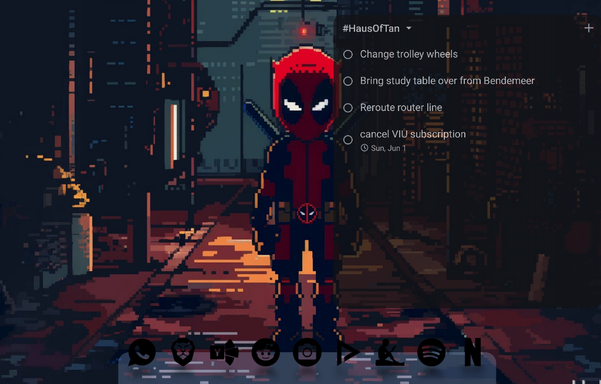
octopi launcher - folder resize
to the developers thank you for octopi launcher. loving that it supports widget stacks and the ability to resize folders so we can see a bunch of apps instead of just 4 at first glance. i think maybe? there's an issue with the resize option? i know its experimental but I thought i might give a heads up. it seems that sometimes when resizing the folder, it will "forget" the grid and just go blank or just show one icon. just giving a heads up if its possible to fix this issue, as having the ability to resize a folder is so nice from a user interface perspective. thanks!
and, before any updates are made, is there an existing way right now to like "reset" the folder so i can "undo" whatever happened? thanks
edit - ok so i just now maybe found a sort of "reset" for the ability to re-show *all* the icons. i think maybe just fidgeting around with the resizing feature sorta brought them back?
edit ok but maybe a bug would be like, if we resize the folder to the left a bit and elongate it, instead of like showing all the mini icons, it then just shows two big icons.
so then i goto resize the folder again to make it "small" aka 1x1 icon size. and the four small icon grid reappears and then i guess from there i can resize it again.
but then as soon i just resized it, it populated itself with one big icon instead of the grid.
it seems that maybe the "preference" of the folder itself, if it wants to display a 3x2 or 3x3 grid is just to like, only make it about as big as 1.5 by 1.5 and any bigger it will mess with the grid etc. maybe a guided safeguard could be added so the user would only have that option so as to not mess with the "buginess" of other sizes? unless its still maybe a work in progress and other size option might be coming, in which case, nevermind everything i typed.
#octopilauncher #octopi
 COMPU73E ❄️
 n8zug
n8zug Shane Rogers
 Kerr Avonsen (she/her)
 ctrg195
 unker73🇸🇬