 Tim Holyoake
I've been doing some further testing (playing games if I'm honest) on the Pico MZ-700 emulator this afternoon. Most things seem ok, but I found a couple of minor issues to sort out. February's job if the weather stays so bad!
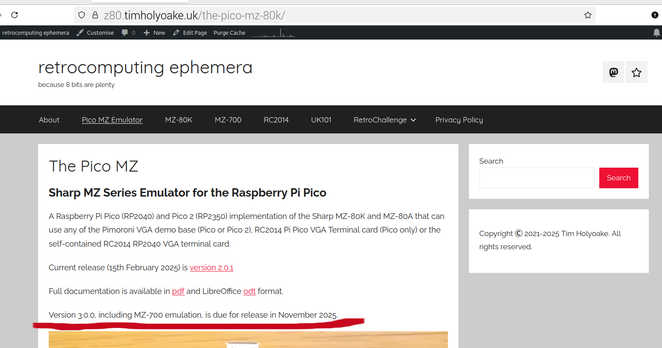
It's escaped! The Pico MZ-700 is finally ready.
Getting there (if only I could find my soldering iron).
New blog post from me - Pico MZ-700 progress.
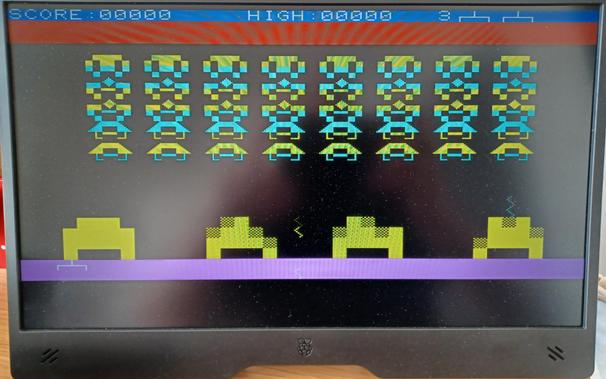
The #MZ700 emulation for the #Pico MZ is nearly finished! Documentation to write and update, plus testing on #RC2014 cards and #Pico2 hardware left to do. Hoping to have version 3.0.0 released by the end of the month. #RetroComputing
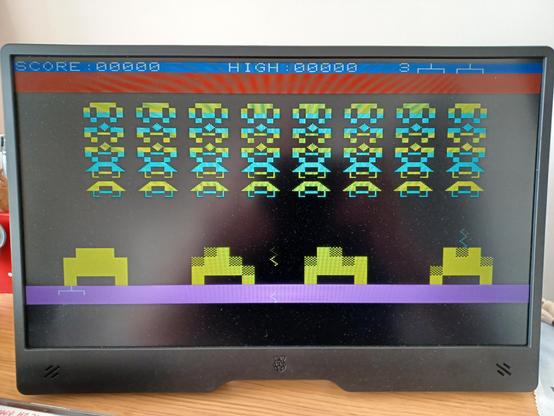
My rewrite of the 8255 emulation seems to have fixed the keyboard handling weirdness and cursor blink speed issues on the #MZ700 emulation. It also seems to have sorted the odd glitch I knew I still had with #MZ80K keyboard handling. The new emulation is more efficient, so I may be able to drop the Pico clock speed another 10MHz or so ...
I think I may have found the weirdness in the keyboard handling today. Looks like I may need to rewrite my 8255 emulation as it could also be the root cause of my cursor blink speed issues. More investigation needed however. #RetroComputing #Sharp #MZ700 #PicoMZ
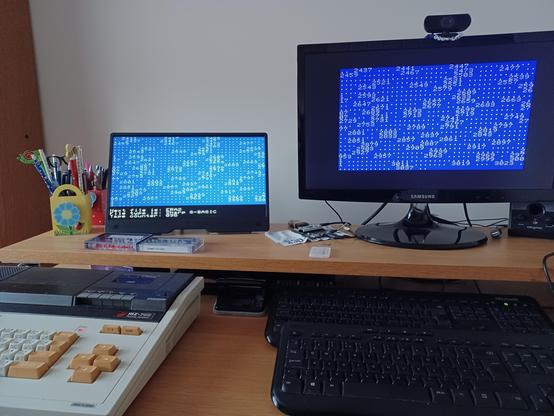
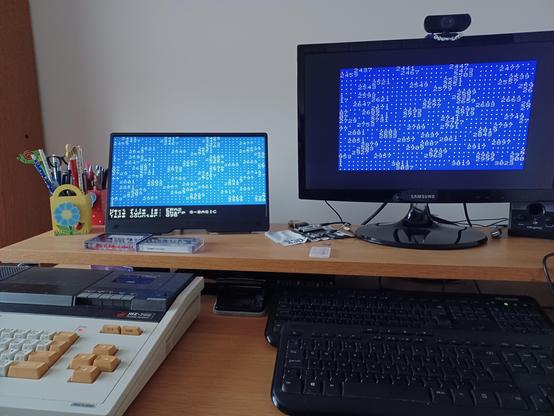
Running the emulator at 200MHz is a definite improvement - it's only 2 seconds slower than the real thing for the primes up to 10,000.
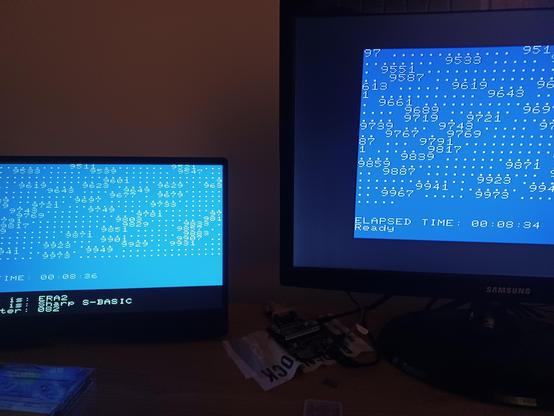
Sunday afternoon benchmarking session. A real MZ-700 vs my emulator. The emulator is currently 20% or so too fast when running on a 220MHz Pi Pico. Should be easy enough to slow down!!